If you are deciding between the iPhone 15 Pro Max and iPhone 16 Pro Max, it helps to understand what actually changed and whether it affects daily use. This guide compares performance, battery, camera, and repair considerations so you can make a practical decision. If you already own one and face issues, we also explain what you can safely try at home before visiting a professional for Phone repair Mississauga services.
- Performance and Speed
The iPhone 15 Pro Max runs on Apple’s A17 Pro chip, which is already very fast for gaming, multitasking, and video editing.
The iPhone 16 Pro Max introduces a newer chip designed for improved efficiency and enhanced AI features. In real-world use, most users in Canada and the US will notice smoother background processing and slightly better battery optimization rather than a dramatic speed jump.

Try This at Home
If your phone feels slow:
- Restart the device.
- Update to the latest iOS version.
- Check Battery Health under Settings.
- Clear unused apps and storage.
If performance issues continue, internal hardware or battery wear may be the cause. That’s when professional diagnostics are recommended.
2. Camera Improvements
Both models offer high-end camera systems with advanced zoom and low-light capabilities. The 16 Pro Max improves image processing and may offer enhanced zoom stabilization depending on the configuration.
Common Camera Issues and Fixes
Before assuming hardware damage:
- Clean the lens gently with a microfiber cloth.
- Remove magnetic or thick cases.
- Restart the Camera app.
- Reset camera settings.
If you see blurry images, black screens, or shaking footage after a drop, internal camera damage is possible. In that case, consider visiting Cell Phone repair by an expert service near you in Mississauga.
3. Battery Life and Charging
The iPhone 16 Pro Max offers slight battery improvements due to better chip efficiency and possible size adjustments. However, battery life still depends on usage habits.
Battery Troubleshooting Steps
- Enable Low Power Mode.
- Turn off Background App Refresh.
- Check battery usage by app.
- Use certified charging cables.
If your battery drains unusually fast or overheats, the battery may need replacement. Avoid DIY internal battery repairs, as improper handling can cause safety risks.
4. Display and Durability
Both devices feature large OLED displays with high brightness and smooth refresh rates. The 16 Pro Max may include improved durability materials, but both are still vulnerable to drops.
Screen Issue Checklist
If your screen flickers or becomes unresponsive:
- Force restart the device.
- Remove screen protectors.
- Check for iOS updates.
Cracked screens or dead touch areas require professional service. Attempting internal screen replacement at home can damage Face ID sensors and display cables.
5. Repair Costs and Long-Term Value
In North America, newer models usually have slightly higher repair costs due to parts pricing. The iPhone 15 Pro Max may be more affordable to repair compared to the 16 Pro Max, especially during its first year after launch.
If you experience:
- Charging port failure
- Water exposure
- Camera malfunction
- Battery swelling
- Screen damage
Start with basic troubleshooting. If the issue remains, visit a certified technician for accurate diagnostics.
Choose the iPhone 16 Pro Max if you want the newest performance upgrades and future-proof features. The iPhone 15 Pro Max remains a powerful option and may offer better value depending on pricing.
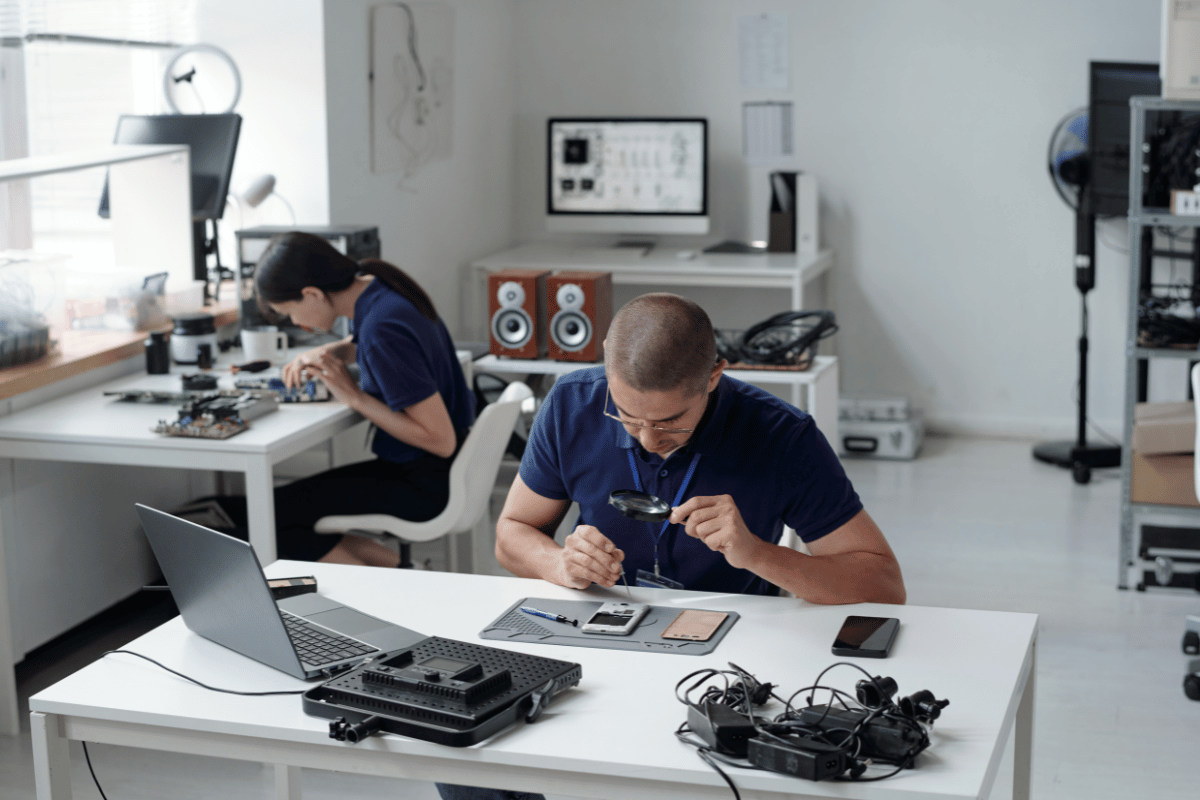
If your device stops working properly, try the safe home solutions above. When repairs are necessary, visit Fix Phone Mississauga for professional diagnostics and reliable service instead of risking further damage.