If you’re planning to switch carriers, travel internationally, or sell your device, knowing whether your iPhone is unlocked is essential. An unlocked iPhone allows you to use different SIM cards, while a locked one restricts you to a specific carrier. This guide walks you through practical ways to check your iPhone’s status at home before considering professional help.
What Does “Unlocked iPhone” Mean?
An unlocked iPhone is not tied to a single carrier. This means you can insert a SIM card from another provider (like switching from Rogers to Bell or AT&T to T-Mobile) and your phone should work without restrictions.
Method 1: Check in iPhone Settings
This is the quickest way and works for most modern iPhones.
Steps:
- Go to Settings
- Tap General
- Select About
- Scroll down to Carrier Lock
What to look for:
- If it says “No SIM restrictions”, your iPhone is unlocked.
- If it shows a carrier name, your phone is locked.
This method is reliable for iPhones running iOS 14 or newer.
Method 2: Try a Different SIM Card
If you want a hands-on test, this method works well.
Steps:
- Power off your iPhone
- Insert a SIM card from a different carrier
- Turn the phone back on
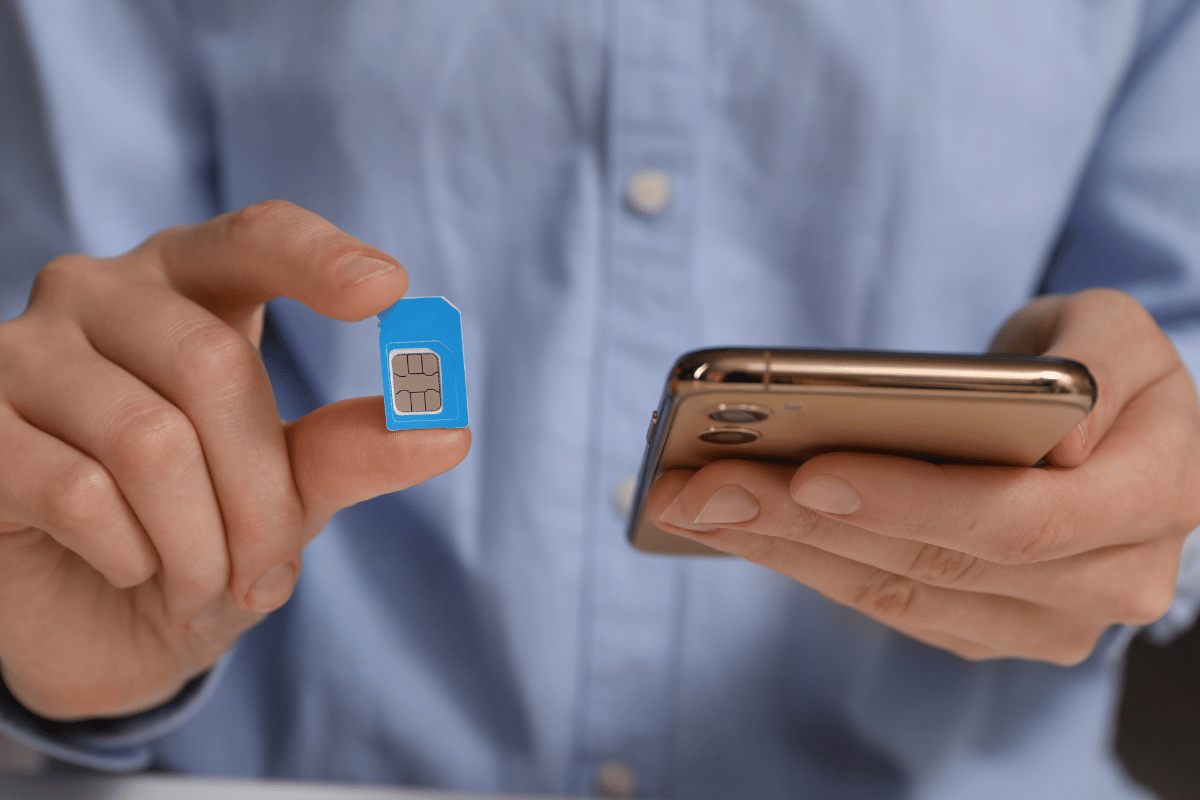
Results:
- If the phone connects to the new network, it’s unlocked
- If you see an error like “SIM not supported,” it’s locked
Method 3: Contact Your Carrier
If you’re unsure or the settings don’t show clear information, contacting your current carrier is a safe option. Most carriers in Canada and the U.S. can confirm your unlock status and even unlock it if eligible.
Method 4: Use IMEI Check Tools
You can also check your iPhone’s unlock status using its IMEI number.
Steps:
- Dial *#06# to find your IMEI
- Use a trusted online IMEI checker

Make sure to use reputable services, as some websites may not be accurate.
Common Issues You Might Encounter
- Phone shows “No Service” after SIM change
Could be network compatibility, not necessarily a lock issue. - Carrier Lock option missing
Usually due to older iOS versions try updating your device. - Previously unlocked phone now restricted
Rare, but can happen after certain carrier updates.
When to Visit a Repair Shop
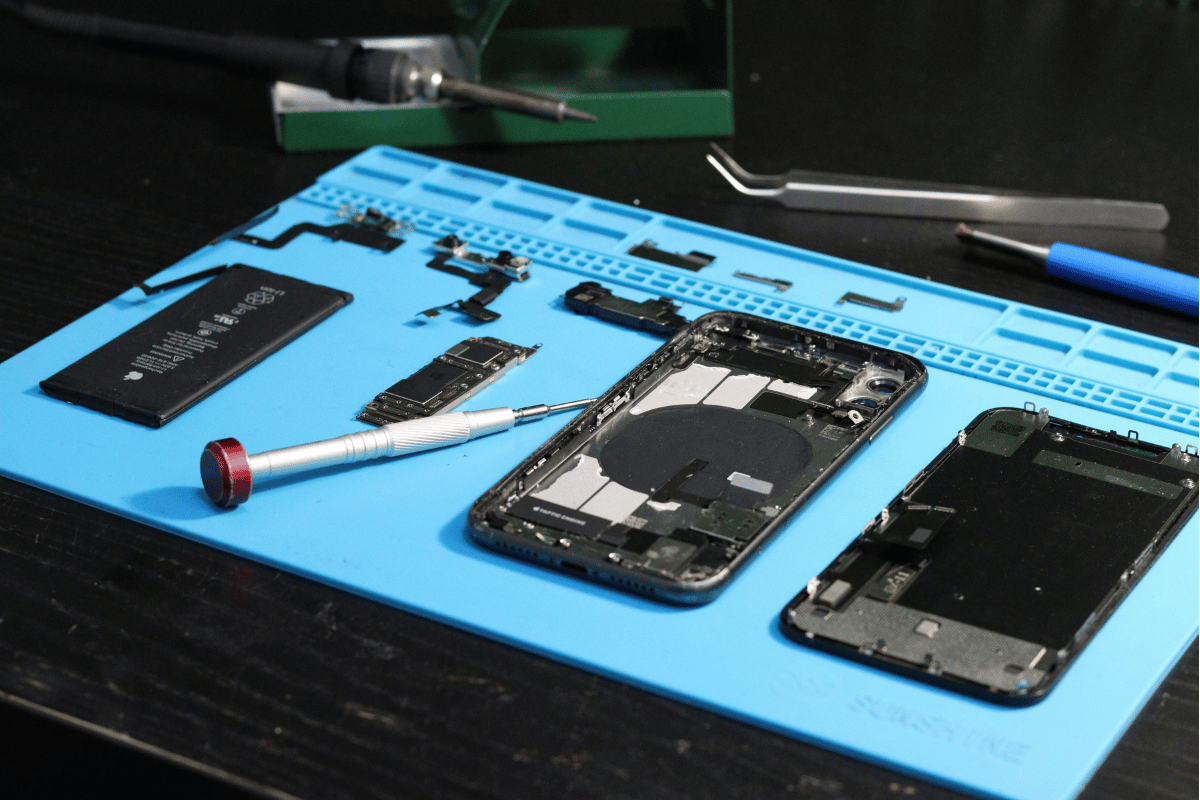
If none of these methods give you a clear answer, or if your phone isn’t accepting any SIM cards at all, it might be time for a professional check. A technician can quickly diagnose whether it’s a lock issue, hardware problem, or SIM reader fault.
At a Phone repair Mississauga location, technicians can test multiple SIM cards and identify underlying issues beyond just carrier locking.
Always confirm your iPhone is unlocked before traveling or switching carriers. It saves time, avoids unexpected charges, and ensures your phone works wherever you go.
If you’re still having trouble after trying these steps, visiting a Mississauga phone repair shop can provide a quick and reliable solution without guesswork.