Deleting an important voicemail by mistake can be frustrating, especially when it contains work details, family messages, or important reminders. The good news is that many Android phones allow users to recover deleted voicemail messages for a limited time before they are permanently erased.
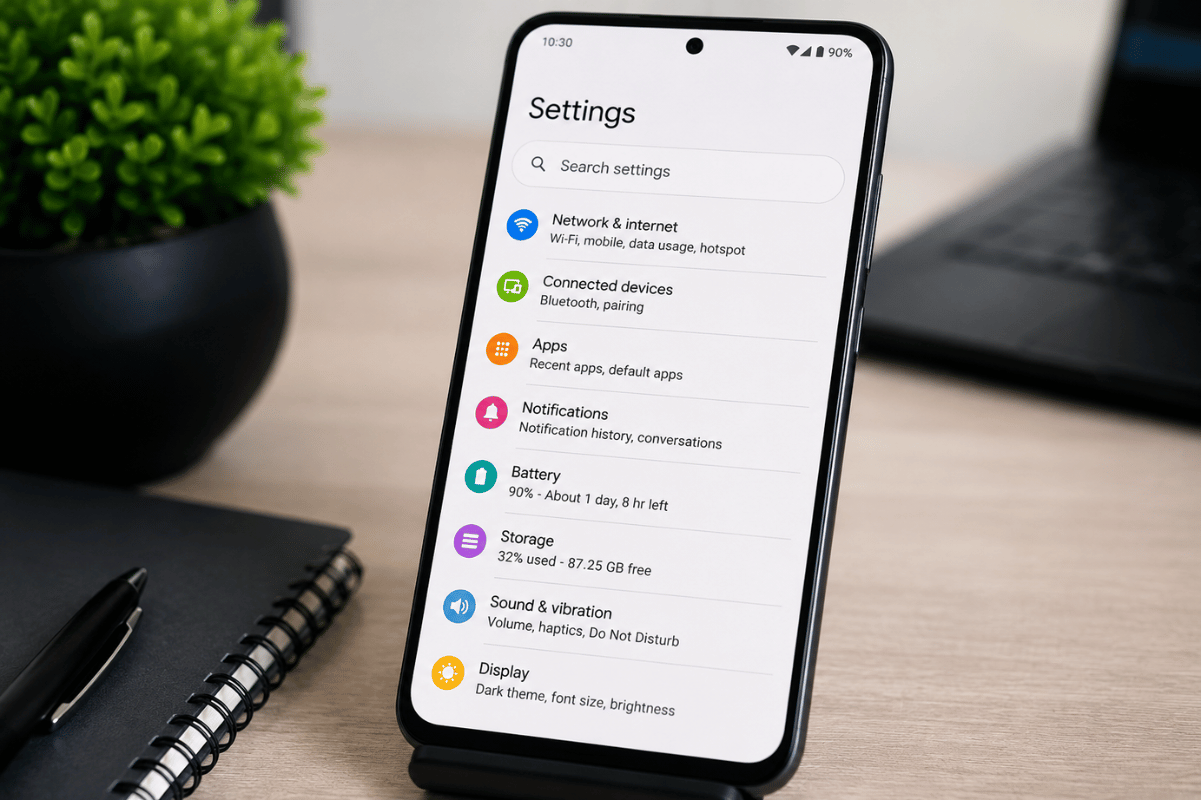
This guide explains practical methods you can try at home before visiting a professional phone repair shop.
Check the Deleted Voicemail Folder First
Many Android devices keep deleted voicemails in a temporary trash folder for up to 30 days.
Steps to check deleted voicemail:
- Open the Phone app
- Tap the Voicemail tab
- Scroll down and look for Deleted Messages or Trash
- Select the voicemail you want to restore
- Tap Save or Restore
This is the fastest recovery method and works on many Samsung, Google Pixel, and Motorola devices.
Contact Your Mobile Carrier
Some voicemail messages are stored directly on your carrier’s servers. Even after deletion, the carrier may still keep a backup for a short period.
Popular North American carriers like Rogers, Bell, Telus, Verizon, AT&T, and T-Mobile sometimes allow voicemail recovery through customer support.
Before calling:
- Know the approximate date the voicemail was deleted
- Have your phone number and account details ready
If the message is important, contact the carrier quickly because backups may be removed permanently after several days.
Use Cloud Backup Services
If your Android phone is connected to Google backup services, you may be able to recover voicemail-related data from a previous backup.
Check Google Backup:
- Open Settings
- Tap Google
- Select Backup
- Review recent backup dates
Some visual voicemail apps save data through cloud synchronization. Restoring a backup may help recover voicemail settings or saved recordings.
Check Visual Voicemail Apps
Apps like:
- T-Mobile Visual Voicemail
- YouMail
- Google Voice
often keep deleted messages longer than the default phone app.
Open the voicemail app and check:
- Archive folder
- Trash folder
- Saved messages section
Google Voice users can sometimes restore deleted voicemails directly from the app history.
Avoid Using Random Recovery Apps
Many third-party recovery apps promise instant voicemail recovery but may:
- Fail to recover files
- Contain ads or malware
- Request unsafe permissions
Be cautious before installing unknown software. If your device starts freezing, crashing, or overheating after installing recovery apps, stop using them immediately.
In some situations, failed recovery attempts can make the data harder to restore later.
When Professional Repair Help May Be Needed
If your voicemail disappeared after:
- Water damage
- System corruption
- Android update failure
- Phone motherboard issues
you may need professional assistance. A trained technician may inspect the device storage and software condition safely.
A trusted phone repair Mississauga service can also help diagnose whether the issue is software-related or caused by hardware failure.
For severe data problems, some technicians use advanced Micro Soldering tools to repair damaged internal components connected to phone storage.

Recovering deleted voicemail on Android is possible in many cases if you act quickly. Start by checking your deleted voicemail folder, carrier support options, and cloud backups before trying risky recovery apps.
If the voicemail loss happened after device damage or software failure, visiting a reliable cell phone repair shop may help prevent further problems and improve the chances of recovery.