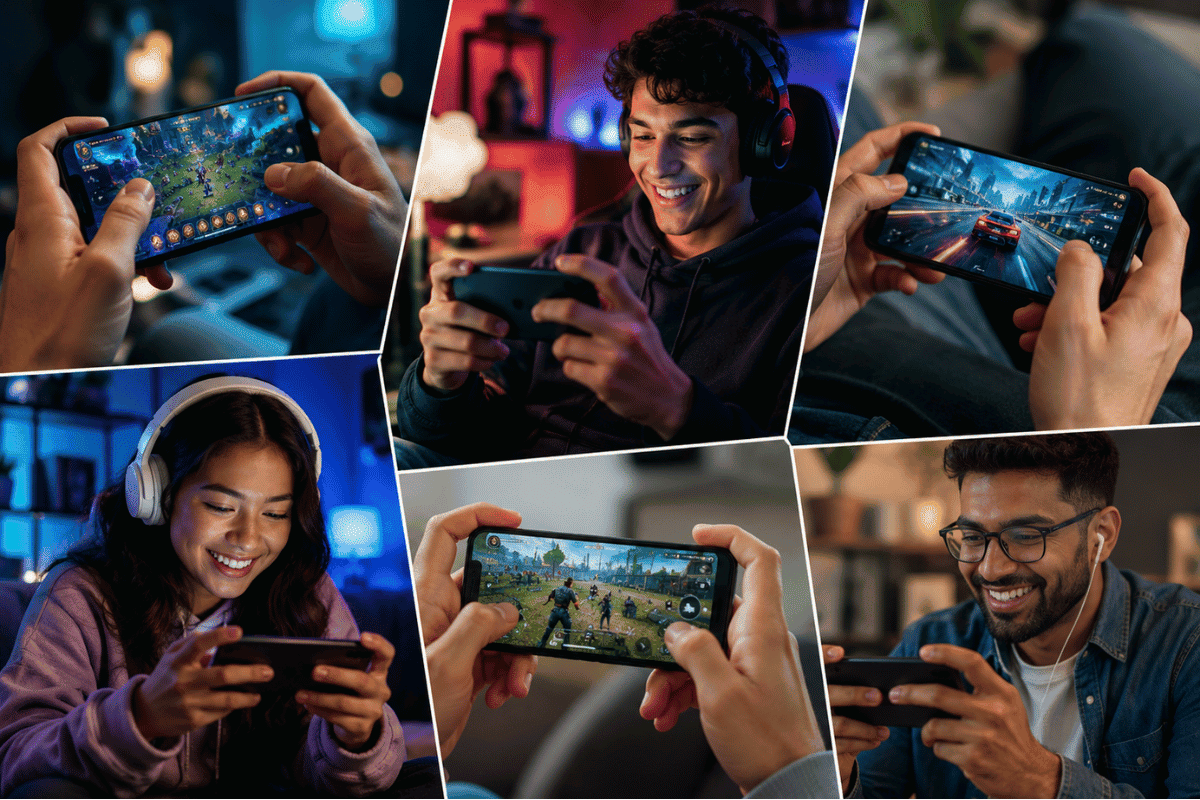
Playing games with friends should not depend on which phone you own. Whether someone uses an iPhone and another person has an Android device, many popular multiplayer games work across both platforms. The key is choosing titles that support cross-platform play and making sure everyone is signed in correctly.
This guide covers the best games that iPhone can play with Android, explains how to get them working, and offers simple troubleshooting steps if you run into connection problems.
Can iPhone and Android Play Games Together?
Yes. Many modern mobile games support cross-platform multiplayer. This means players using iPhones and Android phones can join the same matches, worlds, or teams without needing identical devices.
Most cross-platform games require:
- The latest version of the game installed.
- A stable Wi-Fi or mobile data connection.
- A game account, such as Google, Facebook, Supercell ID, Epic Games, or another publisher account.
- Matching game versions on both devices.
If these requirements are met, you can usually invite friends regardless of their phone’s operating system.
Best Games That iPhone Can Play With Android
1. Minecraft
Minecraft remains one of the most popular cross-platform games.
Features:
- Multiplayer survival and creative modes
- Shared Realms
- Cross-platform support
- Frequent updates
Simply sign in with a Microsoft account on both devices.
2. Call of Duty: Mobile
Call of Duty: Mobile supports multiplayer across iPhone and Android.
Popular game modes include:
- Team Deathmatch
- Battle Royale
- Ranked Matches
- Zombies (when available)
Both players should update the game before joining each other.
3. Roblox
Roblox lets iPhone and Android users enjoy thousands of community-created experiences together.
Players only need:
- A Roblox account
- Friend added in Roblox
- Updated app
4. Pokémon GO
Friends using different phone brands can:
- Raid together
- Trade Pokémon
- Battle
- Send gifts
Location permissions and internet connectivity must be enabled.
5. Among Us
Among Us works smoothly across both operating systems.
Players simply:
- Install the game.
- Join using the room code.
- Start playing together.
6. Clash Royale
Supercell allows iPhone and Android users to compete online.
Using Supercell ID also protects your progress if you switch devices later.
7. Clash of Clans
One of the longest-running mobile strategy games also supports both platforms.
Friends can:
- Join the same clan
- Participate in Clan Wars
- Donate troops
- Chat together
8. Brawl Stars
Another Supercell title with excellent cross-platform support.
Fast matchmaking and cloud saves make switching devices easy.
9. PUBG Mobile
PUBG Mobile supports multiplayer between iPhone and Android users in most regions.
Make sure everyone installs updates before joining the same squad.
10. Asphalt 9: Legends
Racing fans can enjoy multiplayer events regardless of whether they use iPhone or Android.
A stable internet connection provides the best experience.
How to Start Playing Together
Follow these steps:
Step 1: Install the Same Game
Download the game from:
- Apple App Store
- Google Play Store
Avoid unofficial downloads.
Step 2: Update the Game
Older versions may prevent multiplayer connections.
Go to your app store and install any available updates.
Step 3: Create or Sign In to an Account
Many games require:
- Microsoft Account
- Epic Games
- Supercell ID
- Game Center
- Google Play Games
Step 4: Add Friends
Use:
- Friend codes
- Usernames
- Email invitations
- Game IDs
Step 5: Join the Same Match
Invite your friend or enter the room code depending on the game.
Why Cross-Platform Games Sometimes Don’t Work
If you cannot connect, try these fixes first.
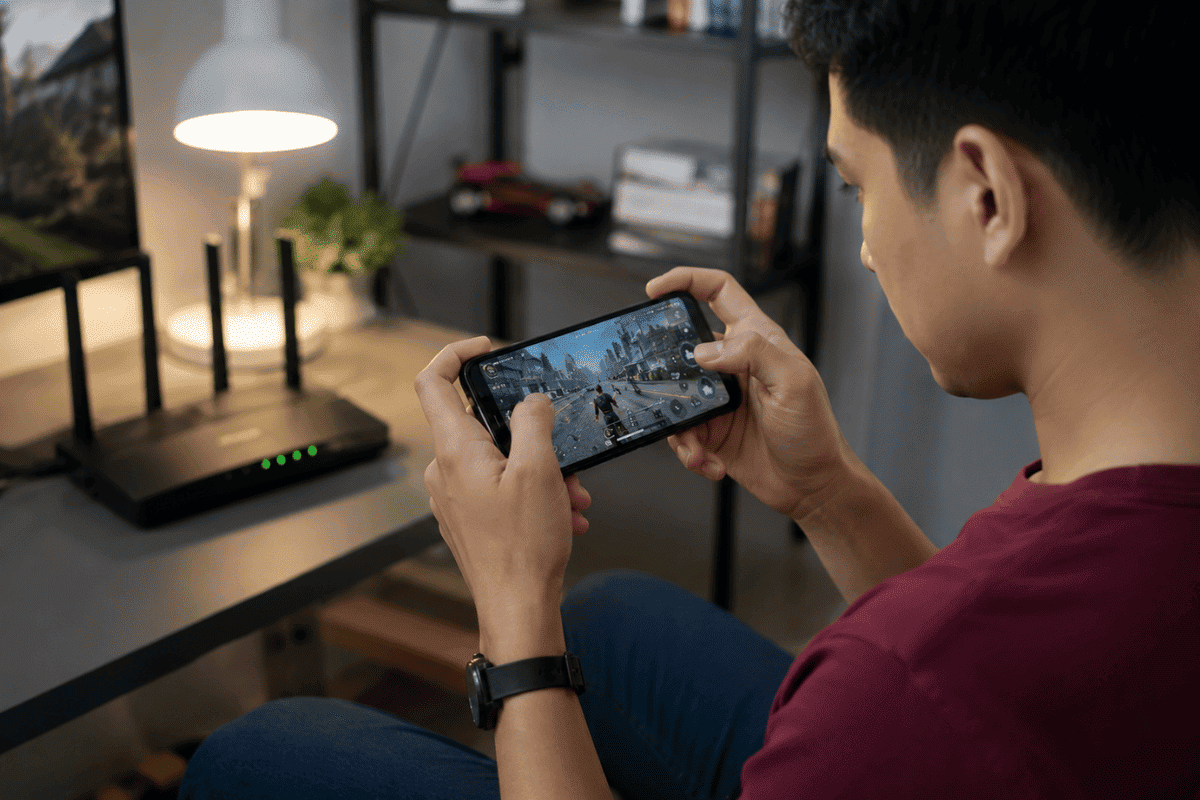
Check Your Internet
Restart your Wi-Fi router or switch to another network.
Weak connections often cause matchmaking failures.
Update Your Operating System
Older versions of iOS or Android may create compatibility issues.
Restart Your Phone
A simple restart clears temporary software problems.
Disable VPN
Some online games block VPN connections or place players on different servers.
Verify Regional Servers
Some games separate players by geographic region.
Check whether both players are using the same server.
Reinstall the Game
If updates fail or files become corrupted, reinstalling often resolves login or multiplayer errors.
When the Problem Is More Than Software
If games frequently:
- Crash unexpectedly
- Freeze during loading
- Overheat your phone
- Disconnect even on reliable Wi-Fi
- Close immediately after launching
your device may have a deeper software or hardware issue.
Before assuming the phone is damaged, back up your important data, install pending updates, and test another multiplayer game.
If multiple apps continue to fail, it may be time for professional Cell phone repair. A technician can check for storage issues, failing hardware, or software corruption. For users in Ontario, a trusted Phone repair Mississauga shop can diagnose the problem and recommend the most cost-effective solution instead of replacing the entire device.
Tips for Better Multiplayer Gaming
To improve your experience:
- Close apps running in the background.
- Keep at least 10 GB of free storage.
- Enable Game Mode if your phone supports it.
- Charge your phone before long gaming sessions.
- Use a strong Wi-Fi connection whenever possible.
- Keep your operating system and games updated.
Finding games that iPhone can play with Android is easier than ever. Popular titles like Minecraft, Roblox, Call of Duty: Mobile, Clash Royale, PUBG Mobile, and Among Us let friends play together regardless of which smartphone they own.
If multiplayer issues continue after trying the basic fixes, the problem may be related to your device rather than the game itself. A professional inspection can help identify hardware or software faults and get you back to gaming without unnecessary frustration.