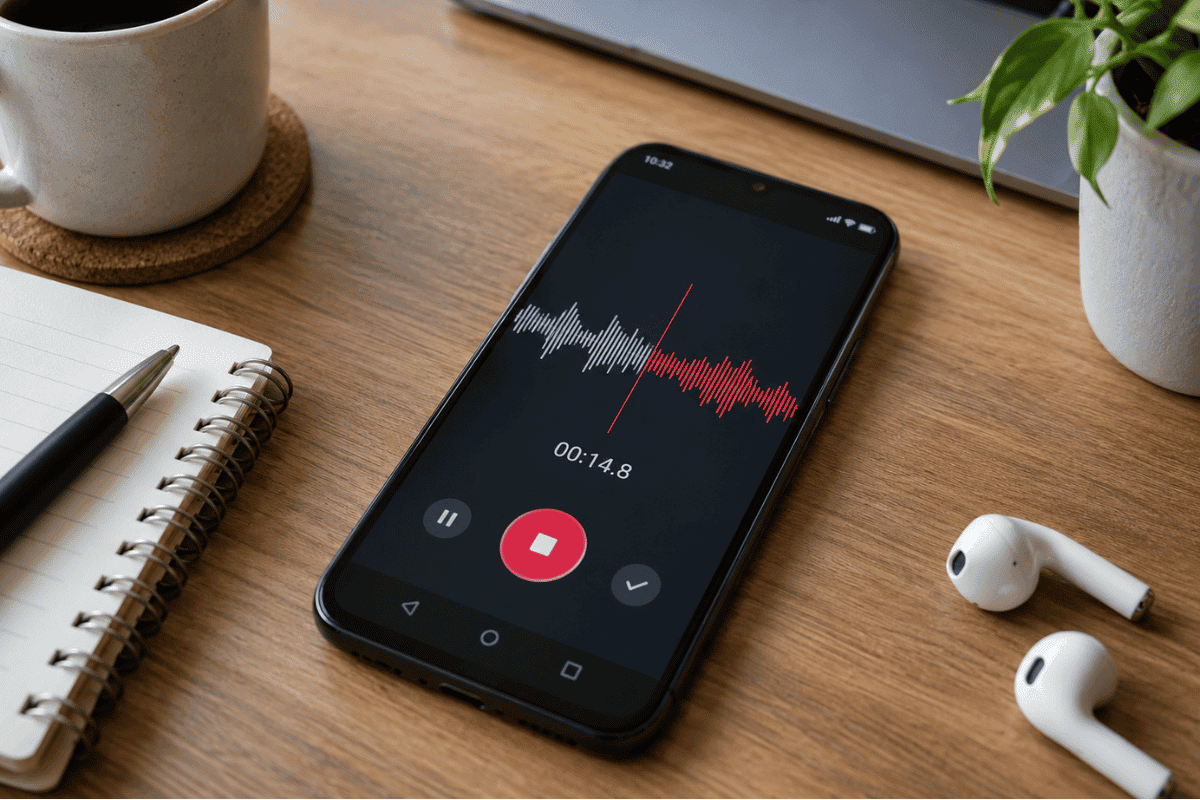
Your Android phone can record lectures, meetings, interviews, voice notes, and even music without additional recording equipment. However, choosing the right sound recording software for Android depends on what you want to record and how you plan to use the audio.The best sound recording software for Android includes Google Recorder, Samsung Voice Recorder, Easy Voice Recorder, Dolby On, Otter.ai, and ASR Voice Recorder. Some focus on clear voice recordings, while others offer transcription, audio editing, or advanced recording settings.
This guide compares six practical options, explains how to record better audio, and shows you how to fix common recording problems.
6 Best Sound Recording Apps for Android
1. Google Recorder: Best for Pixel Phones
Google Recorder is a useful option for students, journalists, and professionals using compatible Google Pixel devices.It records audio and can convert speech into searchable text. This makes reviewing interviews, lectures, and meeting notes easier.
Key features:
- Audio recording with automatic transcription
- Searchable recording transcripts
- Audio trimming and editing
- Optional recording backup and sharing
Best for: Google Pixel users who need voice recording and transcription.
Availability: Pixel 3 and newer phones. Some features depend on the device, language, and region.
2. Samsung Voice Recorder: Best for Samsung Galaxy Users
Samsung Voice Recorder offers a straightforward way to capture voice notes, interviews, and meetings without installing an unrelated recording app.Users can save recordings, rename files, and share audio directly from their Galaxy devices.
Key features:
- Simple recording and playback controls
- Recording organization and file sharing
- Speech transcription on supported Galaxy devices
- AI-assisted transcription features on compatible models
Best for: Samsung users who need a built-in audio recording solution.
Availability: Compatible Samsung Galaxy devices. Advanced features vary by model and software version.
3. Easy Voice Recorder: Best for Everyday Recording
Easy Voice Recorder by Digipom is suitable for people who frequently record lectures, conversations, or personal reminders.Its interface makes starting, pausing, and saving audio straightforward. It also supports background recording and different audio formats.
Key features:
- Recording without an app-imposed time limit
- Background recording
- Audio file sharing
- Playback speed controls
- Additional recording and editing options
Best for: Students, teachers, and anyone who wants a simple Android voice recorder.
Availability: Free version with advertisements and in-app purchases. A paid Pro version is also available.
4. Dolby On: Best for Music and Podcasts
Dolby On is designed for recording music, vocals, instruments, and spoken audio.Unlike basic voice recording apps, Dolby On includes audio processing tools that can improve recordings made in less-than-perfect environments.
Key features:
- Background noise reduction
- Audio equalization
- Volume optimization
- Audio trimming
- Recording export and sharing
Best for: Musicians, podcasters, and content creators who want basic audio enhancement.
Availability: Free Android app.
Keep in mind that automatic audio processing can change the original sound. Test the results before using recordings for professional projects.
5. Otter.ai: Best for Meeting Transcription
Otter.ai focuses on turning spoken conversations into written notes.
It is particularly useful when you need to review discussions rather than listen to an entire recording again.
Key features:
- Real-time speech transcription
- Searchable conversation notes
- Recording and transcript organization
- Sharing and collaboration features
Best for: Professionals, students, and people who regularly document meetings.
Availability: Free and paid plans with different usage limits.
An active internet connection is required for real-time transcription. Review the app’s privacy settings before recording confidential information.
6. ASR Voice Recorder: Best for Advanced Audio Settings
ASR Voice Recorder is suitable for users who want more control over their recording files.It supports multiple formats, including MP3, WAV, FLAC, M4A, and OGG, making it useful for people who edit recordings later.
Key features:
- Multiple audio recording formats
- Adjustable recording quality
- Background recording
- Playback speed adjustment
- Audio trimming and file organization
Best for: Users who need flexible recording settings and file formats.
Availability: Free app with advertisements and optional paid features.
How to Choose the Best Android Sound Recording Software
Before installing an app, consider these factors:
- Recording purpose: Choose a simple recorder for personal notes, transcription software for meetings, or an audio-focused app for music.
- Audio quality: Look for adjustable recording quality and support for your preferred file format.
- Storage: Longer recordings need more space, especially when saved in uncompressed formats.
- Privacy: Check whether recordings remain on your device or are uploaded for processing.
- Compatibility: Confirm that the software works with your Android phone and operating system.
For most everyday users, trying the phone’s built-in recording app first is a practical starting point.
How to Record Clear Audio on Android
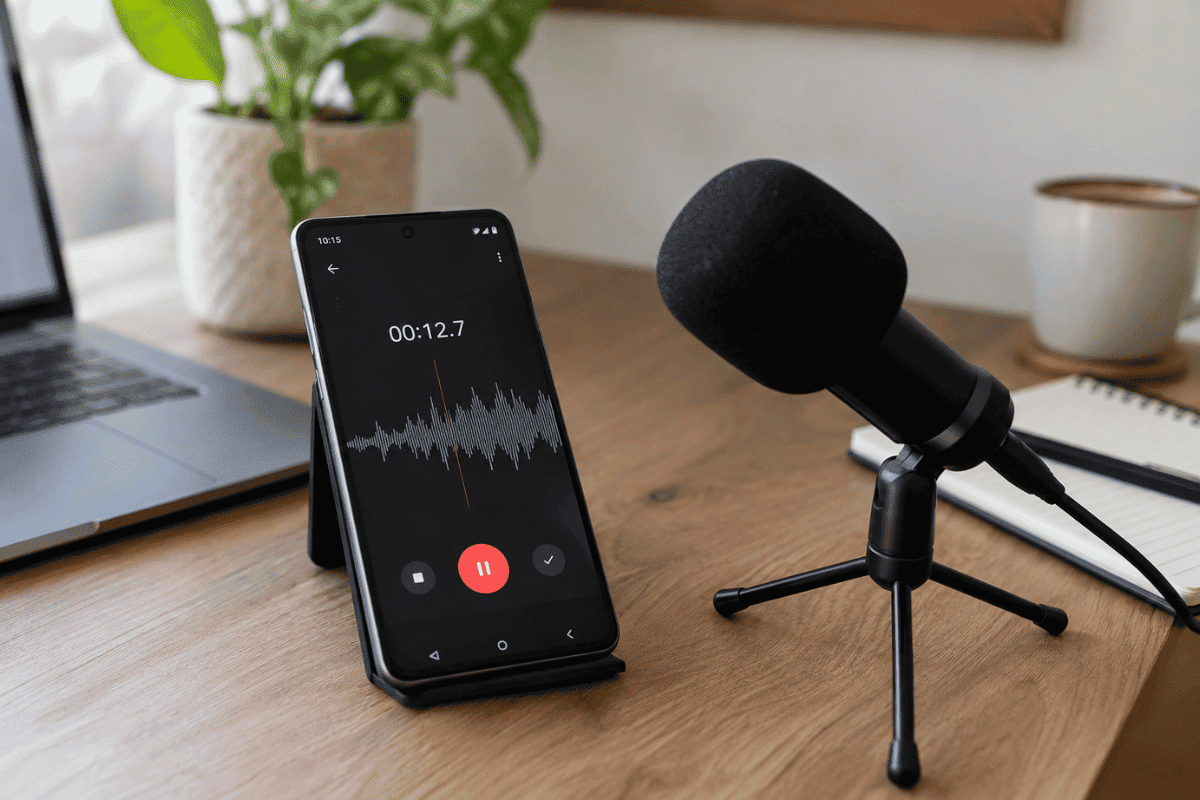
Even good recording software cannot fully compensate for poor microphone placement or heavy background noise.
Follow these steps:
- Choose a quiet location. Turn off nearby fans, televisions, and other unnecessary noise sources.
- Check the microphone. Make sure your phone case or fingers are not covering its microphone openings.
- Position your phone properly. Keep it close enough to capture speech clearly without placing it directly against the speaker’s mouth.
- Select the recording quality. Use a higher-quality setting when you need audio for editing or professional use.
- Make a test recording. Record 10 to 15 seconds and listen before starting a longer session.
- Save and back up important files. Export valuable recordings to a secure location.
These steps can help improve recording clarity without additional equipment.
How to Fix Android Sound Recording Problems
If your Android recording app produces distorted, quiet, or completely silent audio, try the following solutions before considering a repair.
Check Microphone Permissions
Open Settings > Apps > Your Recording App > Permissions > Microphone.
Make sure microphone access is allowed. Also check that the system-wide microphone access control is enabled.
Restart Your Android Phone
Restarting can resolve temporary software problems affecting microphone access or recording apps.After restarting, open the recorder and create a short test file.
Clean the Microphone Opening
Dust and debris can interfere with sound capture.Use a soft, dry brush to gently clean around the microphone opening. Avoid sharp objects, liquids, and compressed air.
Update the Recording App
Open the Google Play Store and check for available updates.If only one recording app is malfunctioning, test another trusted recorder to determine whether the issue is app-specific.
Check Whether the Microphone Is Damaged
Record a voice note using your regular recorder, then test audio using another application.If several apps produce similarly poor results, the issue may involve the phone’s microphone, an accessory, or another device-level problem.
When Should You Consider Professional Phone Repair?
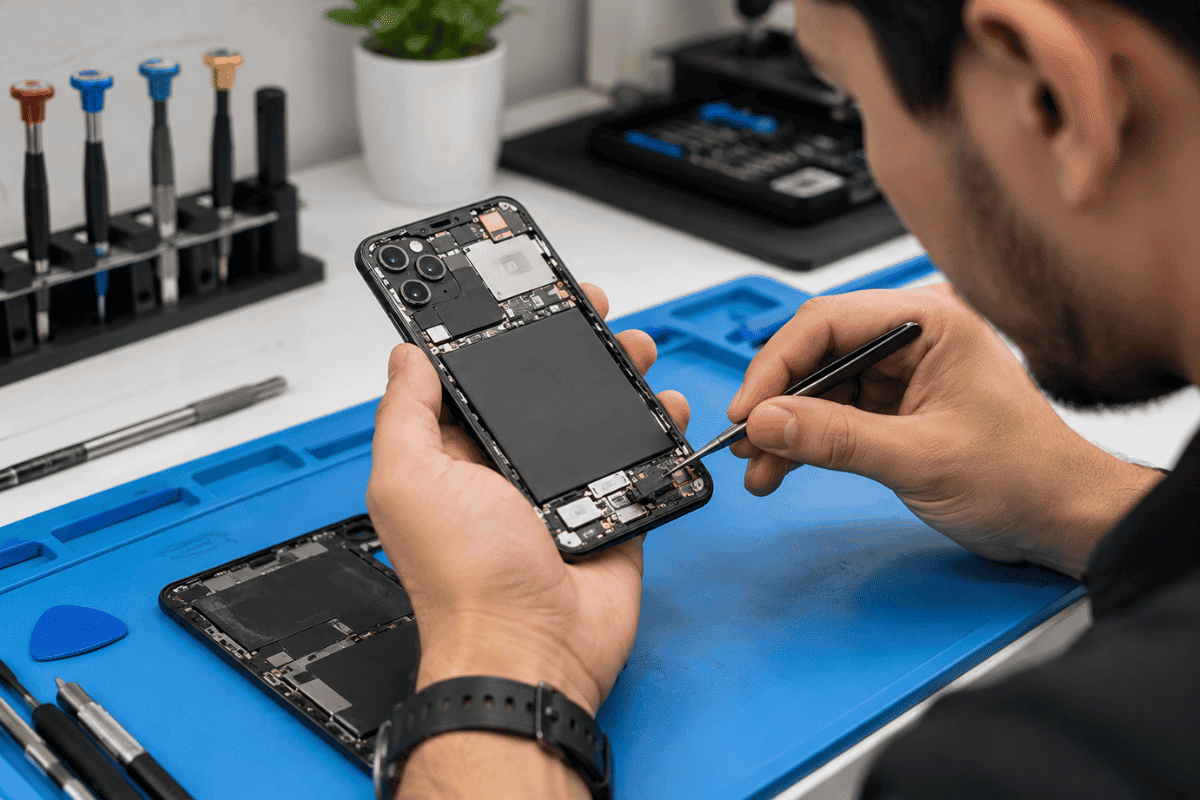
If recordings remain silent, distorted, or unusually quiet after checking permissions, cleaning the microphone area, and testing multiple apps, a hardware inspection may be necessary.Microphone problems can sometimes result from liquid exposure, physical damage, or internal component faults.Professional cell phone repair can help identify the cause rather than replacing parts unnecessarily.For phone repair in Mississauga contact Fix Phone Mississauga to discuss microphone issues and available diagnostic services.
Frequently Asked Questions
What is the best free sound recording software for Android?
Google Recorder and Samsung Voice Recorder are convenient options on supported devices. Easy Voice Recorder and Dolby On are also useful free choices for general recording and music.
Can Android record high-quality audio?
Yes. Many Android phones support good-quality audio recording. Results depend on microphone hardware, recording settings, distance, and background noise.
Can I record phone calls using these apps?
Not necessarily. Voice recording apps usually capture microphone audio rather than both sides of a phone call. Call recording availability depends on your device, Android version, region, and applicable laws.Always follow local consent and recording requirements in Canada and the United States.The best sound recording software for Android depends on your needs. Google Recorder and Samsung Voice Recorder work well for supported phones, Easy Voice Recorder handles everyday tasks, Dolby On suits music recording, Otter.ai helps with transcription, and ASR provides additional format controls.Start with a reliable app, test your microphone, and adjust your recording environment before purchasing accessories.If audio problems continue across different applications, professional diagnosis can help determine whether your Android phone needs repair.