If your iPhone’s bottom speaker suddenly goes silent, you’re not alone. Many iPhone users across Canada and the U.S. face this issue, especially after updates or minor drops. Before you rush to replace your phone, try these simple checks and fixes you can do at home.
1. Check the Basics First
- Turn off Silent Mode: Make sure the Ring/Silent switch on the side of your iPhone isn’t flipped down.
- Adjust Volume: Press the volume-up button or go to Settings > Sounds & Haptics to ensure sound isn’t muted.
- Check Audio Output: Sometimes, your iPhone routes sound through connected Bluetooth devices. Go to Control Center > Audio Output and select iPhone to bring sound back to the speaker.
2. Clean the Speaker Grills
Dust, pocket lint, or debris often block the small speaker holes at the bottom of your iPhone.
- Use a soft, dry toothbrush or a can of compressed air to gently clean the grills.
- Avoid using metal pins or sharp tools that could damage the mesh.

This simple cleaning often restores clear sound if blockage was the cause.
3. Restart or Update Your iPhone
A quick restart can fix temporary glitches. If that doesn’t work, check for software updates:
Settings > General > Software Update
Apple often includes sound bug fixes in their updates, so installing the latest iOS version can help restore audio performance.
4. Test Speaker Function
To confirm if the problem is hardware-related:
- Go to Settings > Sounds & Haptics
- Under “Ringtone,” play a tone and listen closely
If there’s still no sound, the speaker itself may be damaged.
5. Reset All Settings
If the issue started after changing settings or installing an app, you can reset all settings without deleting your data:
Settings > General > Transfer or Reset iPhone > Reset All Settings
This will restore sound preferences and other system settings to default.
6. When to Visit a Repair Expert
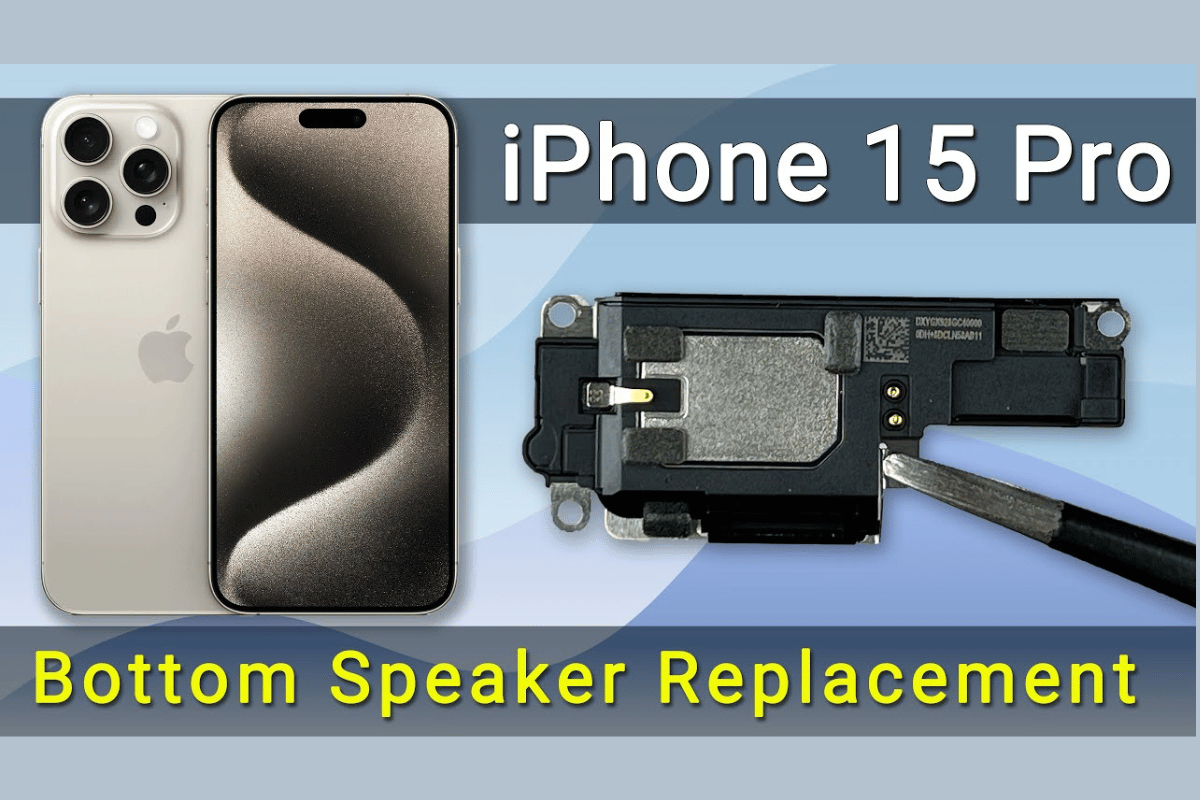
If none of the above solutions work, your iPhone’s bottom speaker may have a hardware fault possibly caused by water exposure, a drop, or a worn-out speaker module. In that case, professional repair is your best option.
Visit a local top rated phone repair store in Mississauga like WeFixPhones for a quick diagnosis and affordable iPhone repair service. Certified technicians can replace or repair the bottom speaker safely, restoring full sound quality without risking further damage.
Avoid DIY repairs that require opening the phone, as this can void your warranty or cause further issues. Simple checks and cleaning often solve the problem but when they don’t, expert help ensures a lasting fix.