A frozen iPhone screen can halt everything, from messages and calls to work and daily use. The good news is that most screen freezes are easy to solve at home with a few simple steps. This guide explains practical fixes you can try before visiting a local top rated phone repair store in Mississauga for help.
1. Start With a Forced Restart
When your iPhone isn’t responding, a forced restart is the quickest fix. It doesn’t erase data and works for most frozen-screen situations.
How to force a restart based on your model:
- iPhone 8 and newer: Press Volume Up, then Volume Down, then hold the Side Button until the Apple logo shows.
- iPhone 7 / 7 Plus: Hold Volume Down + Power Button together until the Apple logo appears.
- iPhone 6s and older: Hold Home Button + Power Button until the screen restarts.
If your phone becomes responsive again, the issue was likely a temporary software overload.
2. Charge Your iPhone for 15–20 Minutes
Sometimes the screen looks frozen, but the phone is actually stuck due to low battery.
Plug it into an original or certified charger and leave it for at least 15 minutes.
If the screen responds after charging, you’re good to go. If not, continue to the next step.
3. Check for Problematic Apps
Certain apps can freeze the screen due to bugs or crashes.
If the screen freezes while using one app repeatedly, that app may be the issue.
What you can do:
- After restarting, open the App Store → search for the app → check for an update.
- If the app keeps causing trouble, uninstall it and see if the phone works normally.
4. Free Up Storage
A completely full iPhone can freeze or lag because it has no space left for system functions.
Check your storage:
Go to Settings → General → iPhone Storage
Delete unused apps, large videos, old screenshots, or unnecessary downloads.
This simple cleanup often restores normal performance.
5. Update iOS
Outdated software can cause random freezes.
Go to Settings → General → Software Update and install any available updates.
These updates fix bugs and improve stability across all iPhone models.
6. Try Connecting to a Computer
If your screen stays frozen even after a restart, try connecting the iPhone to a Mac or Windows computer.
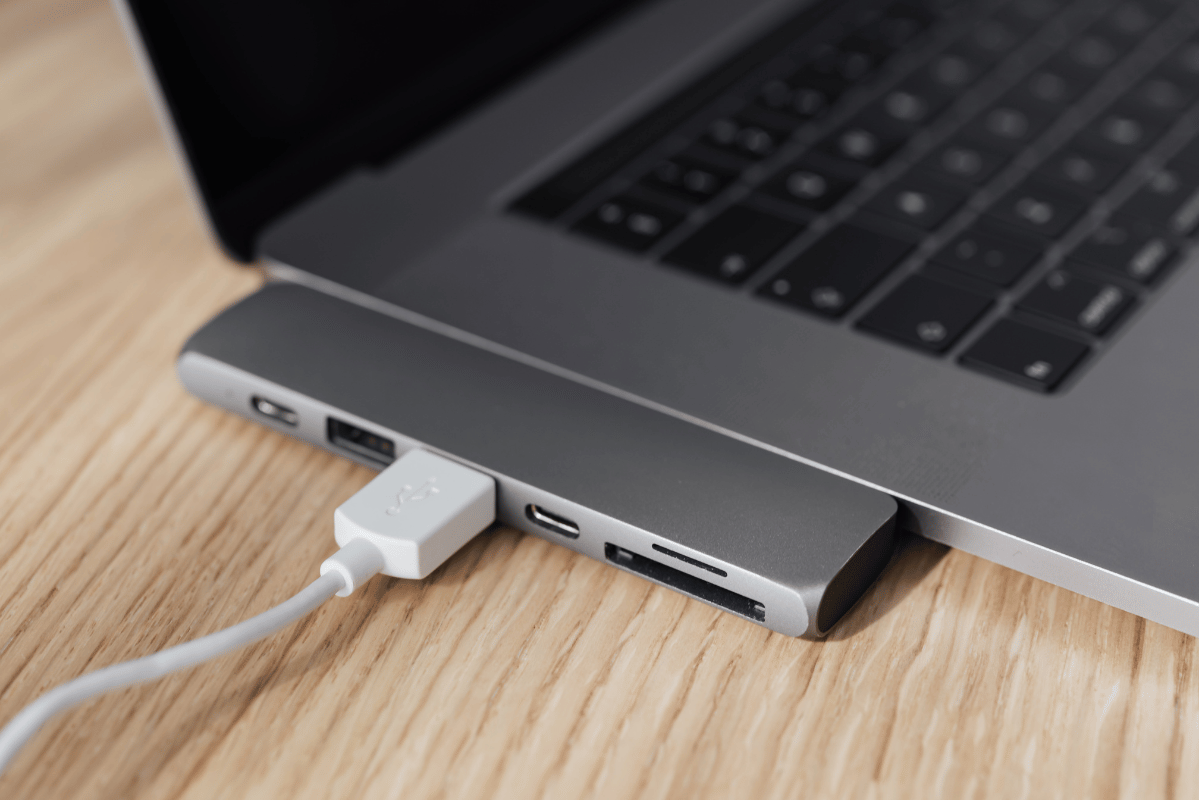
Using Finder or iTunes, you can:
- Check if the phone is detected
- Run a system update
- Restore the system (only if absolutely necessary)
Restoring will erase data, so try other steps first.
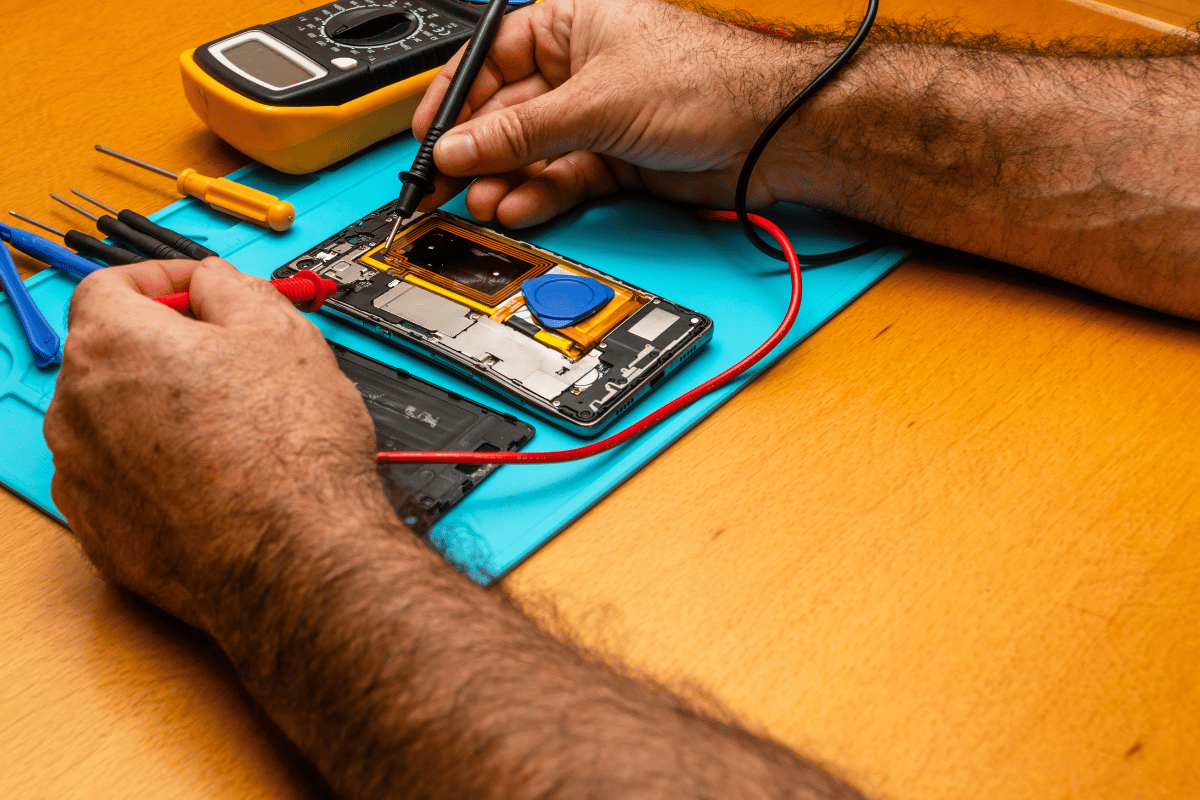
7. Hardware-Related Freezes: Time to Visit a Repair Shop
If none of the above works, your iPhone may have:
- A faulty display
- Internal connection issues
- Water damage
- A failing battery or logic board
At this point, the safest solution is to visit a Mississauga phone repair shop where technicians can diagnose the exact issue.
Shops like ours can perform:
- Screen diagnostics
- Internal hardware testing
- Professional iPhone screen or component repair
This ensures your device returns to normal safely and quickly.
A frozen screen on an iPhone is common, and most problems can be solved at home with restarts, updates, and simple checks. If the issue continues, it’s best to get help from a local top rated phone repair store in Mississauga to avoid further damage.