Your iPhone alarm is essential for daily routines, but sometimes the sound isn’t working or doesn’t suit your needs. Whether it’s too soft, silent, or just annoying, most alarm sound problems can be fixed at home in minutes.
This guide is for Canadian and U.S. iPhone users and includes practical steps you can try before seeking professional help. If home fixes fail, expert Iphone repair Mississauga services can help.
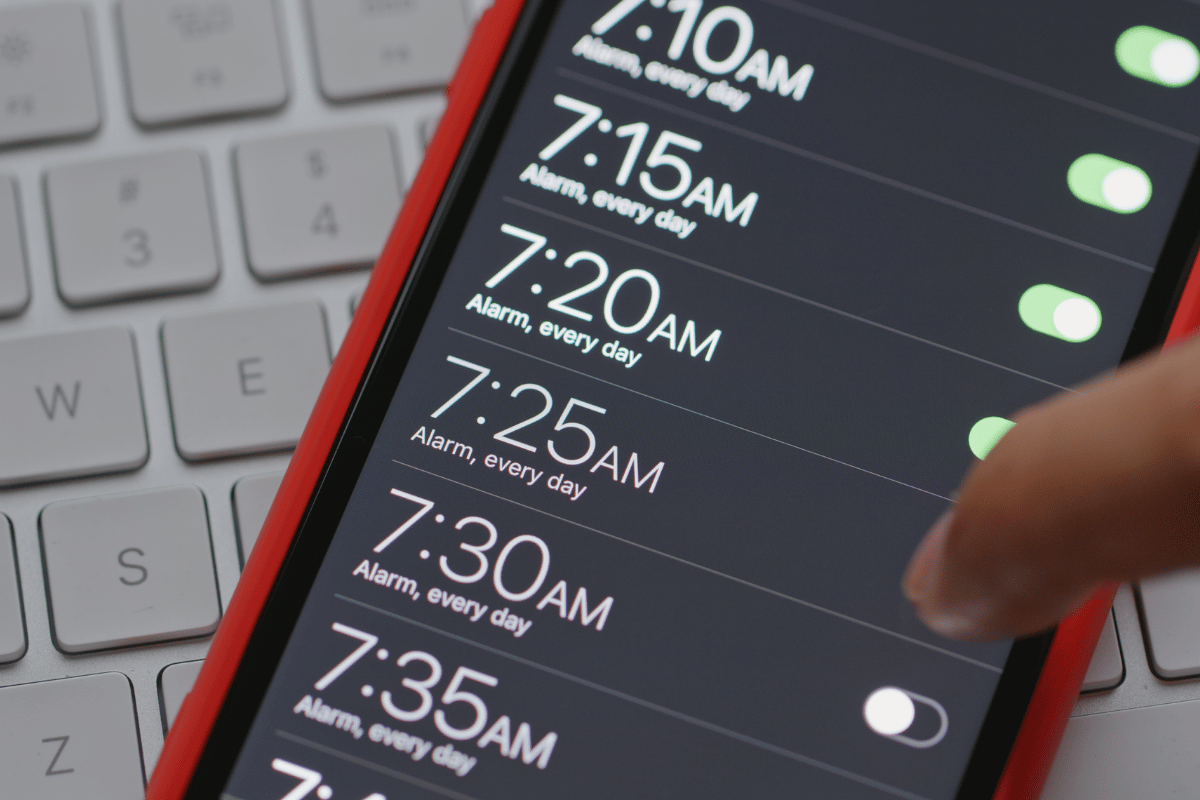
Step 1: Change the Alarm Sound in the Clock App
Many users miss the easiest solution: selecting a new alarm sound.
- Open the Clock app.
- Tap Alarm at the bottom.
- Select the alarm to change.
- Tap Sound.
- Choose a built-in tone or a song from your library.
- Tap Back, then Save.
Tip: Avoid setting the alarm to None, which disables sound.
Step 2: Adjust Alarm Volume
iPhone alarms use the Ringer and Alerts volume, not the side buttons. To adjust:
- Go to Settings → Sounds & Haptics.
- Adjust the Ringer and Alerts slider.
- Turn Change with Buttons OFF to keep alarm volume consistent.
Step 3: Disable Attention-Aware Features
Some iPhones reduce sound if they detect your face:
- Go to Settings → Face ID & Passcode.
- Enter your passcode.
- Turn OFF Attention-Aware Features.
This ensures your alarm always plays at full volume.
Step 4: Check Focus, Sleep, and Do Not Disturb Settings
- Open Health → Sleep to confirm your alarms are active.
- Check Do Not Disturb or Focus modes to ensure they aren’t silencing alerts.
Step 5: Restart and Update iPhone
If alarms still fail:
- Restart your iPhone.
- Go to Settings → General → Software Update and install pending updates.
Software glitches can affect alarm sounds, and updates often fix them.
When to Seek Professional Help
If your iPhone alarm still doesn’t work, it may be a hardware issue, such as:
- Faulty speaker
- Water or dust damage
- Internal audio component problems
Visiting a local top rated phone repair store in Mississauga ensures your device is tested and repaired safely.
FAQ – iPhone Alarm Sound Issues
Q1: Why isn’t my iPhone alarm making sound?
A: The alarm may be set to None, volume may be too low, or Focus/Sleep modes may silence it.
Q2: Can I use any song as an iPhone alarm?
A: Yes, you can select songs from your library through the Clock app’s Sound settings.
Q3: What if the alarm still doesn’t work after checking settings?
A: Hardware issues like a damaged speaker may be the cause. Professional Mississauga phone repair can fix it.