If your iPhone flashlight isn’t working, it can be frustrating, especially when you need it in a dark situation. Before rushing to a repair shop, there are a few simple steps you can try at home to troubleshoot the issue. If these don’t work, visiting a professional repair service is your best option.
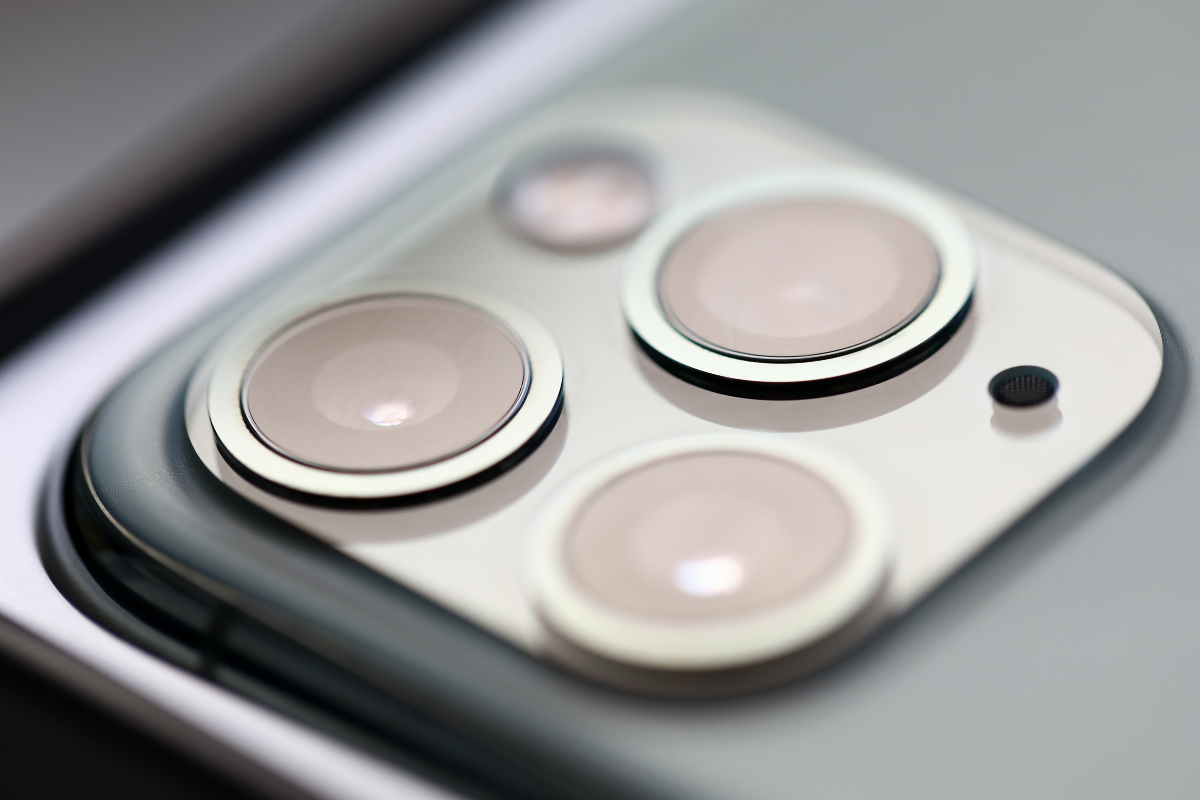
1. Check the Basics
Start with the simple checks:
- Clean the lens: Dust or dirt on the camera lens can affect the flashlight. Gently wipe it with a soft cloth.
- Check the flashlight icon: Swipe down from the top-right corner (iPhone X and newer) or up from the bottom (older models) to open Control Center. Tap the flashlight icon to see if it turns on.
- Restart your iPhone: Sometimes, a simple restart can fix minor software glitches. Hold the power button and slide to turn off, then turn your phone back on.
2. Test with the Camera App
Sometimes, the flashlight seems broken but the LED is fine. Open the Camera app and switch to the “Video” mode. Turn on the flash and see if it lights up. If it works here, the issue may be with the Control Center shortcut rather than the hardware.
3. Update Your iPhone
Make sure your device is running the latest version of iOS. Go to Settings > General > Software Update. An outdated system can sometimes cause features like the flashlight to stop working.
4. Reset Settings
If your flashlight still doesn’t work, try resetting settings. This won’t delete your data, but it will reset system settings:
- Go to Settings > General > Transfer or Reset iPhone > Reset > Reset All Settings.
- Confirm your choice.
- Check if the flashlight works after the reset.
5. When to Visit a Professional
If none of these steps restore your flashlight, the issue may be hardware-related. The LED light or internal components might need professional attention. In this case, it’s best to reach out to a cell phone repair by an expert service near you in Mississauga. Experienced technicians can quickly diagnose the problem and fix it without risking further damage.
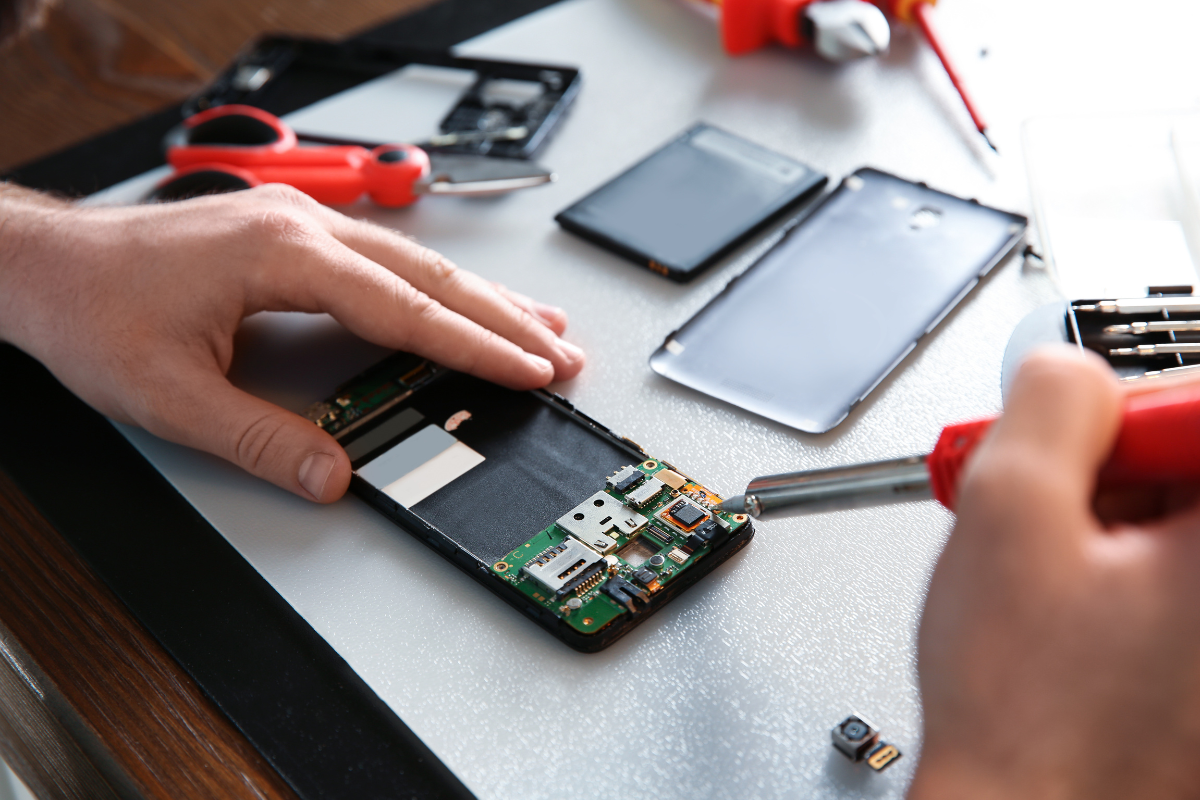
Visiting a local top rated phone repair store in Mississauga ensures your iPhone is handled safely and repaired efficiently. They can replace the LED or other faulty components, so your flashlight works like new again.