If your iPhone is showing “SOS Only,” it means your device is unable to connect to your cellular network properly. This can be frustrating, especially when you need to make urgent calls or use mobile data. Fortunately, there are several practical steps you can try at home before deciding to visit a cell phone repair Mississauga or iPhone repair Mississauga store. Following these tips can save you time and may quickly restore your phone’s connectivity.
- Check Your Signal and Network Settings
The first thing to do is ensure you are in an area with good cellular coverage. A weak signal is often the main reason for the “SOS Only” message.
Toggle Airplane Mode: Open the Control Center and turn on Airplane Mode for about 10 seconds. Then, turn it off. This forces your iPhone to reconnect to nearby cellular towers, which can fix temporary network issue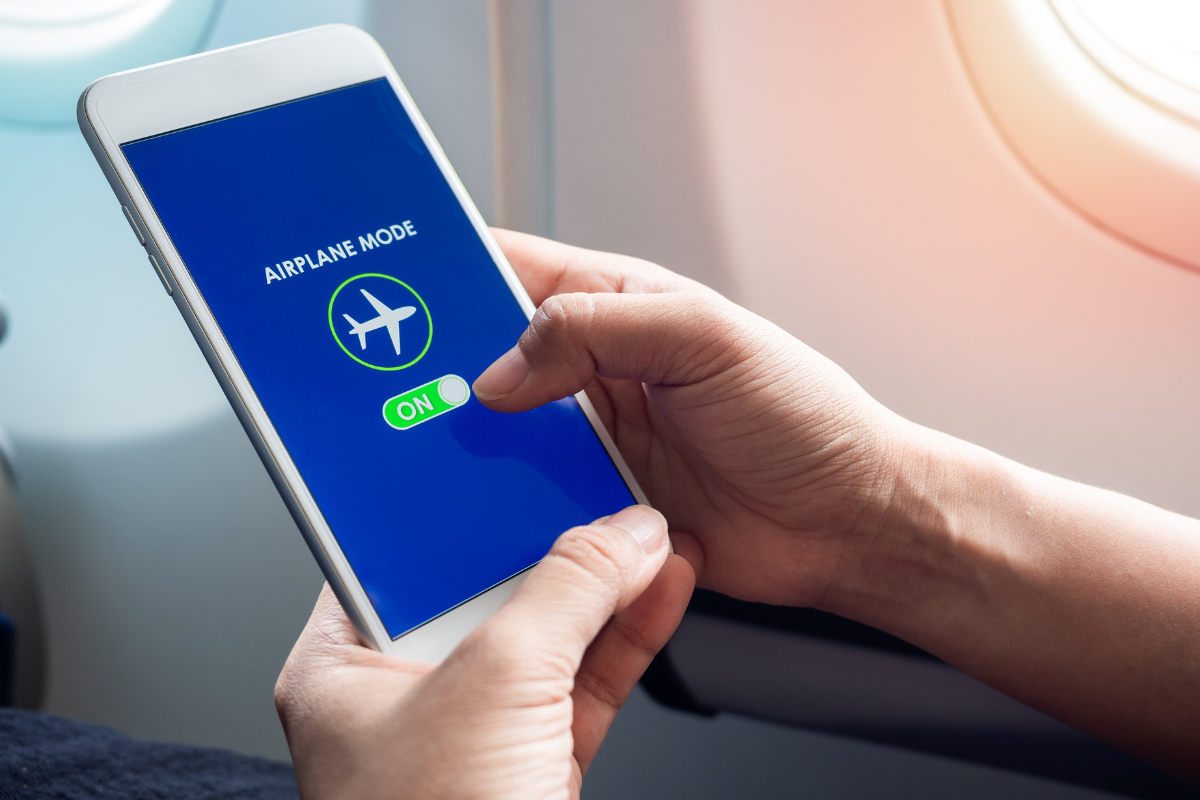
Check Carrier Settings: Go to Settings > General > About. If there is a carrier update available, a prompt will appear. Installing this update can resolve network-related problems and improve connectivity.
- Restart Your iPhone
Sometimes, a simple restart can resolve minor software glitches that prevent proper network connection.
- iPhones with Face ID: Press and hold the Side button and Volume Up button until the power-off slider appears. Slide to turn off, wait about 30 seconds, and then power it back on.
- iPhones with Home Button: Press and hold the Side or Top button until the slider appears. Slide to turn off, wait briefly, then turn it back on.
- Inspect Your SIM Card
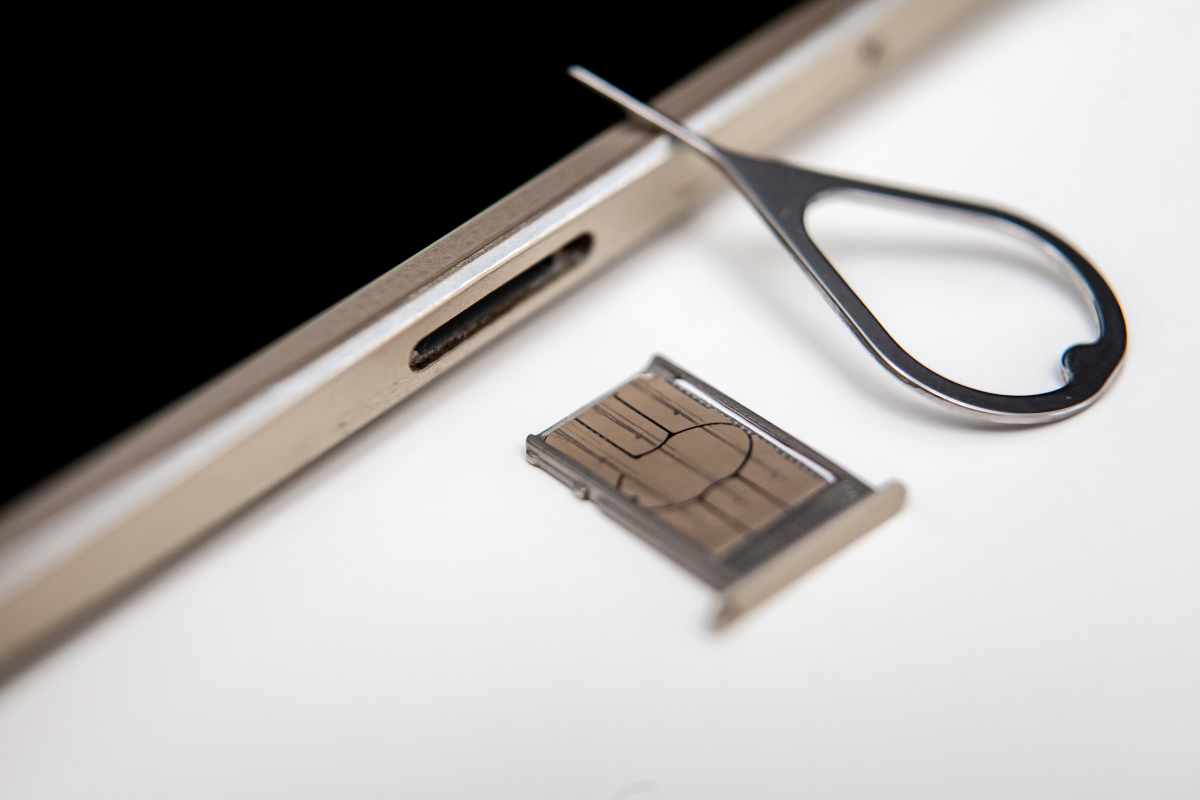
A damaged or misaligned SIM card can also trigger the SOS Only issue.
- Remove the SIM card: Use a SIM ejector tool or a small paperclip.
- Check for damage or dirt: Clean the SIM gently with a soft cloth if necessary.
- Reinsert the SIM card securely and restart your iPhone.
If your SIM card is faulty or old, contact your carrier for a replacement, as this may immediately solve the problem.
- Reset Network Settings
If the issue persists, resetting your network settings can help. This will remove all saved Wi-Fi passwords, VPN configurations, and cellular settings, so make sure you have your credentials handy.
Go to Settings > General > Transfer or Reset iPhone > Reset > Reset Network Settings. Once the reset is complete, reconnect to Wi-Fi and check if the “SOS Only” message has disappeared.
- Update iOS
Running the latest iOS version ensures your iPhone has the newest fixes for network problems.
Go to Settings > General > Software Update and install any available updates. After updating, restart your device to ensure all changes take effect.
- Visit a Repair Store if Needed
If none of these steps work, the problem may be hardware-related, such as a damaged antenna or SIM tray. In this case, professional help is recommended.We Fix Phone Mississauga is a trusted local repair service that can diagnose and fix network and hardware issues efficiently. Their experienced technicians ensure your iPhone works properly, saving you time and avoiding potential damage from DIY repairs.
By following these steps, you can often resolve the “SOS Only” problem on your iPhone at home. If not, professional assistance is the safest solution.