The iPhone home button is an essential feature, helping you navigate your device quickly. Over time, it may become unresponsive, sticky, or stop working entirely. Before rushing to a repair shop, there are a few practical steps you can try at home. If these don’t work, a professional iPhone repair service in Mississauga can help restore your device efficiently.
1. Clean the Home Button
Dust, dirt, and grime can accumulate around the home button and affect its functionality.
- Turn off your iPhone to avoid accidental taps.
- Use a microfiber cloth slightly dampened with water or 70% isopropyl alcohol.
- Gently wipe around the edges of the home button.
- Press the button repeatedly to help loosen debris.
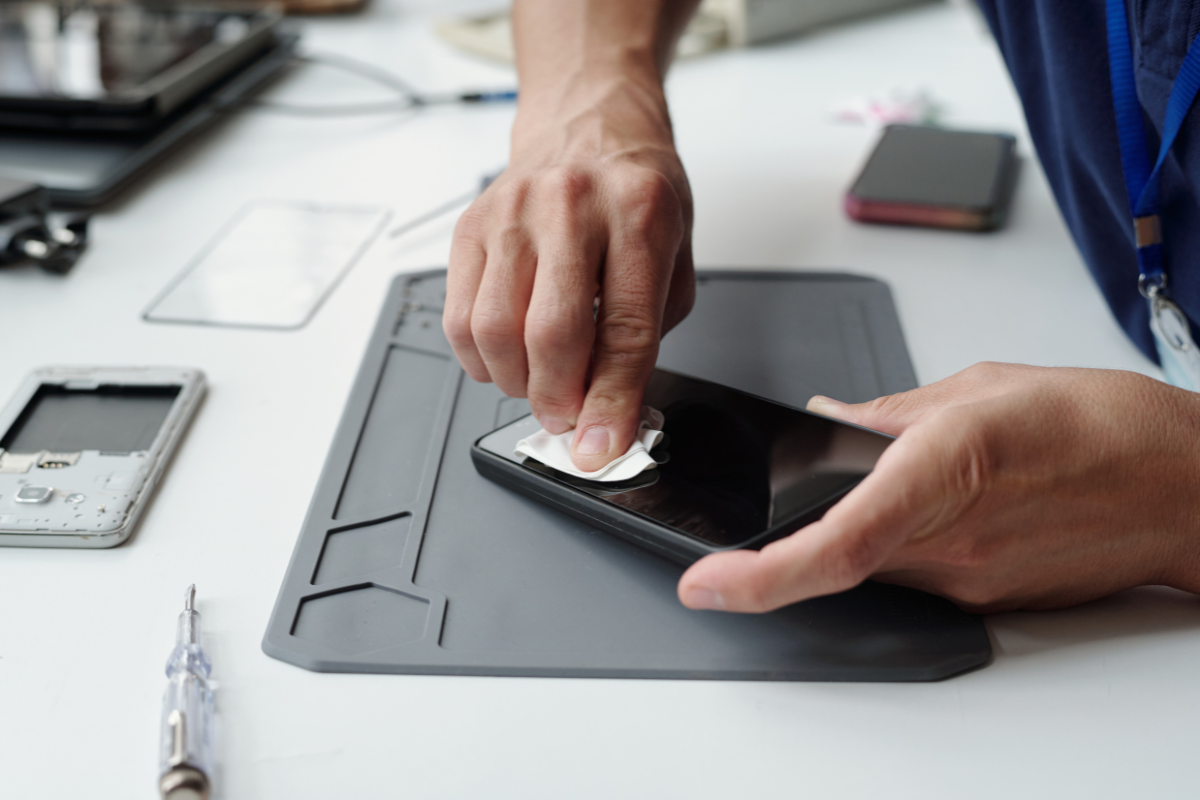
Sometimes, a simple cleaning is all it takes to restore responsiveness.
2. Check for Software Issues
A malfunctioning home button may not always be hardware-related. iOS glitches can cause the button to freeze.
- Restart your iPhone: Hold the power button and swipe to turn off, then power it back on.
- Update iOS: Go to Settings > General > Software Update to ensure your phone has the latest version.
- Reset settings: If the button still misbehaves, go to Settings > General > Reset > Reset All Settings. This won’t erase your data but restores system settings.
3. Enable AssistiveTouch as a Temporary Fix
If your home button remains unresponsive, iOS offers a helpful alternative: AssistiveTouch.
- Go to Settings > Accessibility > Touch > AssistiveTouch.
- Turn it on, and a floating home button will appear on your screen.
- You can use this button to perform all functions of the physical home button until a permanent repair is made.
4. Inspect for Physical Damage
Accidental drops or liquid exposure can permanently damage the home button.
- Check for cracks, loose buttons, or discoloration.
- If there’s visible damage, attempting a DIY repair could worsen the issue.
5. When to Visit a Professional
If the home button still doesn’t respond after cleaning, software checks, and AssistiveTouch, it’s time to get professional help. Visiting a local top rated phone repair store in Mississauga ensures:
- Proper replacement of the home button if needed
- Safe handling of sensitive iPhone components
- Avoiding further damage to your device
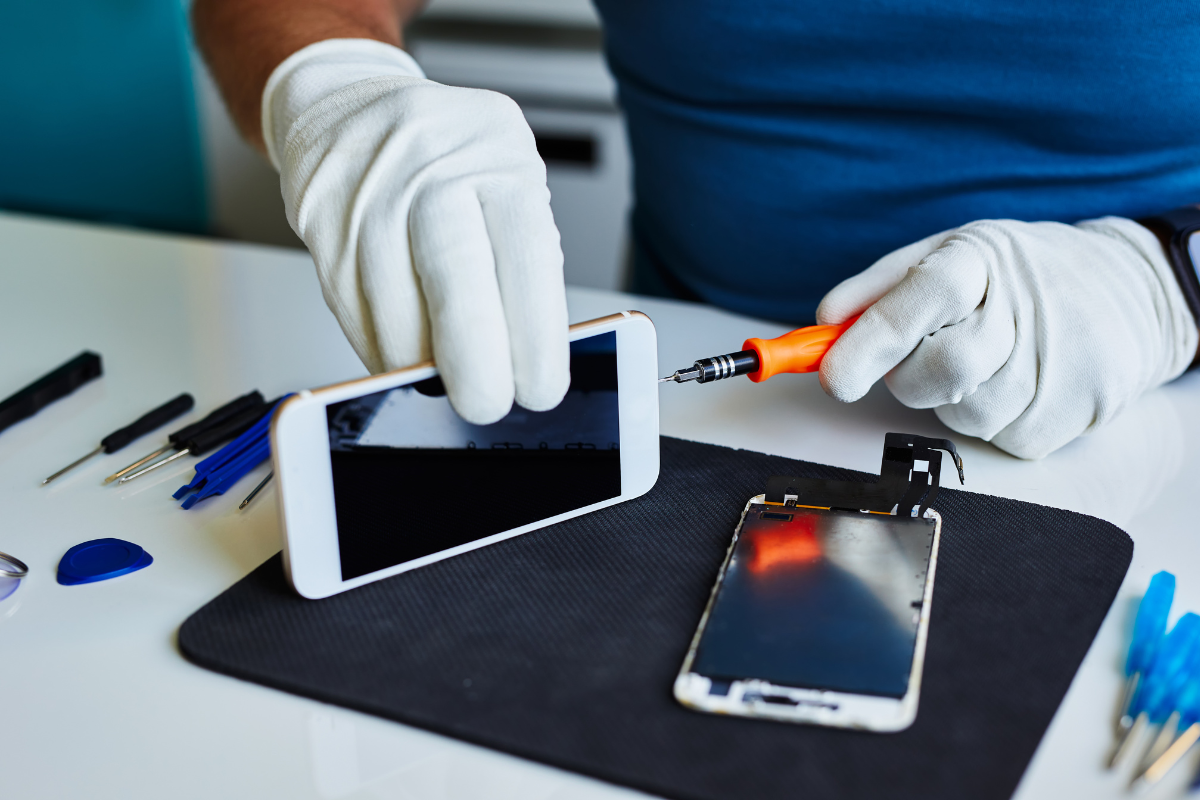
Professional iPhone repair services in Mississauga can also provide a warranty on the repair, giving you peace of mind.
A malfunctioning iPhone home button can be inconvenient, but simple home fixes like cleaning, restarting, and using AssistiveTouch often resolve minor issues. If these steps don’t work, seeking assistance from a cell phone repair by an expert service near you in Mississauga is the safest option. Timely professional repair helps restore your iPhone’s full functionality without risking additional damage.