Accidentally dropping your iPhone in water can be stressful, but knowing what to do immediately can save your device and your wallet. This guide will walk you through practical steps you can try at home, and when to seek professional help at a local top rated phone repair store in Mississauga.
Step 1: Turn Off Your iPhone Immediately
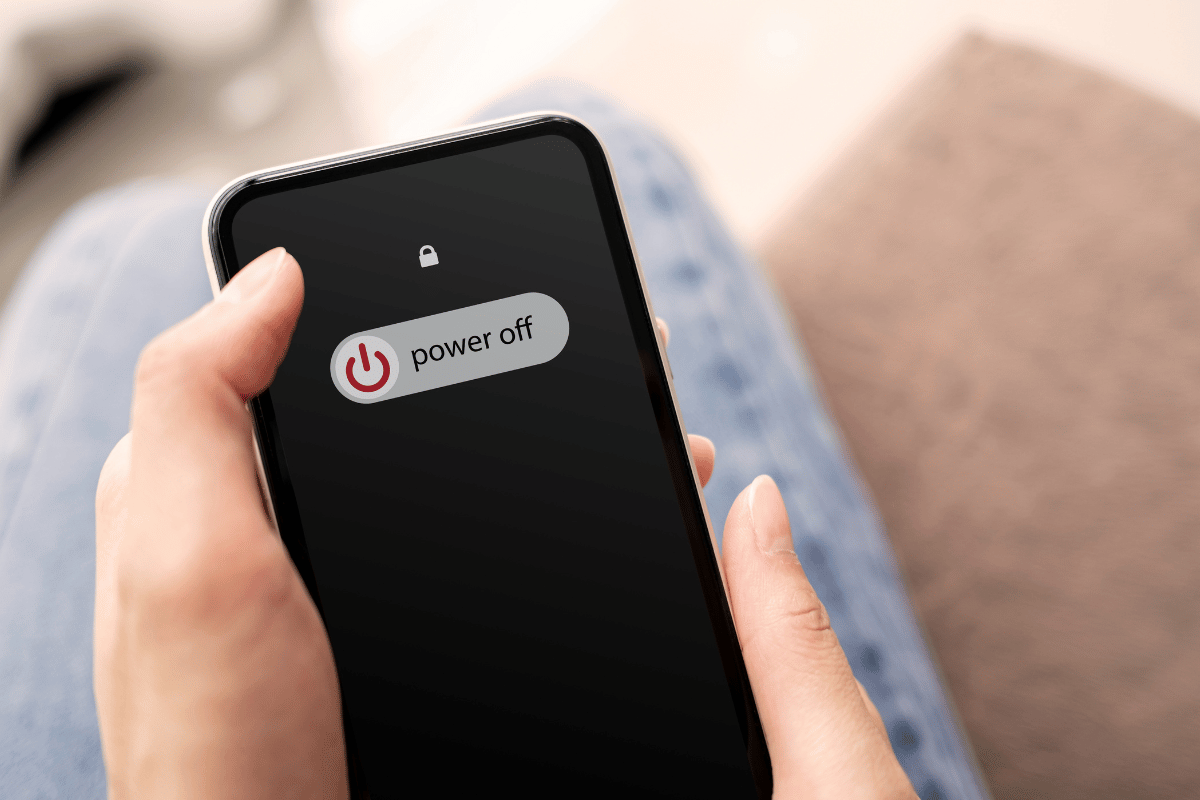
The first and most important step is to power off your device. Keeping it on while wet can cause short circuits and permanent damage. Press and hold the side button, then slide to power off. Avoid pressing buttons unnecessarily, as this may push water deeper into the internal components.
Step 2: Remove Accessories and SIM Card
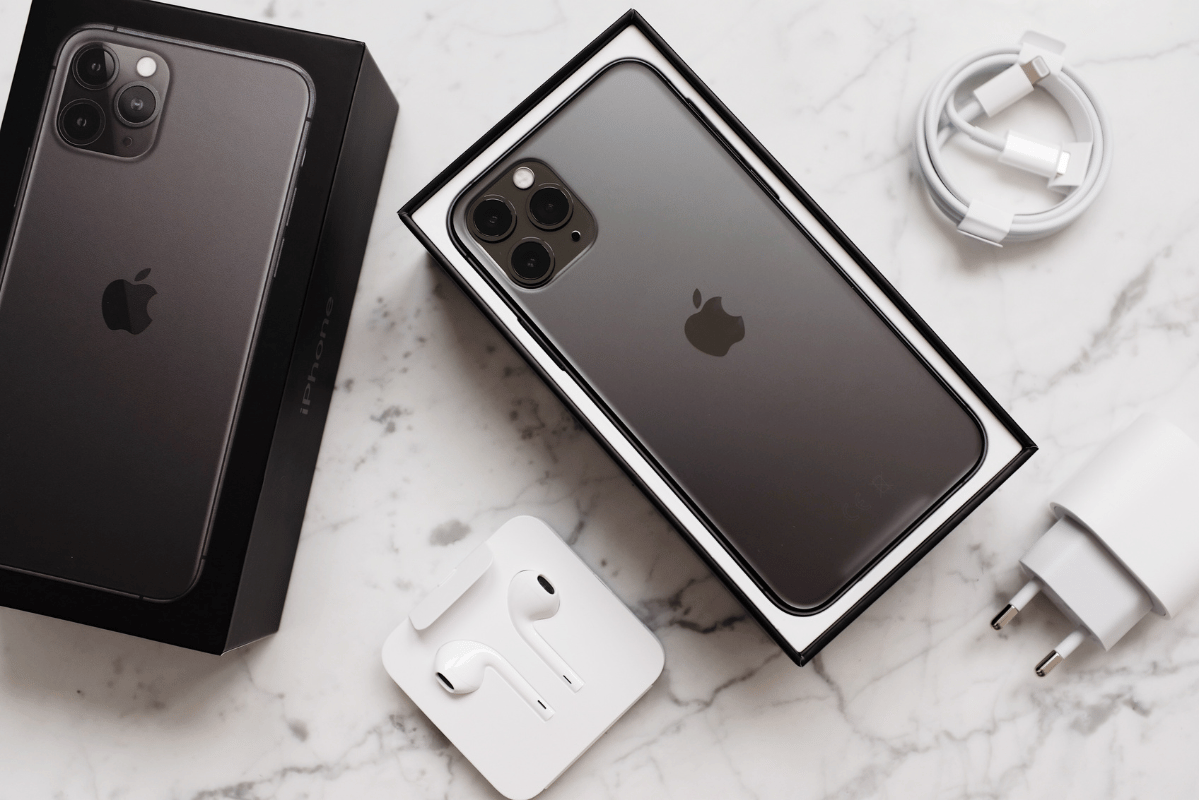
Next, remove any case, SIM card, and other accessories. Gently wipe the phone with a soft, dry cloth. Avoid shaking the phone, as this could spread water to other areas inside the device.
Step 3: Dry the Exterior Carefully
Pat the phone dry with a microfiber or lint-free cloth. Never use a hairdryer or high heat source, as excessive heat can damage the battery or screen. Instead, allow the phone to air dry in a cool, dry environment.
Step 4: Try Simple Home Remedies
Several home remedies may help reduce water damage:
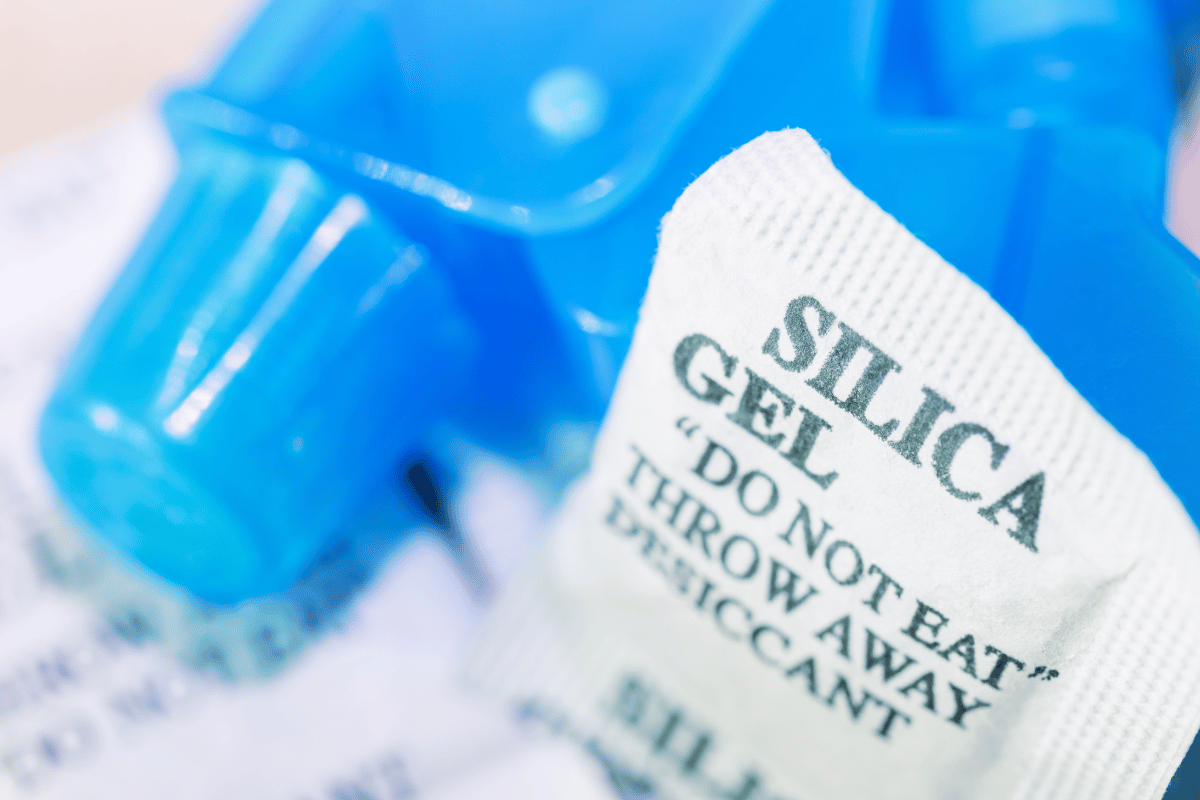
- Use Silica Gel Packets: Place your iPhone in an airtight container with silica gel packets for 24–48 hours. These packets absorb moisture more effectively than rice.
- Avoid Rice: While rice is commonly suggested, it is less effective and can leave starch inside ports.
- Tilt and Drain: Place the iPhone at an angle to allow water to drain naturally from charging ports and speakers.
These methods won’t guarantee a full recovery, but they can reduce the extent of damage.
Step 5: Check for Signs of Functionality
After giving your iPhone time to dry, check if it powers on. Test the touchscreen, cameras, speakers, and charging port. If you notice unusual behavior, such as flickering, unresponsive buttons, or distorted sound, the water may have caused internal damage.

Step 6: Understand Repair Costs
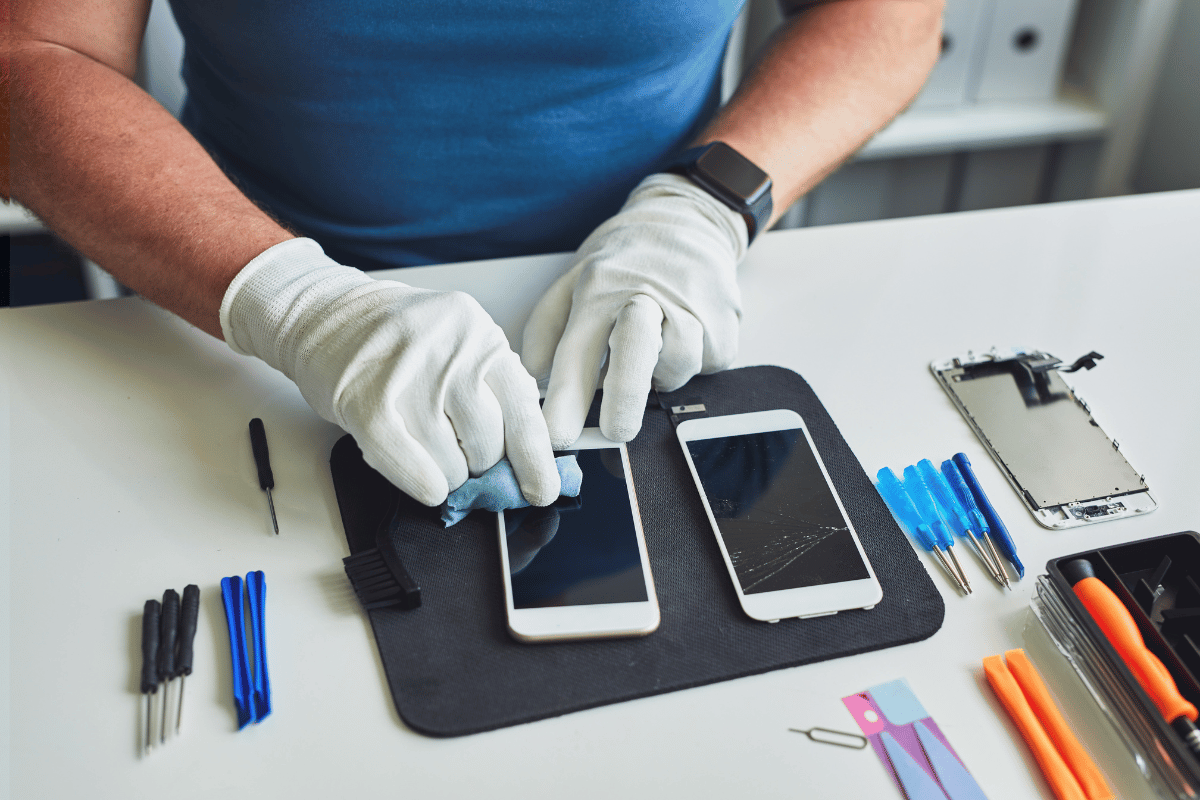
Water damage can vary from minor to severe, affecting different components of your iPhone. This can include the battery, screen, or internal logic board. Some iPhones may have only small issues, while others might require multiple component repairs. Attempting complex fixes at home can be risky, so it’s usually safer to have a professional assess and repair your device.

Step 7: When to Visit a Professional
If home remedies don’t restore your iPhone, visiting a cell phone repair by an expert service near you in Mississauga is the safest choice. Certified technicians can:
- Perform thorough water damage diagnostics
- Replace damaged components without voiding warranties
- Prevent further issues such as corrosion or battery failure
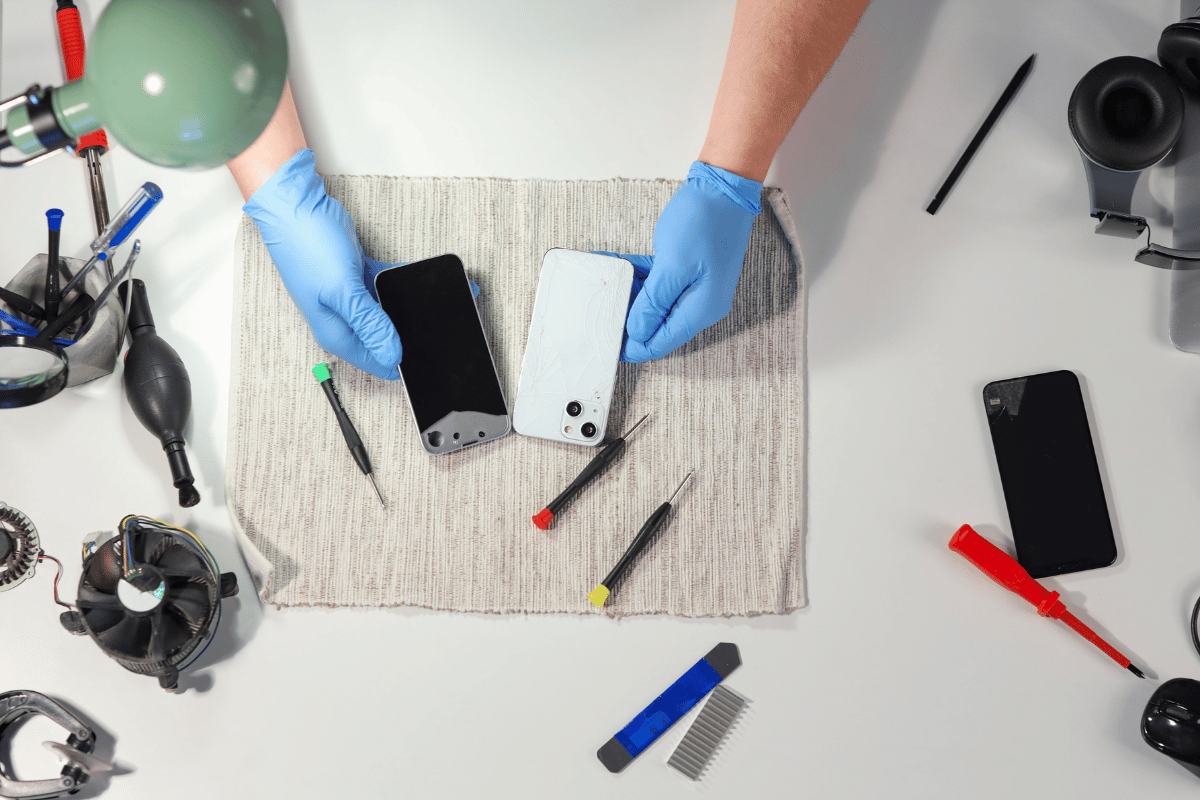
Bringing your phone in quickly after water exposure increases the chances of a successful repair.
Step 8: Prevent Future Water Damage
Once your iPhone is repaired, consider these preventive measures:
- Use a waterproof case or pouch
- Avoid using your phone near water sources
- Keep a microfiber cloth handy for quick drying
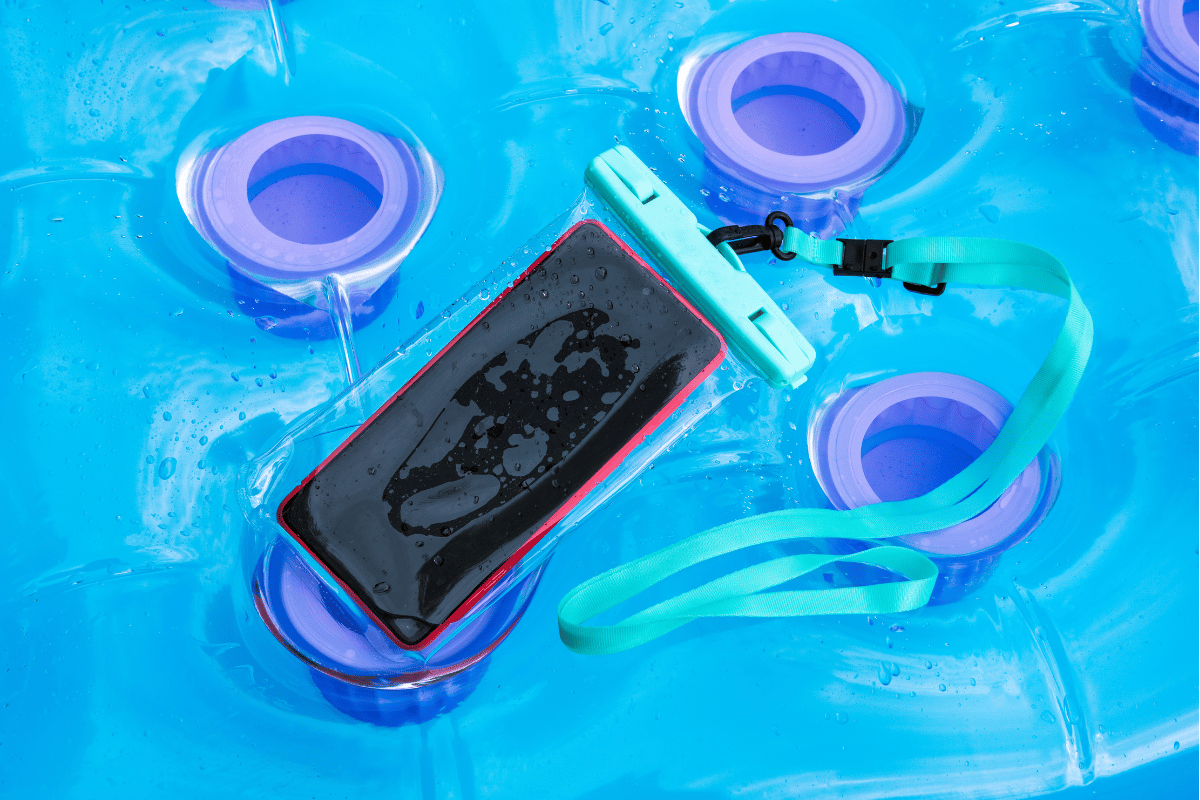
These small steps can protect your device and save you money on future repairs.
Water damage doesn’t always mean a lost device. Acting quickly, trying safe home fixes, and seeking professional assistance when needed can save your iPhone and your budget. If your iPhone shows any signs of persistent issues after drying, visit a local top rated phone repair store in Mississauga for reliable and fast service.