If your iPhone isn’t charging properly, charges only at a certain angle, or keeps disconnecting, the charging port is often the problem. Before you assume the worst (and spend money), it’s smart to try a few safe checks at home. In many cases, the issue is minor. If not, professional repair is the safest next step.
Below is a clear, step-by-step guide to help you understand possible fixes and costsb especially for users in Canada and the US.
Step 1: Check for Dust and Pocket Lint (Most Common Issue)
One of the most common reasons an iPhone won’t charge is dust buildup inside the charging port. Over time, lint from pockets collects and blocks the charging cable from making full contact.
What you can safely do at home:
- Power off your iPhone
- Use a wooden toothpick or plastic pick
- Gently scrape inside the port (do not use metal)
- Blow lightly or use compressed air from a distance
If your cable clicks in firmly again and charging improves, you’ve likely solved the problem at no cost.
Step 2: Try a Different Charging Cable and Adapter
Before blaming the phone, test your accessories.
Do this:
- Use a certified Lightning cable
- Try a different power adapter
- Plug into a wall outlet instead of a laptop or car charger
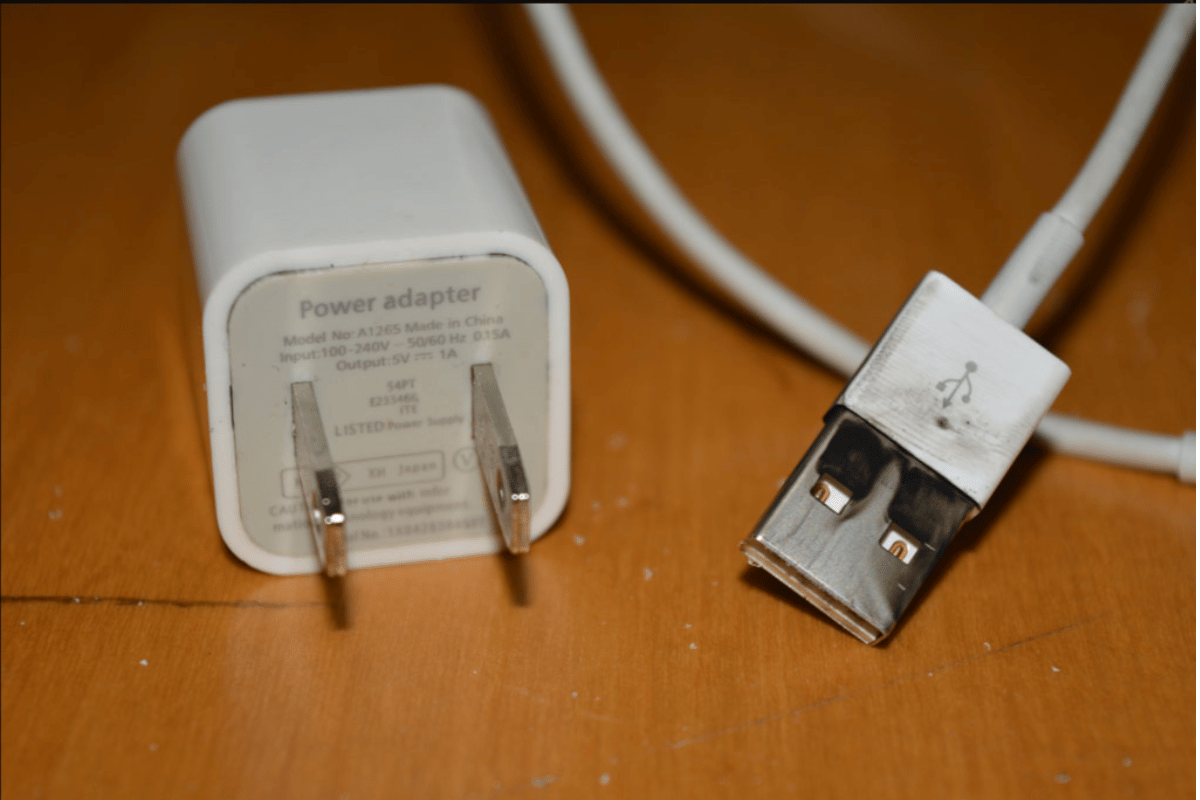
Frayed cables or weak adapters can mimic charging port damage.
Step 3: Check for Software or iOS Issues
Sometimes the issue isn’t hardware at all.
Quick checks:
- Restart your iPhone
- Update to the latest iOS version
- Look for “Accessory Not Supported” messages
If charging works intermittently after a restart, software may be contributing to the problem.
Step 4: Look for Signs of Water or Physical Damage
If your phone was exposed to water or dropped recently, the charging port may be damaged internally.
Warning signs include:
- Charging stops completely
- Phone heats up while charging
- Visible corrosion or bent pins inside the port
At this point, home fixes should stop to avoid further damage.
Step 5: How Much Does iPhone Charging Port Repair Cost?
If cleaning and testing don’t work, professional repair is the safest option.
In Mississauga and nearby areas, the cost to fix an iPhone charging port depending on:
- iPhone model
- Severity of damage
- Water exposure
- Whether the port needs replacement or micro-soldering
A professional diagnosis ensures the issue isn’t actually the battery or logic board.
Step 6: Why Professional Repair Is Worth It
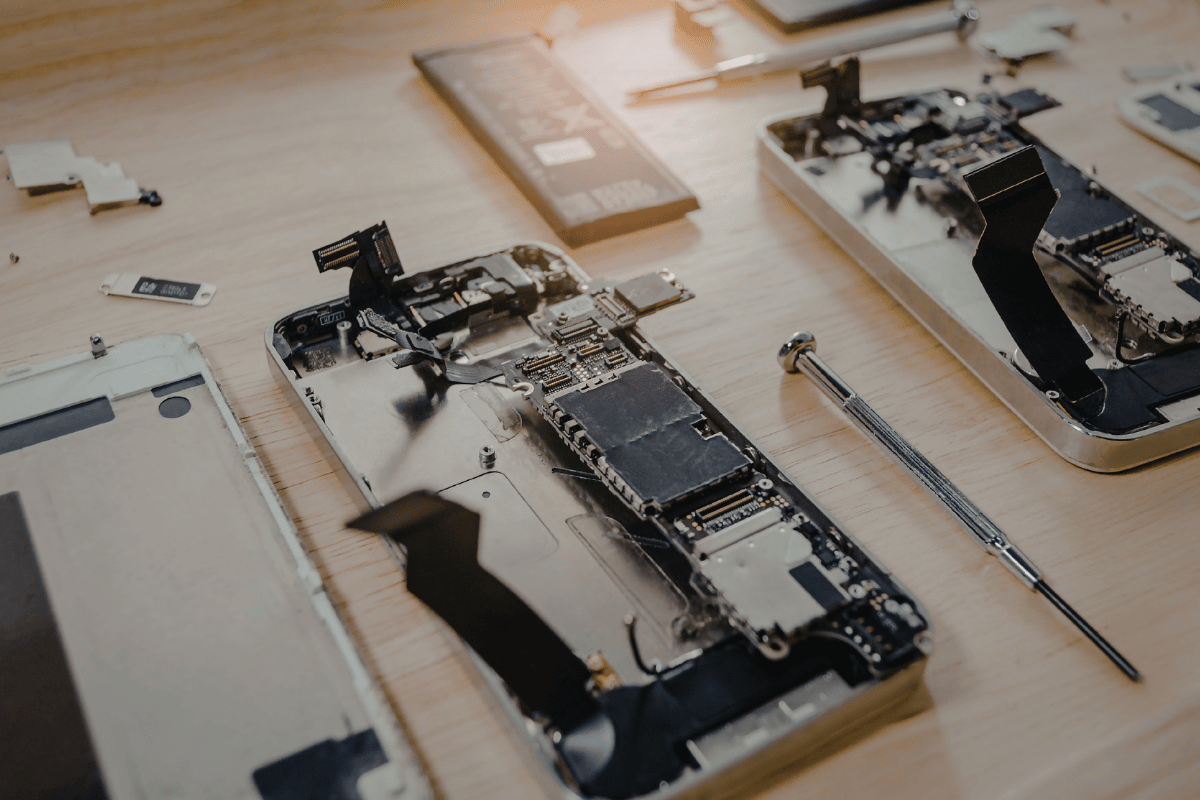
Charging ports are connected to delicate internal components. DIY repairs without proper tools can damage the motherboard, leading to much higher costs.
Choosing a trusted Iphone repair Mississauga service means:
- Correct diagnosis
- Proper tools and parts
- Safe repair without data loss
- Warranty-backed service
When to Visit a Local Repair Shop
If your iPhone:
- Still won’t charge after cleaning
- Charges only at an angle
- Shows signs of port damage
- Has water exposure history
it’s time to visit a reliable Phone repair Mississauga shop.
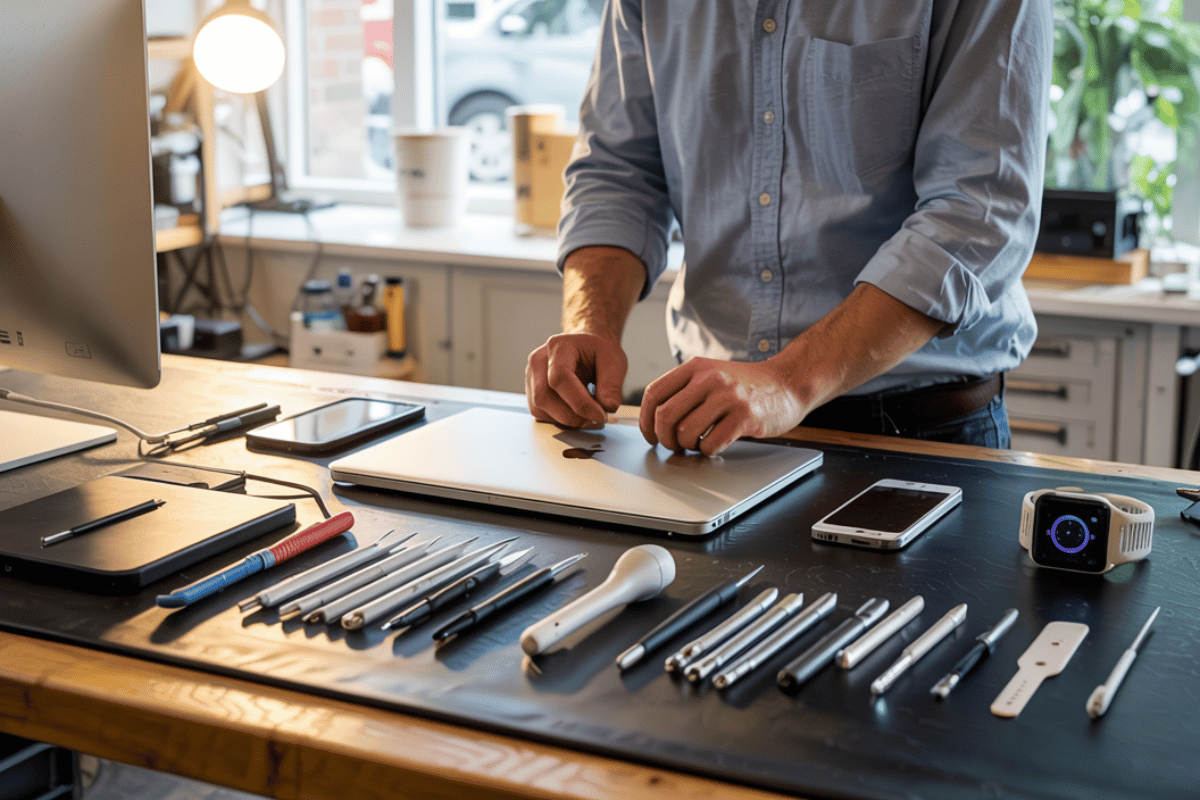
At FixPhoneMississauga.ca, experienced technicians can quickly inspect your device and recommend the right fix saving you time, stress, and unnecessary replacement costs.
Always try safe, simple home checks first. But when those don’t work, professional repair is the smartest and most cost-effective solution.
If your iPhone charging port is acting up, get it checked early small problems are cheaper to fix when caught in time.