Do Not Disturb on iPhone is helpful when you want silence, but many users forget it’s turned on. This can lead to missed calls, texts, alarms, or important app notifications. If your iPhone seems quiet even though sound is on, Do Not Disturb is often the reason.
This guide explains simple ways to turn off Do Not Disturb on iPhone. Try these steps at home first. If the issue continues, it may be a software or hardware problem that needs professional help.
What Is Do Not Disturb on iPhone?
Do Not Disturb (DND) is a Focus feature on iPhones that silences calls, alerts, and notifications. The phone still receives notifications, but they don’t make sound or light up the screen.
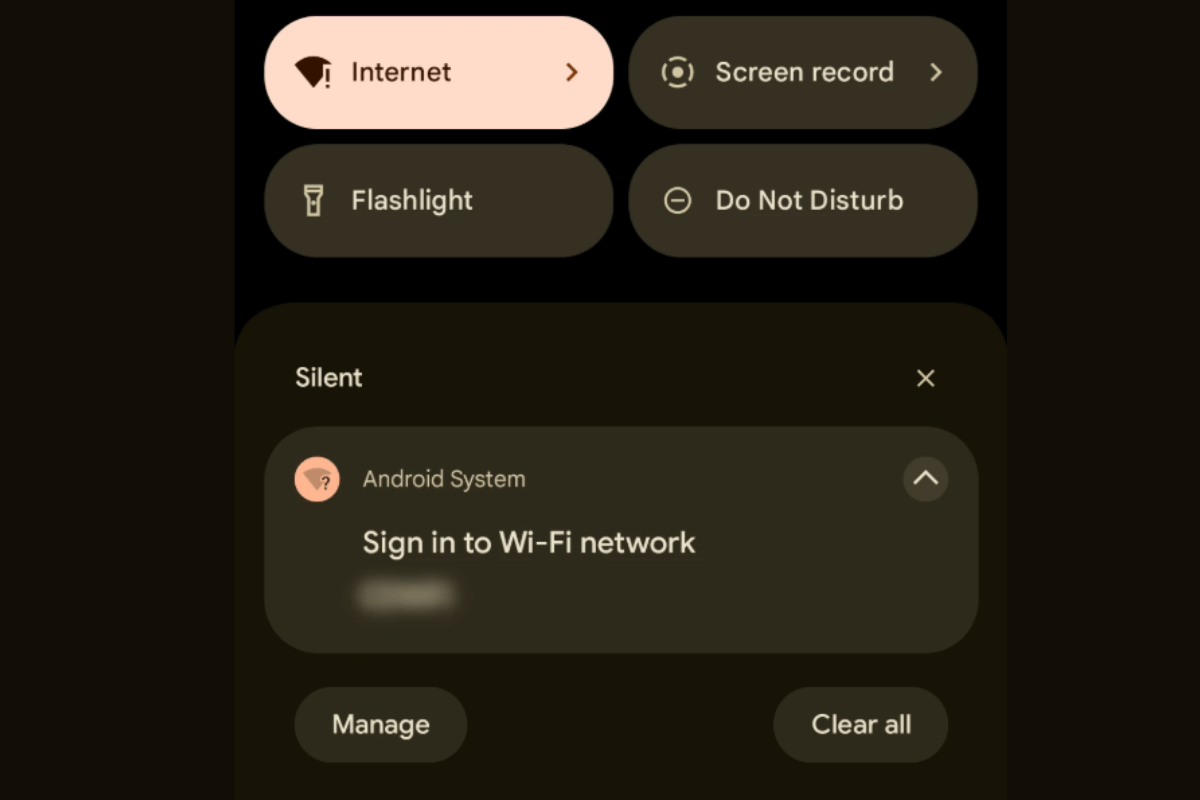
Many users in Canada and the US accidentally enable it from Control Center or through scheduled Focus settings.
Method 1: Turn Off Do Not Disturb from Control Center
This is the fastest way and works for most users.
Steps:
- Swipe down from the top-right corner of your iPhone screen
- Look for the crescent moon icon or Focus button
- Tap it once
- Make sure Do Not Disturb is turned off
If the icon is no longer highlighted, DND is disabled.
Method 2: Turn Off Do Not Disturb from iPhone Settings
If Control Center doesn’t work, use Settings.
Steps:
- Open Settings
- Tap Focus
- Select Do Not Disturb
- Toggle off “Do Not Disturb”
While here, check if any schedules or automations are enabled.
Method 3: Disable Scheduled Do Not Disturb
Some iPhones automatically turn on DND at certain times.
Steps:
- Go to Settings → Focus → Do Not Disturb
- Scroll to Schedule
- Turn off any active schedules
This prevents DND from switching on again without your knowledge.
Method 4: Check Focus Filters and App Settings
Focus modes can allow or block specific apps and contacts.
What to check:
- Allowed notifications list
- App notification permissions
- Lock Screen Focus settings
Incorrect settings here can make it feel like Do Not Disturb is still active even when it’s not.
Method 5: Restart Your iPhone
A simple restart can fix temporary software issues.
Steps:
- Hold the Power button + Volume button
- Slide to power off
- Turn the iPhone back on after 30 seconds
When Do Not Disturb Still Won’t Turn Off
If none of these steps work, your iPhone may have:
- A software glitch
- iOS update issue
- Touch or button problem
- Internal hardware fault
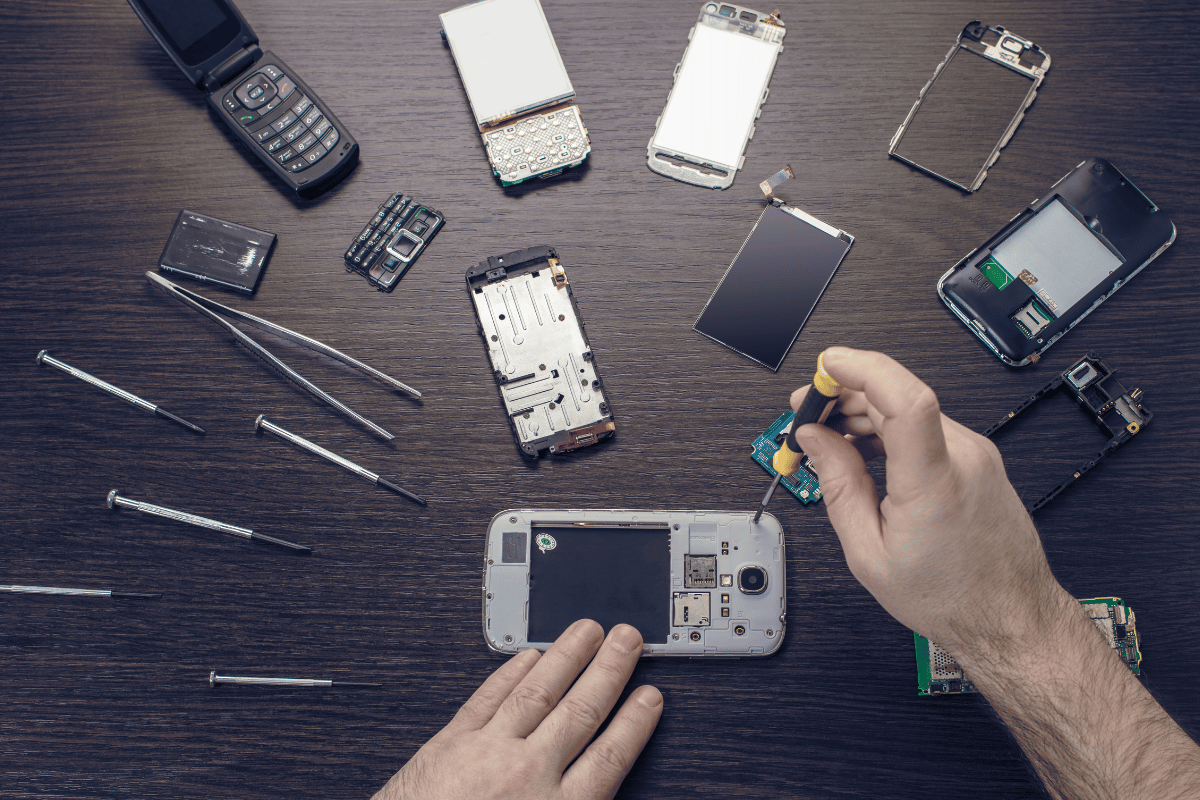
At this point, home fixes usually stop working.
If you’re dealing with ongoing notification issues, visiting a Phone repair Mississauga shop can save time and frustration. A trained technician can diagnose whether the issue is software-related or needs repair.
For users looking for trusted iPhone repair Mississauga services, professional help ensures your device works properly without risking data loss.
Do Not Disturb issues are common and usually easy to fix. Always try the basic steps first. If your iPhone still doesn’t behave normally, expert assistance is the safest option.