How Do I Delete a Contact on an iPhone? Easy Step-by-Step Guide

Keeping your contacts organized makes it easier to find the people you actually call or message. Over time, your iPhone contact list may fill up with outdated numbers, duplicate entries, or contacts you no longer need. Fortunately, deleting a contact on an iPhone only takes a few steps. This guide explains how to remove contacts […]
iPhone 17 Pro Max vs iPhone 16 Pro Max Differences: A Practical Guide
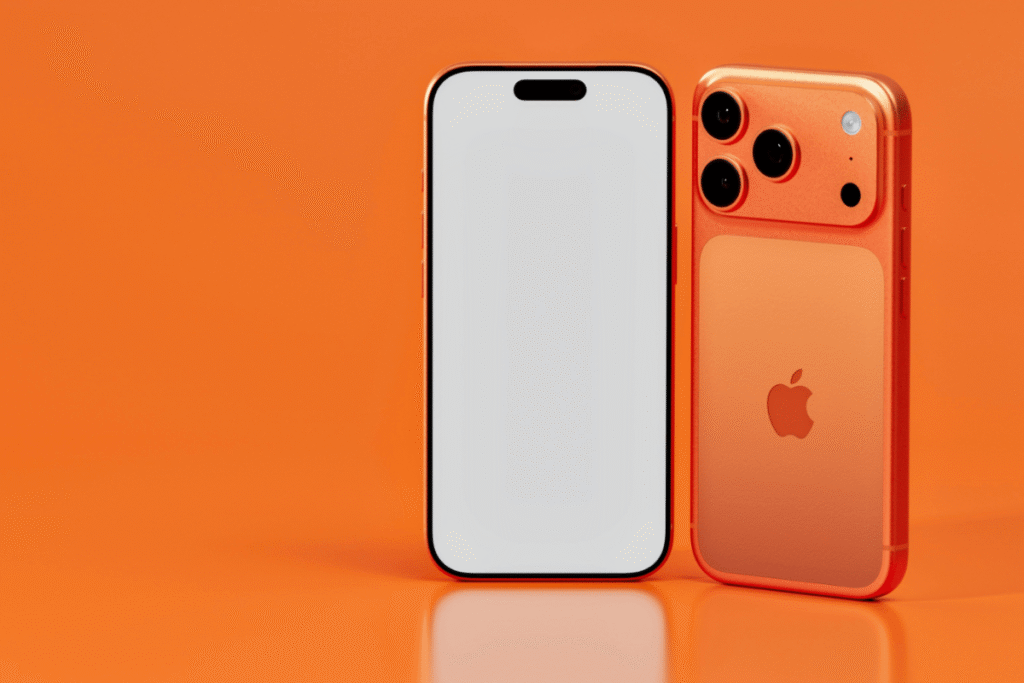
If you’re considering upgrading your iPhone or just curious about the latest models, understanding the differences between the iPhone 17 Pro Max and iPhone 16 Pro Max can help you make an informed decision. In this guide, we’ll break down the key differences and provide practical tips for everyday users, including simple fixes you can […]
How Do You Turn the Passcode Off on an iPhone?
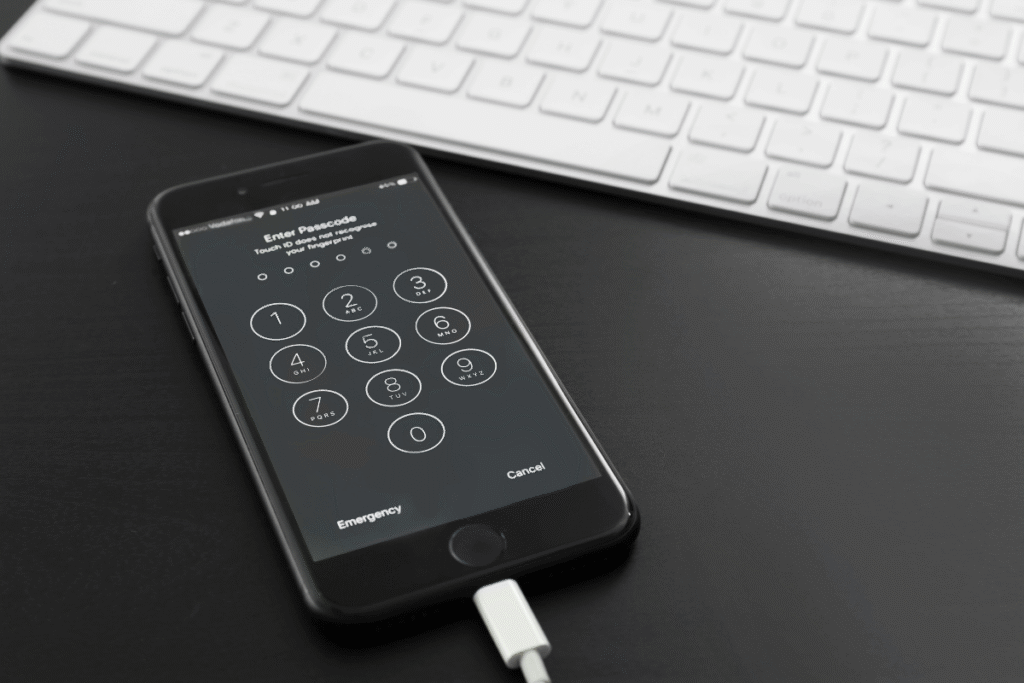
An iPhone passcode protects personal information such as messages, photos, saved passwords, and banking apps. However, some users choose to disable the passcode when troubleshooting device issues, setting up parental controls, or preparing the phone for resale. If you want to turn the passcode off on an iPhone, the process is simple when you already […]
How to Take a Screenshot on an iPhone: A Step-by-Step Guide
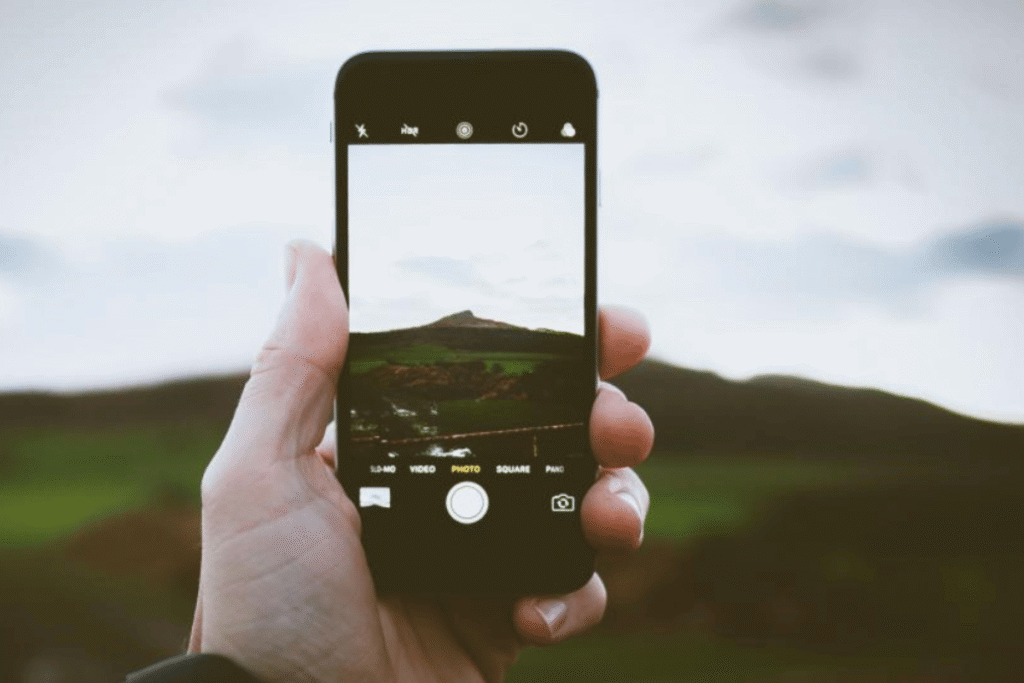
Taking a screenshot on an iPhone is one of the simplest yet most useful features. Screenshots let you save important information, capture conversations, or share images with friends. Whether you’re using an older iPhone model or the latest version, this guide will show you how to do it easily. 1. Screenshots on iPhones With Face […]
Why Can’t I Share My Location on iPhone? – Practical Fixes
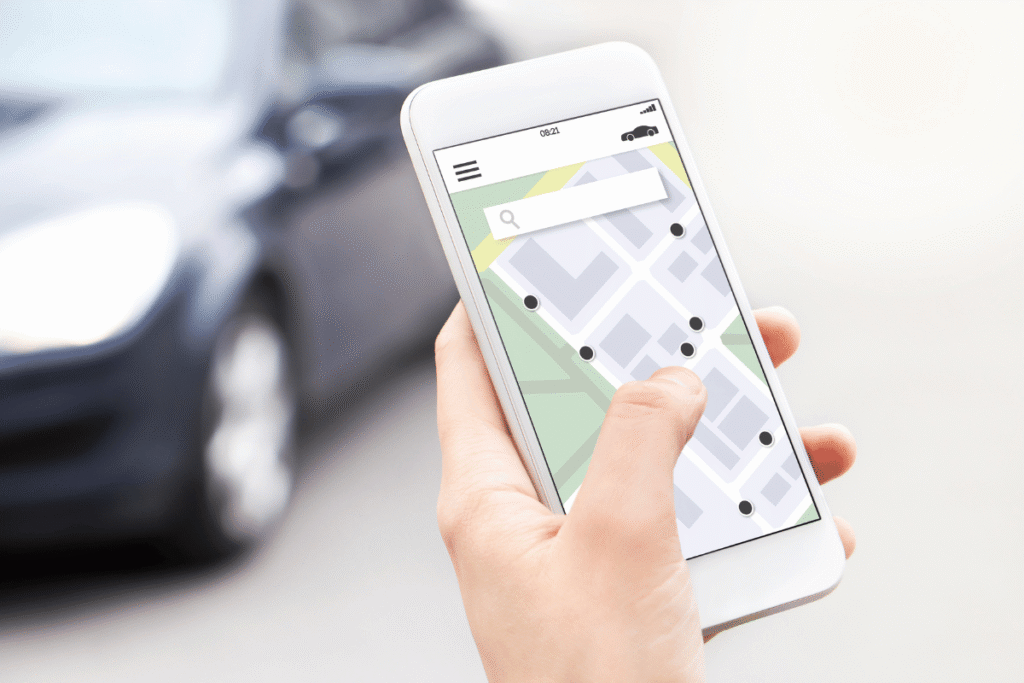
Sharing your location on an iPhone is a convenient feature for keeping friends, family, or colleagues informed. However, sometimes this function stops working, leaving users frustrated. Before rushing to a repair store, there are practical steps you can try at home to troubleshoot the issue. 1. Check Location Services Settings The first step is to […]
iPhone 15 Pro Max vs iPhone 16 Pro Max: What’s the Real Difference?
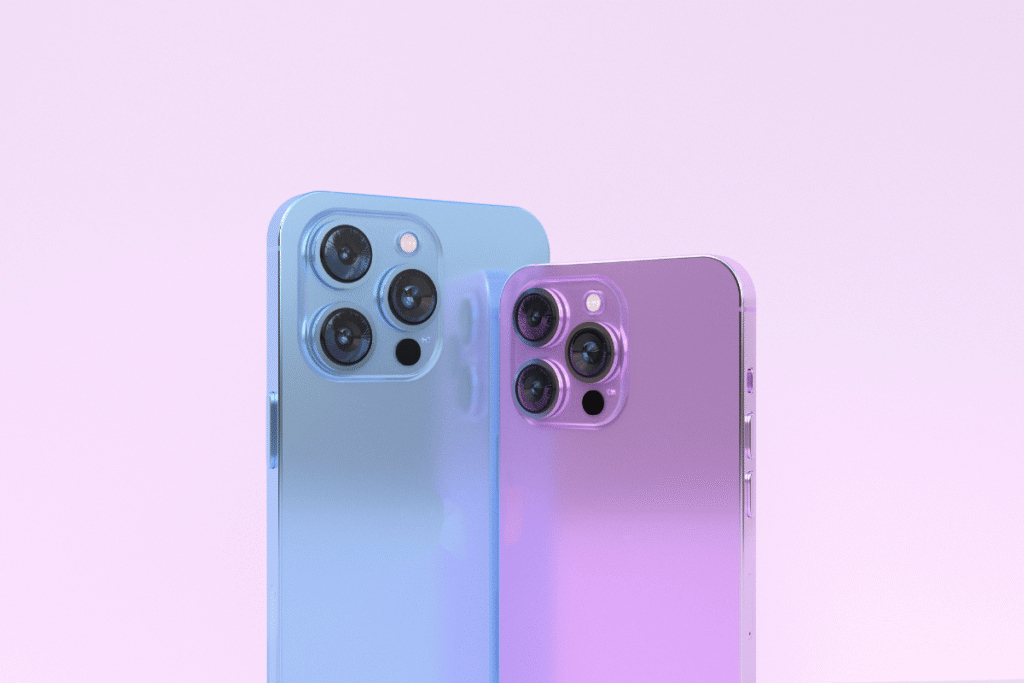
If you are deciding between the iPhone 15 Pro Max and iPhone 16 Pro Max, it helps to understand what actually changed and whether it affects daily use. This guide compares performance, battery, camera, and repair considerations so you can make a practical decision. If you already own one and face issues, we also explain […]
How Do You Turn On Location Services for iPhone?
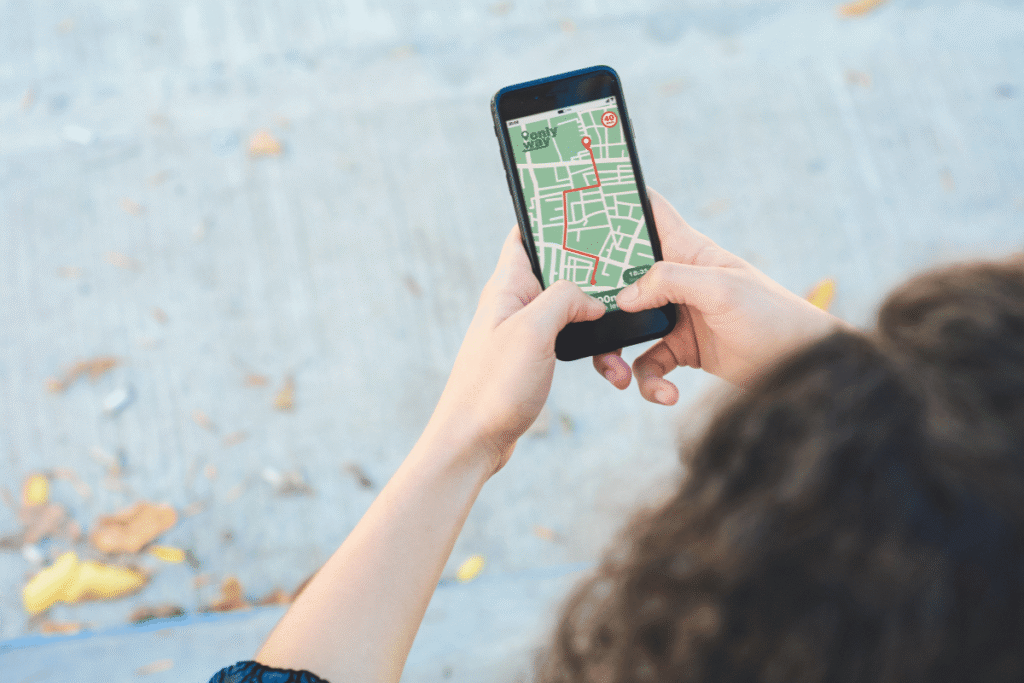
Your iPhone’s location services are essential for navigation apps, weather updates, Find My iPhone, and more. Sometimes, these features stop working because location services are off. Before rushing to a repair shop, you can try some simple fixes at home. This guide will walk you through turning on location services and checking related settings to […]
How Can I Change the Alarm Sound on iPhone? Easy Steps for Canadian Users
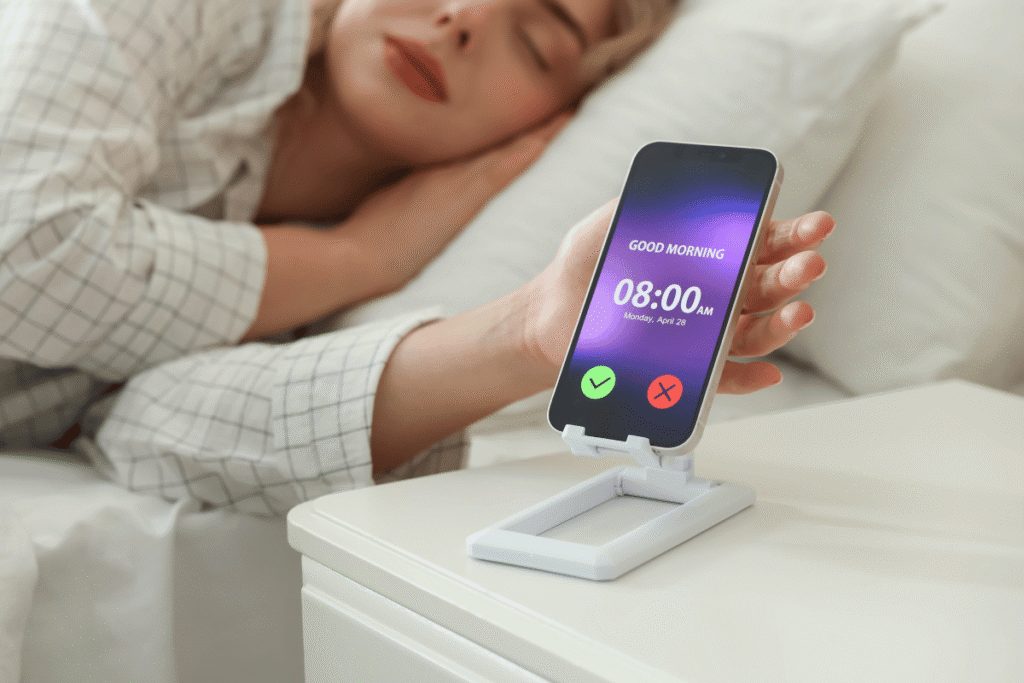
Your iPhone alarm is essential for daily routines, but sometimes the sound isn’t working or doesn’t suit your needs. Whether it’s too soft, silent, or just annoying, most alarm sound problems can be fixed at home in minutes. This guide is for Canadian and U.S. iPhone users and includes practical steps you can try before […]
How to Turn Off Pop-Up Blocker on iPhone
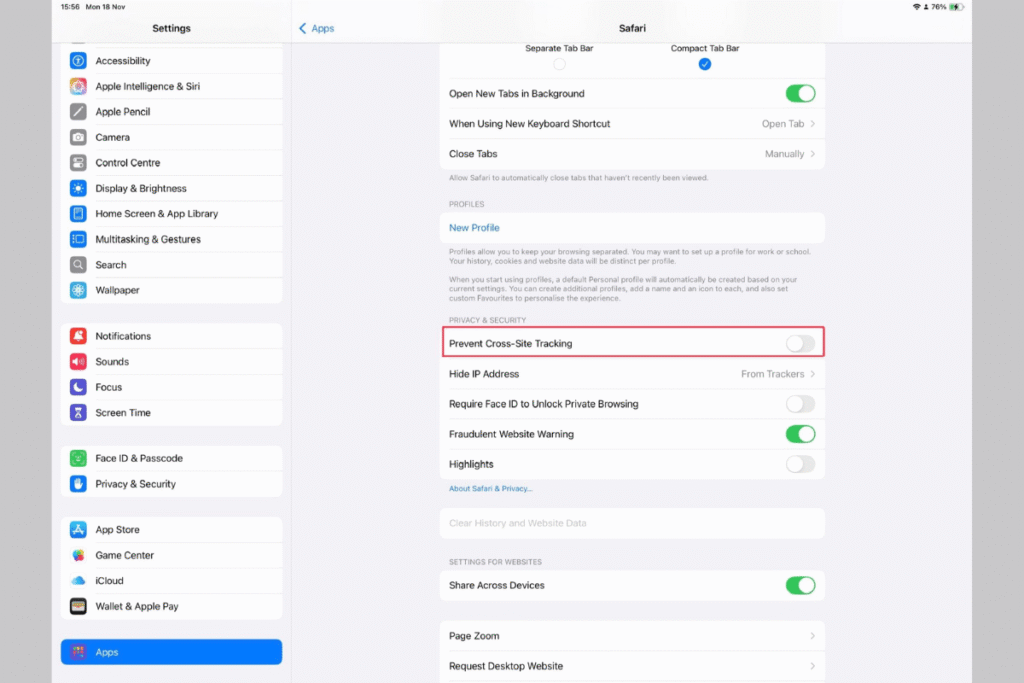
Pop-up blockers on iPhones are designed to protect users from unwanted ads and suspicious websites. However, there are times when pop-ups are actually needed such as when a website opens a payment window, login page, or document preview. If a site isn’t working properly, the pop-up blocker could be the reason. This guide walks you […]
How Do You Find Out Blocked Numbers on iPhone?
If you are missing calls or messages on your iPhone, one common reason is blocked numbers. Many users block contacts accidentally and later forget about it. The good news is that iOS makes it easy to check and manage blocked numbers without any technical skills. This guide walks you through simple at-home steps first. If […]