Need to make a call from an Android phone but do not have a SIM card? You may still be able to call people, depending on your internet connection, Android phone, and the app you use.
A SIM card is normally required for traditional cellular calls through a mobile carrier. However, internet-based calling can let you make voice or video calls without a physical SIM.
Can You Call Without a SIM Card on Android?
Yes, but there is an important difference between regular phone calls and internet calls.
Without a SIM card, your Android phone generally cannot connect to a carrier’s cellular voice network. You can still use Wi-Fi to make calls through supported apps and services.
If your Android phone connects to Wi-Fi, you can try options such as:
- WhatsApp voice calls
- Facebook Messenger calls
- Google Meet calls
- Other internet calling apps that support voice calls
Both you and the person you want to contact may need to use the same service, depending on the app.
How to Make a Call Without a SIM Card
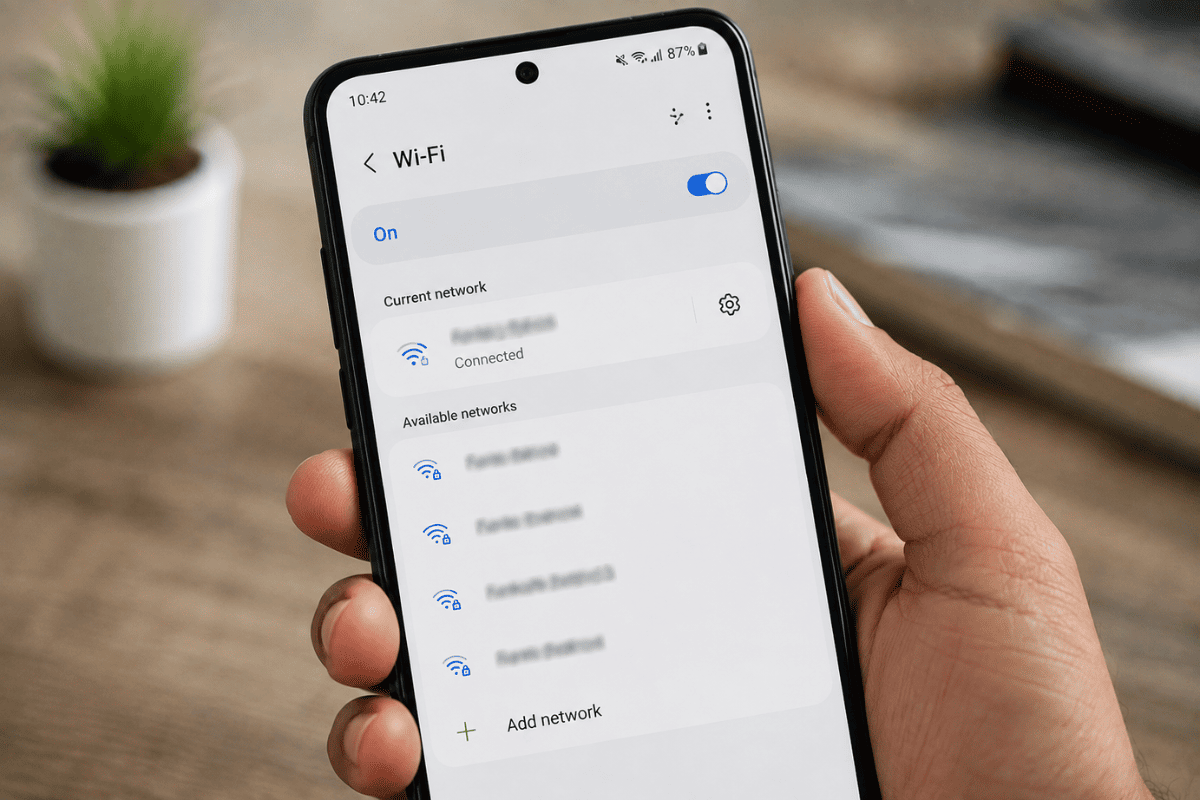
1. Connect Your Android Phone to Wi-Fi
First, connect your phone to a reliable Wi-Fi network.
Go to:
Settings > Network & internet > Wi-Fi
Select your network and enter the password if required. Once connected, open a website or another online app to confirm that the internet is working.
2. Use an Internet Calling App
Install a calling app from the Google Play Store if it is not already installed.
For example, WhatsApp can make voice calls over Wi-Fi. Open the app, select a contact, and tap the voice call button.
The other person generally needs to have the same app and an internet connection for app-to-app calling.
3. Try Google Meet
Google Meet can also be used for internet-based voice and video communication. Open Meet, select or create a meeting, and invite the person you want to contact.
This option is useful when both people have internet access and are comfortable using a meeting-based calling service.
Can You Make a Regular Phone Call Without a SIM?
Usually, no.
A standard cellular call normally requires your Android phone to have access to a mobile carrier network through a SIM or another supported carrier setup. Wi-Fi alone does not automatically turn the phone’s regular Phone app into an internet calling service.
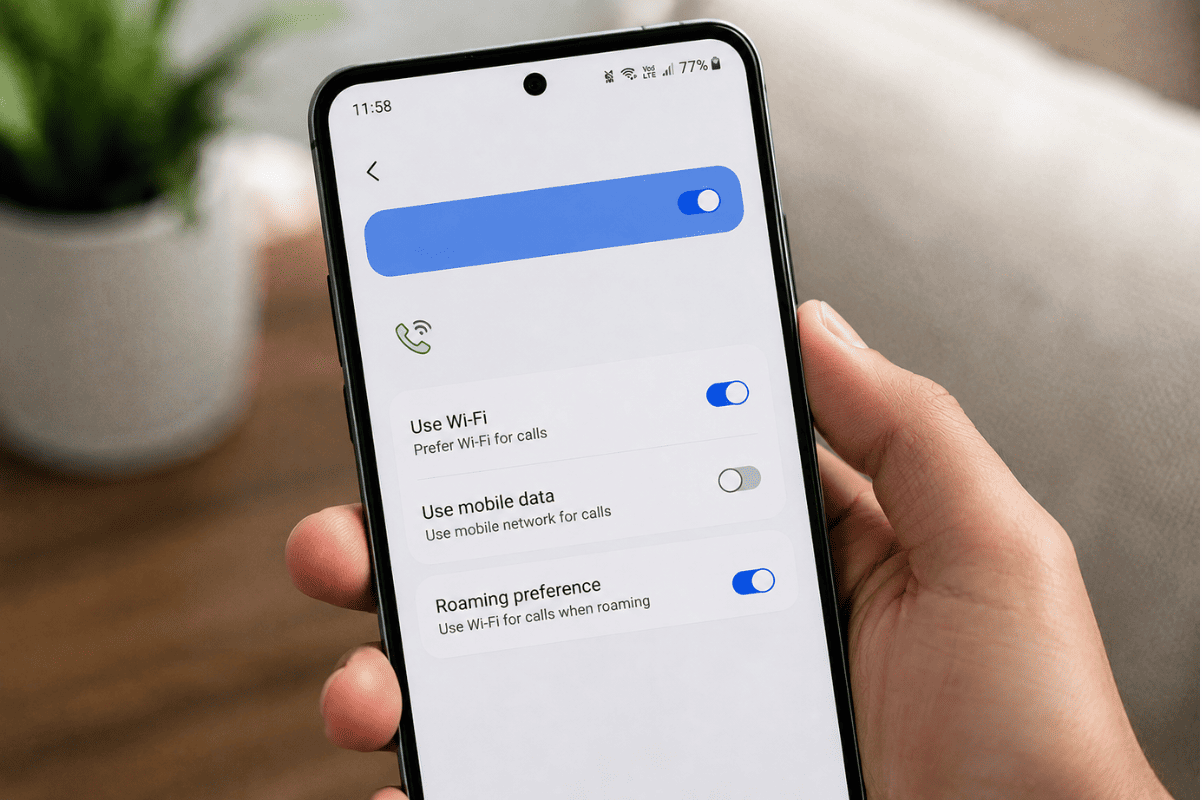
There are also differences between Wi-Fi calling and calling through an internet app. Wi-Fi calling is a carrier feature and may require an eligible device, carrier, and active mobile service.
What If Your Android Phone Has No SIM and No Wi-Fi?
Your options become very limited.
Without a SIM, mobile service, or Wi-Fi, your phone generally cannot make normal calls. Some Android phones may still allow emergency calling depending on local network availability and applicable regulations, but you should not rely on an ordinary phone for emergency access.
If you need regular calling, inserting a compatible SIM and activating mobile service is the straightforward solution.
What to Check If Internet Calls Are Not Working
If calling through Wi-Fi is not working, try these simple fixes:
- Check whether the Wi-Fi connection actually has internet access.
- Restart the Android phone.
- Update the calling app.
- Check the app’s microphone permissions.
- Turn off VPN or restrictive network settings temporarily.
- Try another Wi-Fi network.
- Make sure the person you are calling is available on the same service.
These steps can solve many basic connection and permission problems without professional assistance.
When Your Android Phone May Need Professional Help
If the phone cannot connect to Wi-Fi, repeatedly restarts, has damaged charging or connectivity hardware, or continues having network problems after basic troubleshooting, the issue may be more than a simple setting.
At that point, a professional Cell phone repair technician can inspect the device and determine whether the problem is software, hardware, or network related.
For customers searching locally, Phone repair Mississauga services can also help diagnose Android connectivity problems and other smartphone issues.
You do not necessarily need a SIM card to communicate from an Android phone. With a working Wi-Fi connection, internet calling apps can provide voice or video communication without traditional cellular service.
If basic troubleshooting does not solve the problem, professional diagnosis can help identify whether your Android phone has a hardware or software issue.