
eSIM technology makes it easier to activate a mobile plan without inserting a physical SIM card. Many newer Android phones support eSIM, but not every model does. Before purchasing an eSIM plan or switching carriers, it’s important to confirm whether your device is compatible.
This guide walks you through several simple ways to check eSIM support on your Android phone. Try these methods at home first. If your phone still doesn’t detect an eSIM or has connectivity problems after setup, it may require professional cell phone repair.
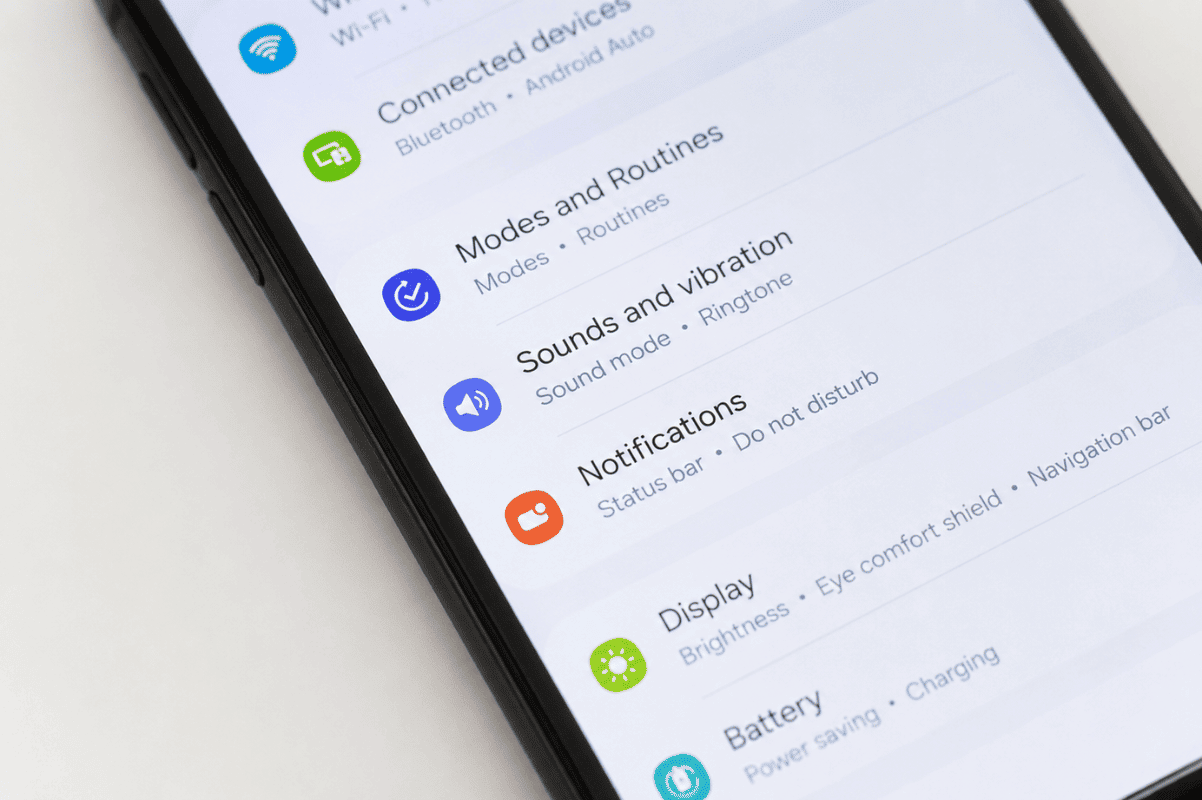
Method 1: Check the SIM Settings
The quickest way to verify eSIM support is through your phone’s settings.
Steps
- Open Settings.
- Tap Network & Internet, Connections, or Mobile Network (the name varies by manufacturer).
- Select SIMs, SIM Manager, or Mobile Network.
- Look for options such as:
- Add eSIM
- Download SIM
- Manage eSIM
- Add Mobile Plan
If you see one of these options, your Android phone likely supports eSIM.
Method 2: Search Your Phone Settings
If you’re having trouble finding the SIM menu:
- Open Settings.
- Use the search bar.
- Search for:
- eSIM
- SIM Manager
- Mobile Plan
If eSIM settings appear in the results, your device supports the feature.
Method 3: Check Your Phone Model
Not every version of the same phone includes eSIM support.
Generally, many recent flagship devices from brands like Samsung, Google, and Motorola include eSIM, while some budget and carrier-specific models do not.
Find your exact model:
- Open Settings.
- Tap About Phone.
- Note the model number.
Then compare it with the manufacturer’s specifications.
Method 4: Dial *#06#
Many Android phones display an EID (Embedded Identity Document) number if they support eSIM.
Steps
- Open the Phone app.
- Dial:
*#06#
- Check the information displayed.
If you see an EID along with your IMEI numbers, your phone supports eSIM.
If only IMEI numbers appear, your device may not include eSIM functionality.
Method 5: Check During Mobile Plan Setup
Some Android phones display the option automatically.
- Open Settings.
- Go to Network & Internet.
- Tap Add Mobile Network or Add SIM.
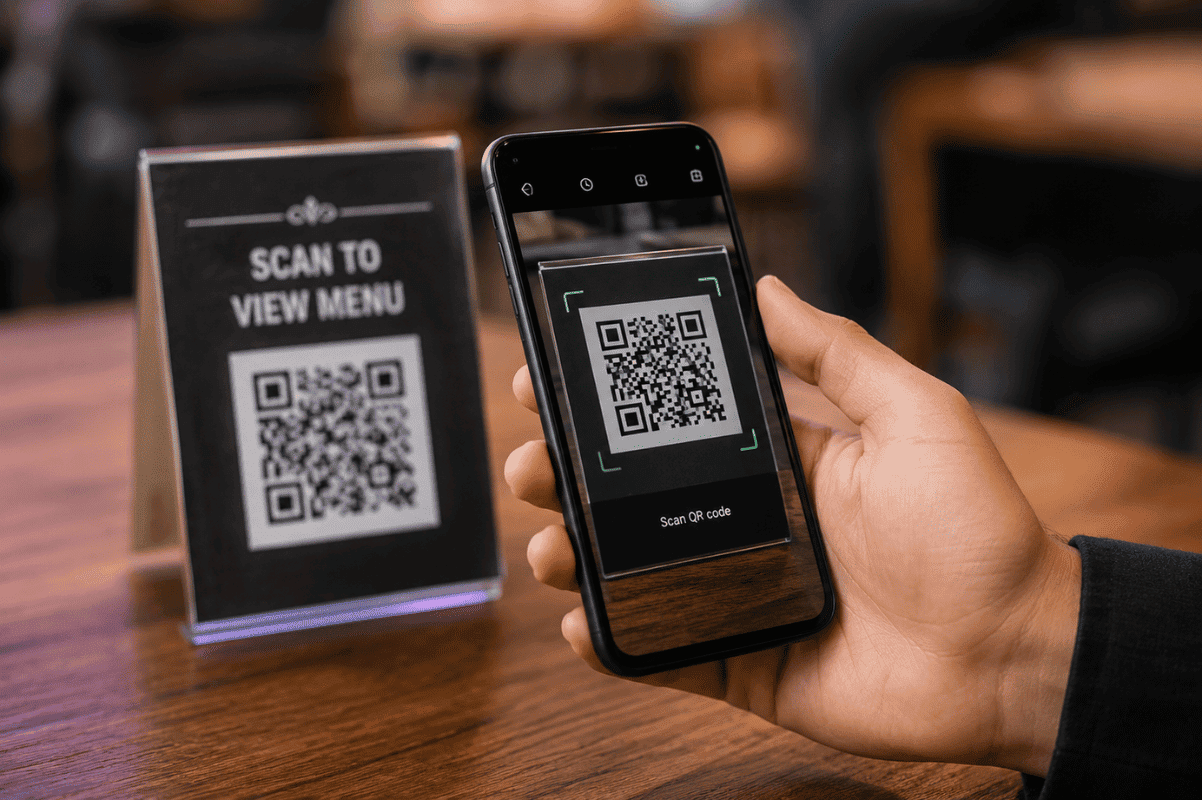
If you see Download eSIM or Scan QR Code, your phone is compatible.
Why You Can’t Find eSIM Settings
Several reasons may explain why eSIM options are missing.
Your Phone Doesn’t Support eSIM
Many entry-level Android phones only support physical SIM cards.
Carrier Restrictions
Some carrier-locked devices disable eSIM until the carrier enables it.
Contact your mobile provider if you’re unsure.
Software Is Outdated
Older Android versions may hide or limit eSIM functionality.
Update your phone:
- Open Settings.
- Tap Software Update.
- Install any available updates.
Regional Differences
Some manufacturers release identical phone models with different features depending on the country.
Your model may support eSIM in one region but not another.
What to Do If eSIM Won’t Activate
If your phone supports eSIM but activation fails:
- Restart your phone.
- Verify your internet connection.
- Scan the QR code again.
- Remove any partially installed eSIM profiles.
- Install the latest Android update.
- Contact your carrier to confirm the activation code is valid.
When a Hardware Problem Could Be the Cause
Although eSIM is built into the phone, hardware issues can sometimes interfere with activation.
Possible causes include:
- Logic board damage
- Previous liquid damage
- Failed system updates
- Internal component faults
If you’ve confirmed that your phone supports eSIM but it still won’t activate after troubleshooting, professional Phone repair Mississauga services can help diagnose whether the issue is hardware or software related.
Frequently Asked Questions
Can every Android phone use eSIM?
No. Only compatible models include eSIM hardware.
Does eSIM replace my physical SIM?
Many Android phones support both physical SIM and eSIM simultaneously, allowing dual SIM functionality.
Can I use multiple eSIM profiles?
Many newer Android devices allow you to store several eSIM profiles, although only one or two can usually be active at the same time.
Is eSIM better than a physical SIM?
Both provide similar network performance. eSIM offers greater convenience because you can activate a mobile plan digitally without inserting a SIM card.
Does factory resetting my phone remove the eSIM?
It depends on the device and reset option you choose. Some factory resets erase installed eSIM profiles, while others give you the option to keep them.
Checking eSIM support on Android only takes a few minutes. Start by looking in your SIM settings, searching for eSIM options, dialing *#06# to check for an EID, and confirming your exact phone model. These simple steps can save time before purchasing an eSIM plan.
If your Android phone supports eSIM but activation continues to fail after trying these solutions, there may be an underlying software or hardware issue. In that case, visiting a trusted mobile repair shop for a professional diagnosis is the next step.