
Ghost touch on an Android phone can be frustrating. Your screen starts tapping, scrolling, or opening apps without you touching it. In some cases, the problem is temporary and can be fixed at home. In other situations, it points to a damaged screen or an internal hardware issue that needs professional attention.
This guide walks you through practical troubleshooting steps before you spend money on repairs.
What Is Ghost Touch on an Android Phone?
Ghost touch is when your touchscreen registers inputs that you did not make. You may notice:
- Apps opening on their own
- Random typing on the keyboard
- Screen scrolling without touching it
- Unexpected taps while using the phone
- Difficulty controlling the device
The issue can be caused by software glitches, faulty chargers, damaged screens, moisture, or hardware failures.
1. Clean the Screen Thoroughly
A dirty or oily display can interfere with touch sensitivity.
Try these steps:
- Turn off your phone.
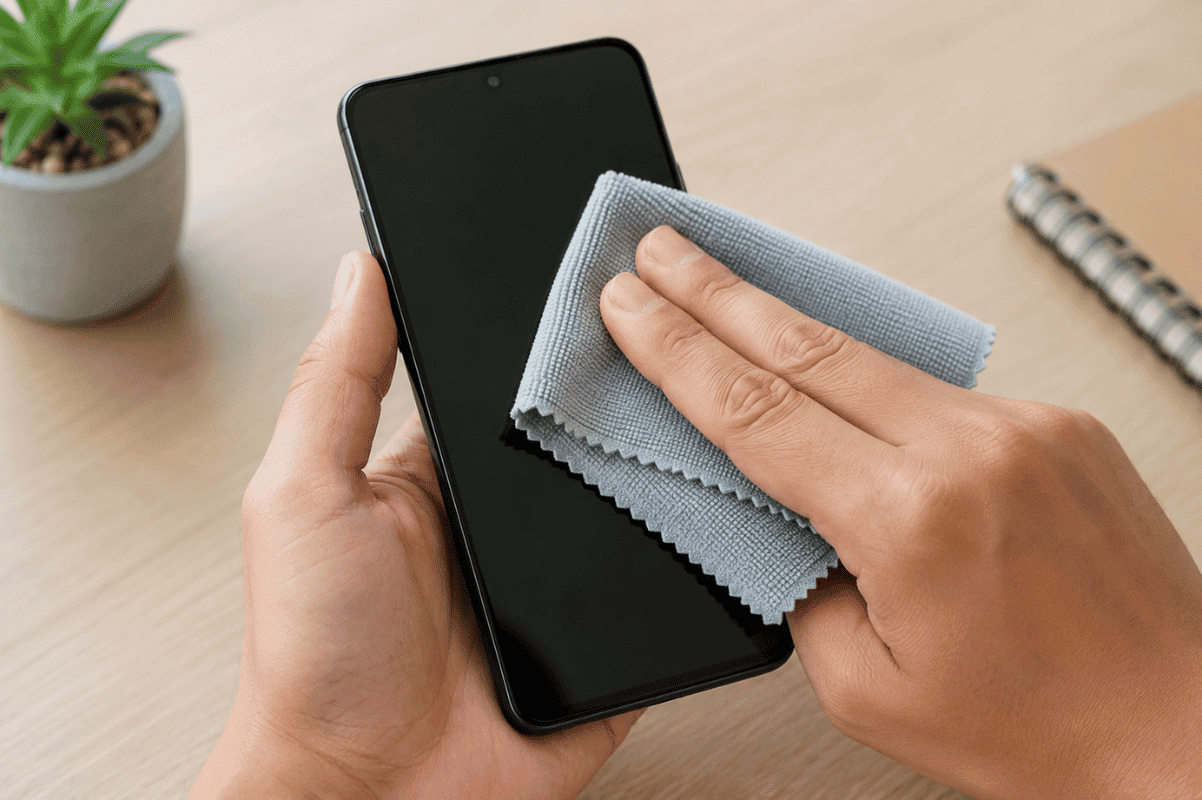
- Use a clean microfiber cloth.
- Remove fingerprints, dust, and moisture.
- Avoid household cleaners that contain harsh chemicals.
If you’re using a screen protector, inspect it for bubbles, cracks, or poor installation. A damaged protector can sometimes trigger ghost touch.
2. Restart Your Android Phone
A simple restart can clear temporary software glitches affecting the touchscreen.
To restart:
- Hold the Power button.
- Select Restart.
- Wait for the phone to reboot.
After restarting, use the phone for a few minutes to see if the problem returns.
3. Remove Your Phone Case and Accessories
Some thick or poorly fitted cases press against the edges of the display.
Remove:
- Protective case
- Magnetic accessories
- Finger rings or grips attached to the back
Test the phone without accessories installed.
4. Check Your Charger
A faulty or low-quality charger can create electrical interference that causes ghost touch.
Disconnect the charger and use the phone normally.
If the problem only happens while charging:
- Use the original charger if available.
- Replace damaged charging cables.
- Avoid inexpensive third-party chargers with poor voltage regulation.
5. Update Android Software
Manufacturers regularly release updates that fix touchscreen bugs.
To check for updates:
- Open Settings
- Tap Software Update or System Update
- Install any available updates
Restart the phone after installation.
6. Boot into Safe Mode
Some third-party apps can interfere with touchscreen performance.
Safe Mode loads only essential system apps.
If ghost touch disappears in Safe Mode, one of your installed apps is likely causing the issue.
Remove recently installed apps one at a time until the problem stops.
7. Check for Physical Damage
Inspect your phone carefully for:
- Cracked glass
- Swollen battery
- Water damage
- Bent frame
- Display lifting from the body
Even a small crack can damage the touch digitizer beneath the glass.
If the display has physical damage, a professional Screen fix is usually the most reliable solution.
8. Reset Touchscreen Settings or Factory Reset
If none of the previous steps work, back up your important data first.
Then perform a factory reset:
- Go to Settings
- Select System
- Tap Reset
- Choose Factory Data Reset
This removes corrupted software that may be causing touchscreen issues.
If ghost touch continues after a factory reset, the problem is almost certainly hardware-related.
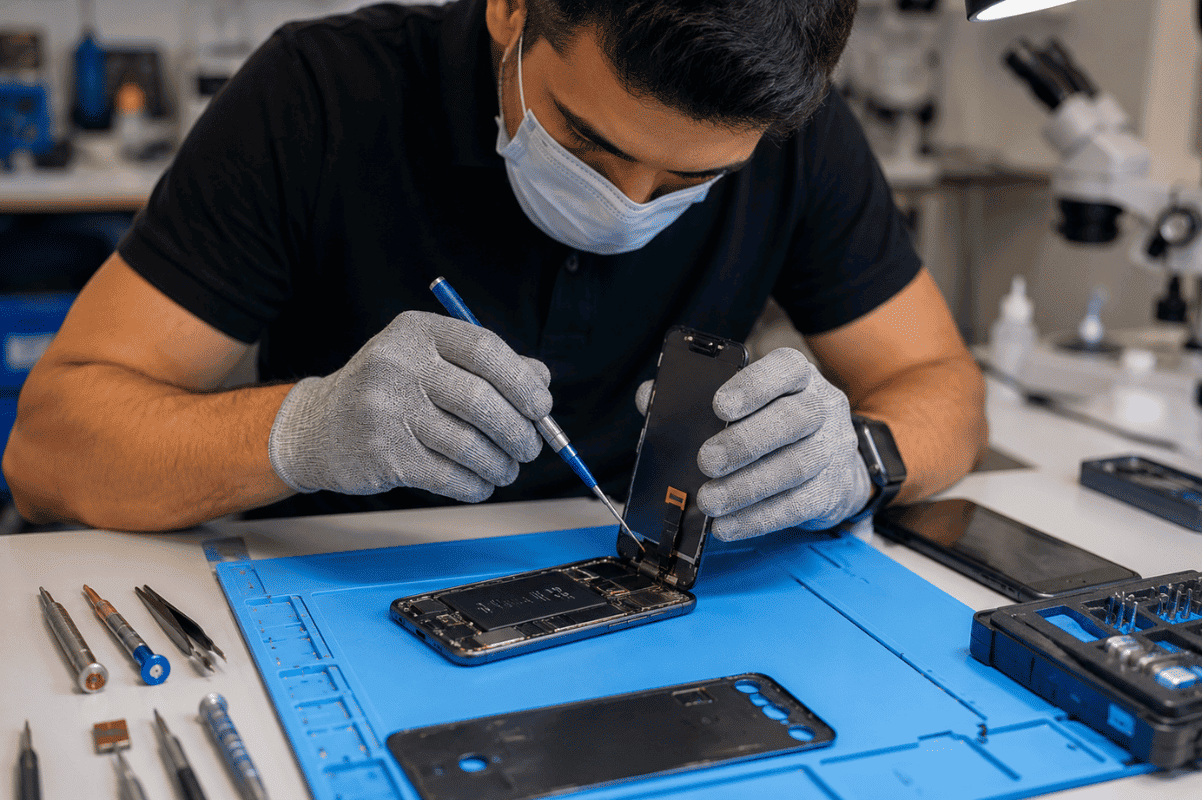
9. Visit a Professional Repair Shop
Persistent ghost touch often indicates:
- Failing touchscreen digitizer
- Loose internal display connector
- Motherboard damage
- Liquid damage
- Charging circuit issues
These repairs require professional diagnostic equipment.
A trusted technician can identify whether your phone needs a display replacement or more advanced Micro Soldering to repair damaged internal components.
How to Prevent Ghost Touch
You can reduce the chances of future touchscreen issues by following a few simple habits:
- Keep your screen clean.
- Use a high-quality screen protector.
- Avoid exposing the phone to moisture.
- Use manufacturer-approved chargers.
- Install software updates regularly.
- Avoid dropping the phone.
Regular care helps extend the life of both the display and internal components.
Frequently Asked Questions
Can ghost touch fix itself?
Sometimes. If it is caused by a temporary software bug or charger interference, restarting the phone or disconnecting the charger may solve the problem.
Does a cracked screen cause ghost touch?
Yes. Physical damage to the touchscreen digitizer is one of the most common causes of ghost touch.
Is ghost touch a battery problem?
Not usually. However, a swollen battery can press against the display from inside the phone and create touchscreen issues.
Should I replace the screen immediately?
Not necessarily. Try the troubleshooting steps in this guide first. If the problem continues after a software reset and basic checks, professional diagnosis is recommended.
Ghost touch can be caused by something as simple as a dirty screen or as serious as internal hardware damage. Start with the easy fixes like cleaning the display, restarting the device, checking your charger, and updating Android. If those steps do not solve the problem, the issue likely requires professional repair.
At Fix Phone Mississauga, we encourage customers to try safe troubleshooting first. If your Android phone still experiences ghost touch after these steps, our technicians can diagnose the issue accurately and recommend the most cost-effective repair to get your device working normally again.