Losing an Android phone is stressful, especially when the only device you have available is an iPhone. The good news is that you do not need another Android device to locate it. Google provides tools that work from almost any web browser, including Safari on an iPhone.
This guide explains the safest ways to track an Android phone from an iPhone, what requirements must be met, and what to do if tracking no longer works. Most of these methods can be completed in just a few minutes at home.
Can You Track an Android Phone Using an iPhone?
Yes. As long as the Android phone is connected to the internet, signed into a Google account, and has location services enabled, you can locate it from an iPhone.
You can also:
- View its current location
- Make it ring even if it is on silent
- Secure the device remotely
- Erase personal data if recovery is unlikely
If these features were not enabled before the phone was lost, your tracking options become more limited.
Method 1: Use Google’s Find My Device
Google’s Find My Device is the easiest and most reliable option.
Follow these steps:
- Open Safari or any browser on your iPhone.
- Visit Google’s Find My Device website.
- Sign in using the same Google account that is connected to the Android phone.
- Wait for the device list to load.
- Select your Android phone.
If the phone is online, you will see:
- Current location on the map
- Battery level
- Network status
- Options to play a sound
- Lock the phone
- Erase the device remotely
This is the method Google recommends for recovering lost Android devices.
Method 2: Use Google Maps Timeline
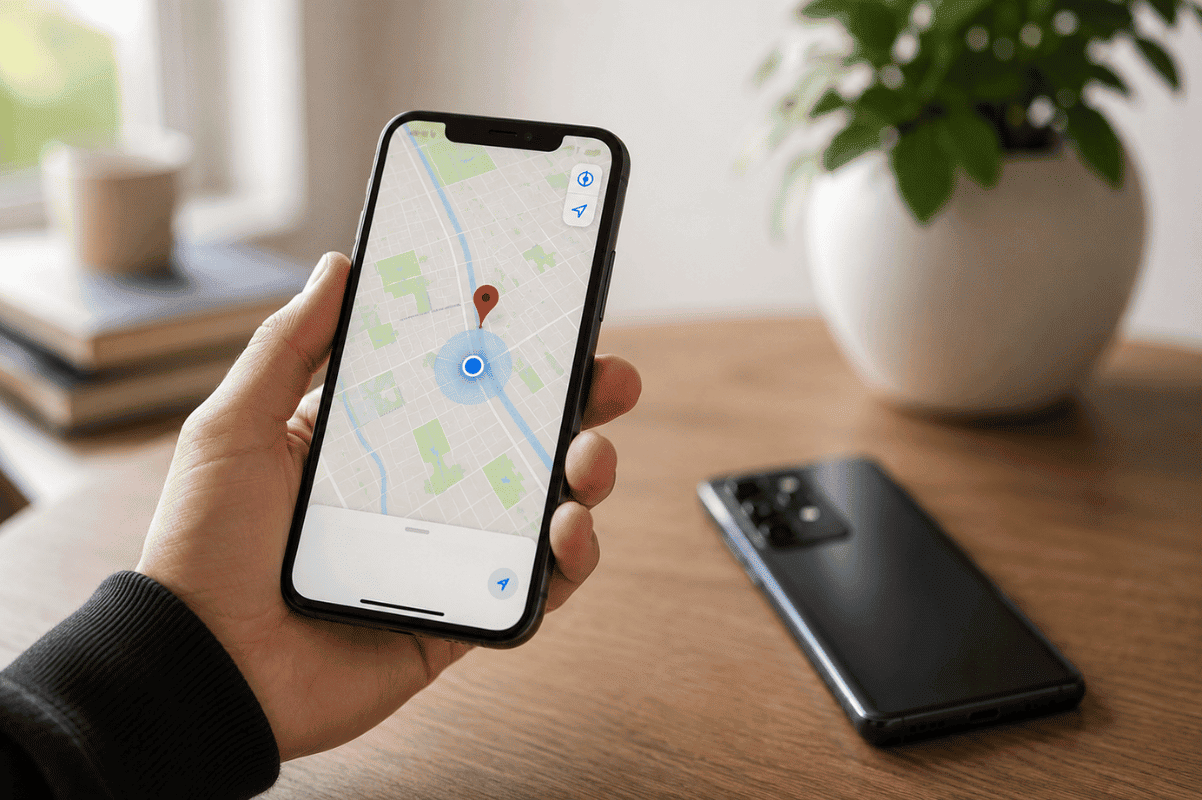
If Location History was previously enabled, Google Maps may help identify where the phone was last active.
Open Google Maps on your iPhone.
Then:
- Sign into the same Google account.
- Open Timeline.
- Review recent location history.
This may help narrow your search if the phone has gone offline.
Method 3: Track Through Family Location Sharing
Many families use location-sharing features before a device is ever lost.
If location sharing was already enabled, you can:
- Open Google Maps.
- Sign into your account.
- Check the shared location.
This method works well for parents, spouses, and family members who regularly share their location.
Method 4: Use a Trusted Third-Party Tracking App
Several trusted apps support both Android and iPhone.
Examples include:
- Life360
- GeoZilla
- Family Locator apps
These only work if they were installed and configured before the phone went missing.
Avoid downloading unknown tracking applications that promise to locate devices without permission, as many are scams or violate user privacy.
What If the Android Phone Is Offline?
If the phone is powered off or disconnected from the internet, live tracking will not be available.
However, Google may still display:
- The last known location
- Last time the device was seen
- Battery status before it disconnected
Once the phone reconnects to Wi-Fi or mobile data, its updated location may appear automatically.
Why Tracking May Not Work
Several conditions can prevent location tracking.
Common reasons include:
- Location services are disabled.
- The phone is powered off.
- Airplane Mode is enabled.
- No internet connection is available.
- The Google account is signed out.
- Find My Device was disabled.
- Factory reset has already been performed.
Checking these possibilities can explain why the device cannot be located.
How to Protect Your Android Phone if You Cannot Recover It
If recovery seems unlikely, secure your personal information immediately.
You should:
- Change your Google account password.
- Remove saved payment methods.
- Sign out of important apps remotely.
- Lock the phone using Find My Device.
- Erase the device if sensitive information is stored on it.
These steps reduce the risk of unauthorized access.
Tips to Make Future Tracking Easier
Preparing your phone before it is lost greatly improves your chances of recovering it.
Recommended settings include:
- Keep Location Services enabled.
- Turn on Find My Device.
- Enable device backups.
- Keep your Google account updated.
- Allow location sharing with trusted family members.
- Maintain a screen lock using a PIN, fingerprint, or facial recognition.
These settings take only a few minutes to configure but can save hours of frustration later.
What If the Phone Is Found but Won’t Work?
Sometimes a lost Android phone is recovered after being dropped, exposed to moisture, or damaged during transport. Even though tracking helps you locate it, the phone may no longer power on, charge, or display an image.
Before assuming the device is beyond repair, have it professionally inspected. Issues involving the charging port, battery, motherboard, or internal connectors often require specialized tools. In some cases, Micro Soldering can restore damaged board components that cannot be repaired with basic replacement parts.
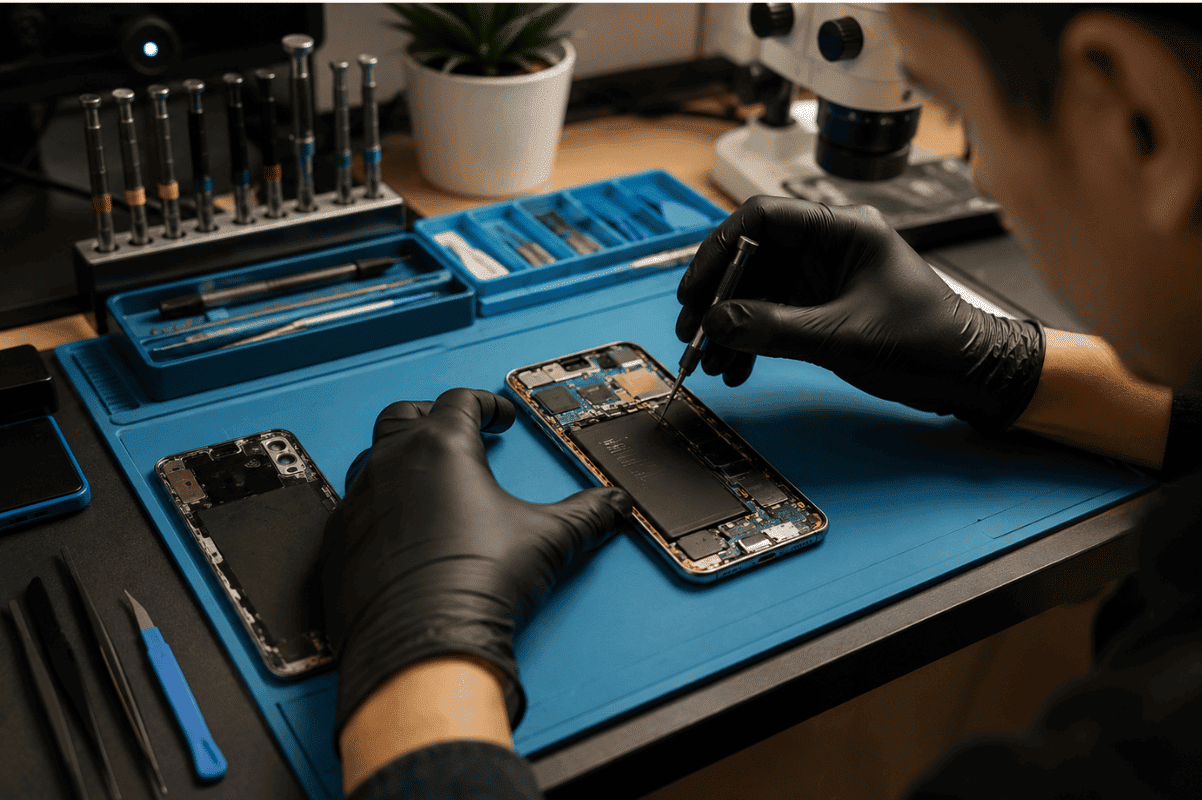
If the device has a cracked display after being recovered, a professional Phone screen repair service can also restore normal operation without replacing the entire phone.
Tracking an Android phone from an iPhone is easier than many people expect. Google’s Find My Device allows you to locate, secure, and manage your Android device from almost any browser, making it the first tool you should use when your phone goes missing.
If tracking no longer works because the phone has been damaged after being recovered, avoid attempting complex repairs at home. A professional diagnosis can identify whether the problem involves the battery, charging system, display, or motherboard, helping you decide the most practical next step.