Misplacing an iPhone can happen anywhere, whether you leave it at work, forget it in your vehicle, or accidentally leave it at a friend’s house. If the only device you have available is an Android phone, you may think you have no way to find it. Fortunately, that is not the case.
Apple’s location services can be accessed through a web browser, and several trusted apps also allow cross-platform location sharing. This guide explains how to track an iPhone with an Android phone using safe and legitimate methods. It also covers what to do if the iPhone cannot be located or has been recovered but is no longer working.
Can You Track an iPhone Using an Android Phone?
Yes. You do not need another iPhone to locate an Apple device.
If the missing iPhone has:
- Find My enabled
- An active Apple ID
- Internet access through Wi-Fi or mobile data
- Location Services turned on
you can often locate it from almost any Android phone using a web browser.
If these features were disabled before the device went missing, your tracking options will be more limited.
Method 1: Use Apple’s Find Devices Website
The easiest and most reliable option is Apple’s Find Devices website.
Follow these steps:
- Open Chrome or another browser on your Android phone.
- Visit Apple’s Find Devices website.
- Sign in using the Apple ID associated with the missing iPhone.
- Complete any required security verification.
- Select the missing iPhone from your list of devices.
If the device is online, you can:
- View its current location
- Play a sound
- Enable Lost Mode
- View battery status
- Get directions to the device
- Erase the iPhone remotely if necessary
This is Apple’s official method for locating lost Apple devices.
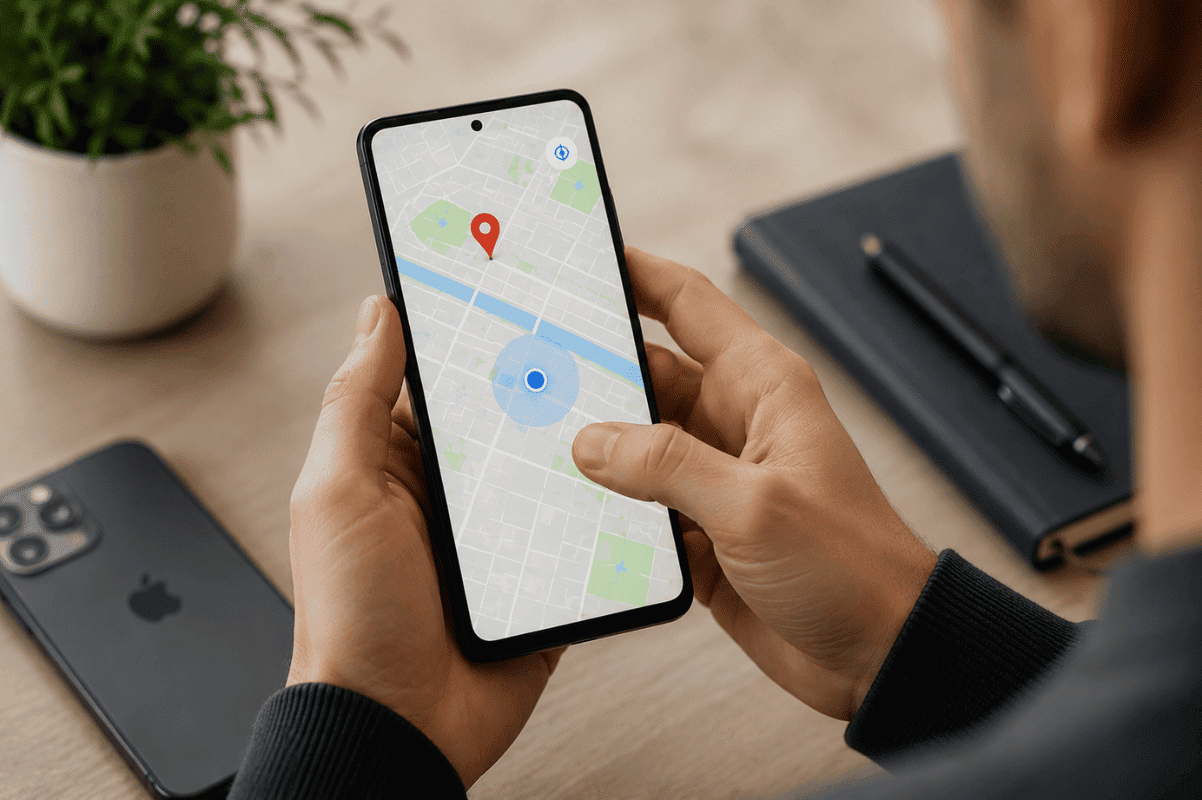
Method 2: Check Google Maps Timeline
If Google Maps was installed on the iPhone and Location History had already been enabled, you may also be able to review recent location activity.
On your Android phone:
- Open Google Maps.
- Sign in with the Google account used on the iPhone.
- Open Timeline.
- Review recent locations.
This can help determine where the phone was last active before it went offline.
Method 3: Use Family Sharing
If Family Sharing was configured before the phone was lost, another family member may be able to help locate the iPhone.
Using the Android browser:
- Sign into the Apple account.
- Access Find Devices.
- View the shared device location if available.
Family Sharing is useful for households with multiple Apple devices.
Method 4: Use Trusted Family Locator Apps
Several location-sharing applications support both Android and iPhone.
Examples include:
- Life360
- Google Maps location sharing
- GeoZilla
These applications only work if they were installed and configured before the device was misplaced.
Avoid apps that promise to track an iPhone without permission. These services are often unreliable and may compromise your privacy.
What If the iPhone Is Offline?
An offline iPhone cannot provide live location updates.
However, Apple’s tracking system may still display:
- The last known location
- The time it was last connected
- Battery information before it disconnected
If the phone reconnects to the internet later, its updated location may appear automatically.
Why You Cannot Find the iPhone
Several issues can prevent successful tracking.
Common reasons include:
- Find My is turned off.
- Location Services are disabled.
- The battery is completely drained.
- The phone is powered off.
- Airplane Mode is enabled.
- Internet access is unavailable.
- The Apple ID password has been changed.
- The device has already been erased.
Checking these possibilities helps determine why the phone is not appearing.
Secure Your Personal Information
If you believe the iPhone has been stolen or cannot be recovered quickly, protect your information immediately.
You should:
- Enable Lost Mode.
- Change your Apple ID password.
- Remove saved payment methods if needed.
- Contact your mobile carrier.
- Erase the device remotely if sensitive information is stored on it.
These actions reduce the risk of unauthorized access.
Tips to Improve Your Chances of Recovering an iPhone
Preparation makes device recovery much easier.
Before an emergency happens:
- Keep Find My enabled.
- Turn on Location Services.
- Keep your Apple ID recovery information updated.
- Enable two-factor authentication.
- Share your location with trusted family members.
- Back up your data regularly.
These settings require only a few minutes to configure but can save valuable time if your device is lost.
What If the iPhone Is Found but Damaged?
Sometimes an iPhone is recovered after being dropped, exposed to rain, or damaged during transport. In these situations, the phone may no longer turn on, charge properly, or display anything on the screen.
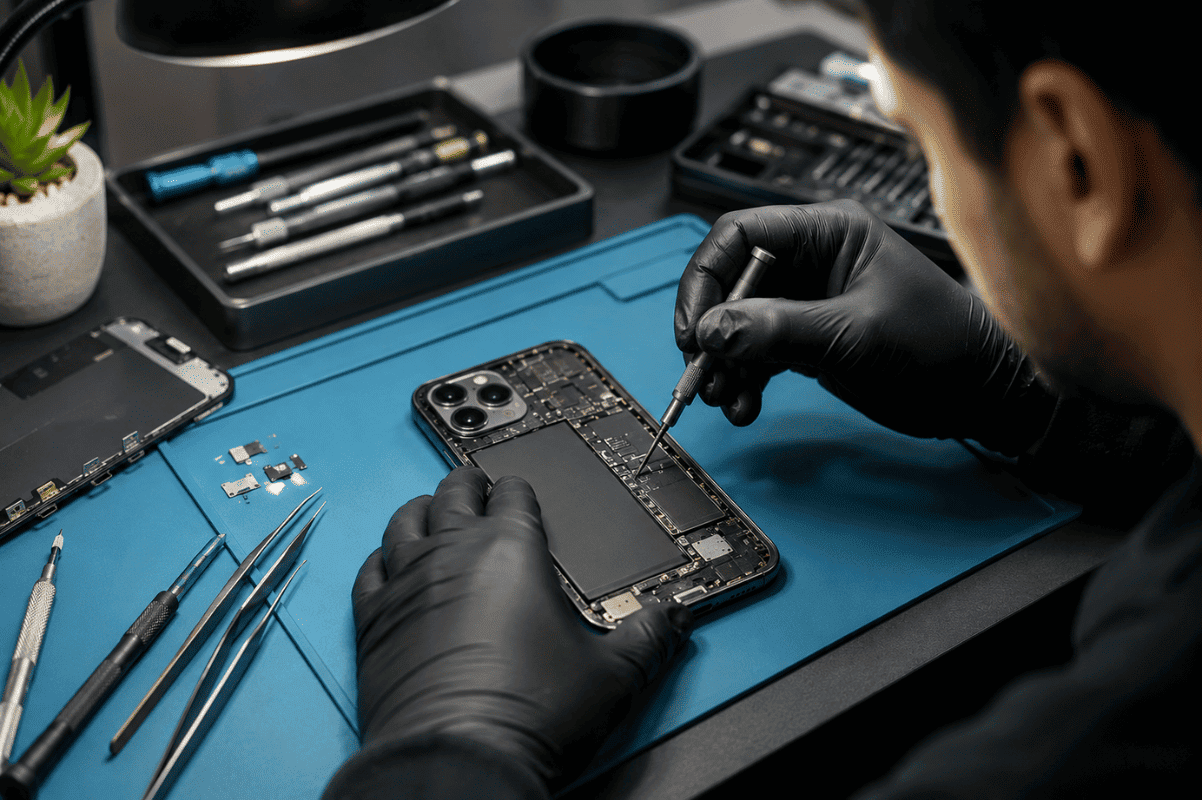
Before replacing the device, have it inspected by a professional technician. Internal issues involving the charging circuit, battery, motherboard, or display connectors often require specialized diagnostic equipment.
Some logic board failures can only be repaired through Micro Soldering, especially when damaged power management components or charging circuits are involved.
If the phone has suffered impact damage, professional Cell phone repair services can often replace damaged components while preserving your existing data whenever possible.
When Professional Repair Is the Better Option
DIY troubleshooting works well for locating a missing phone, but hardware repairs are different.
Visit a repair shop if:
- The iPhone does not power on after recovery.
- The charging port no longer works.
- The display remains black.
- The phone was exposed to water.
- The battery drains immediately.
- The device becomes unusually hot while charging.
- Face ID, speakers, or cameras stopped working after the phone was found.
Professional diagnostics help identify the exact problem before unnecessary parts are replaced.
Frequently Asked Questions
Can I track an iPhone from Android for free?
Yes. Apple’s Find Devices website is free for anyone with the correct Apple ID credentials.
Can I locate an iPhone if it is turned off?
You may only see its last known location. Live updates require the phone to reconnect to the internet.
Can someone track my iPhone without permission?
No. Apple’s location services require authentication through the associated Apple ID or previously configured family-sharing features.
Does Google Maps track an iPhone?
Only if Google Maps was installed, signed in, and Location History was enabled before the device was lost.
Tracking an iPhone with an Android phone is easier than many people realize. Apple’s Find Devices website allows you to locate, secure, and manage your iPhone from almost any Android browser, making it the first tool you should try.
If the iPhone is recovered but no longer powers on or functions properly, avoid opening the device yourself. Professional technicians have the equipment needed to diagnose battery, charging, display, and motherboard problems safely. Acting quickly improves the chances of both repairing the device and protecting your personal data.