How to Record a Phone Call on Android
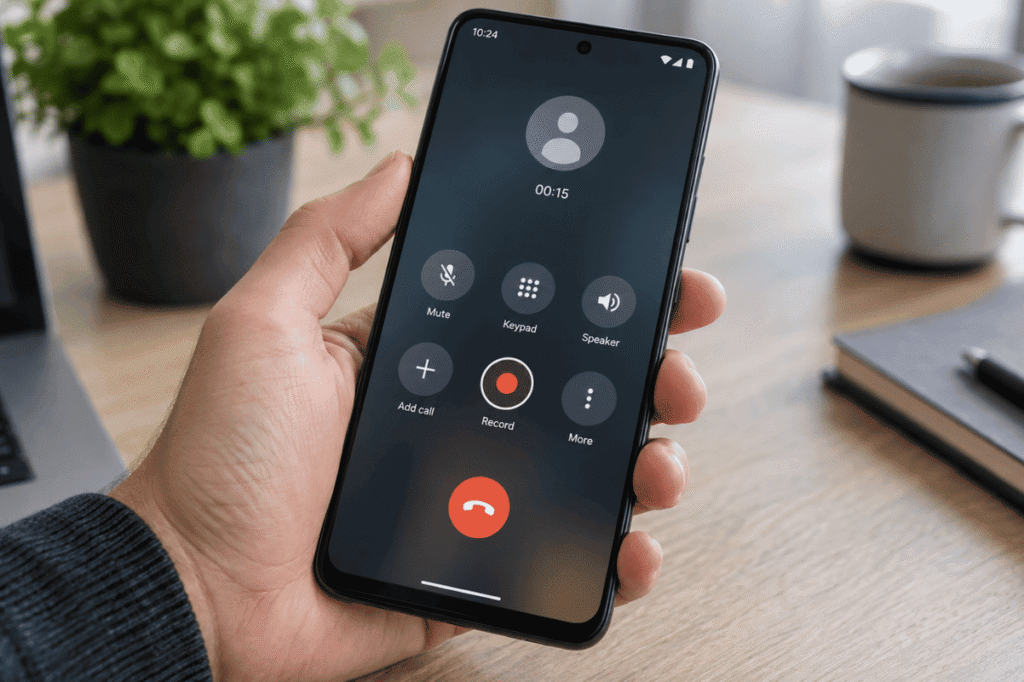
Recording a phone call on Android can be useful when you need to save important instructions, document a customer service conversation, or remember details from a meeting. The exact method depends on your Android phone, the Phone app you use, your carrier, and your country or region.Some Android phones have a built-in call recording option, […]
How to Connect Android to TV Wirelessly
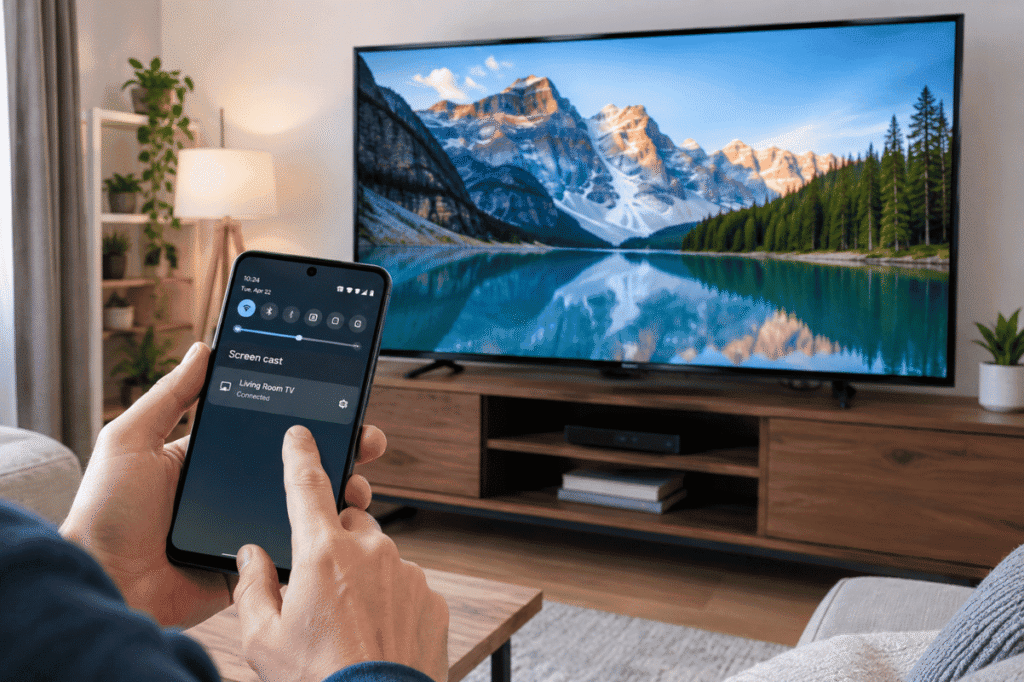
Want to watch videos, photos, apps, or other content from your Android phone on a bigger screen? You can often connect an Android phone to a smart TV wirelessly without using an HDMI cable or other physical connection. Most newer Android phones and smart TVs support wireless screen sharing through features such as Google Cast, […]
How to Speed Up Android Phone: 10 Easy Fixes That Work
Is your Android phone taking longer to open apps, freezing during everyday tasks, or responding slowly when you tap the screen? You may not need professional help right away. Over time, Android phones can slow down because of limited storage, too many background processes, outdated software, or demanding apps. Fortunately, several simple fixes can improve […]
Android Screen Keeps Turning Off? Try These Simple Fixes
If your Android screen keeps turning off while you are using your phone, the problem may be caused by a simple setting, battery issue, software glitch, or a faulty component. Before paying for a repair, there are several safe troubleshooting steps you can try at home. This guide explains the most common causes and what […]
How to Turn Off Safe Mode on Android
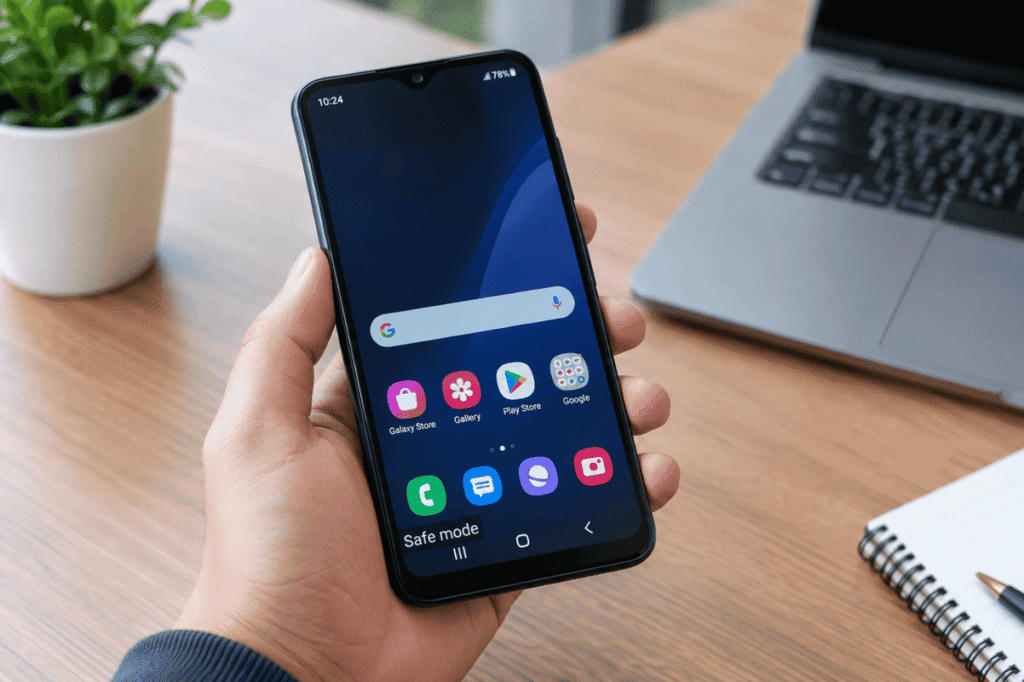
If your Android phone suddenly shows Safe Mode at the bottom of the screen, some of your downloaded apps may stop working or disappear temporarily. This can happen when Android detects a problem with an app, software, or a physical button during startup. The good news is that Safe Mode is usually easy to turn […]
How to Use Android Phone as Webcam
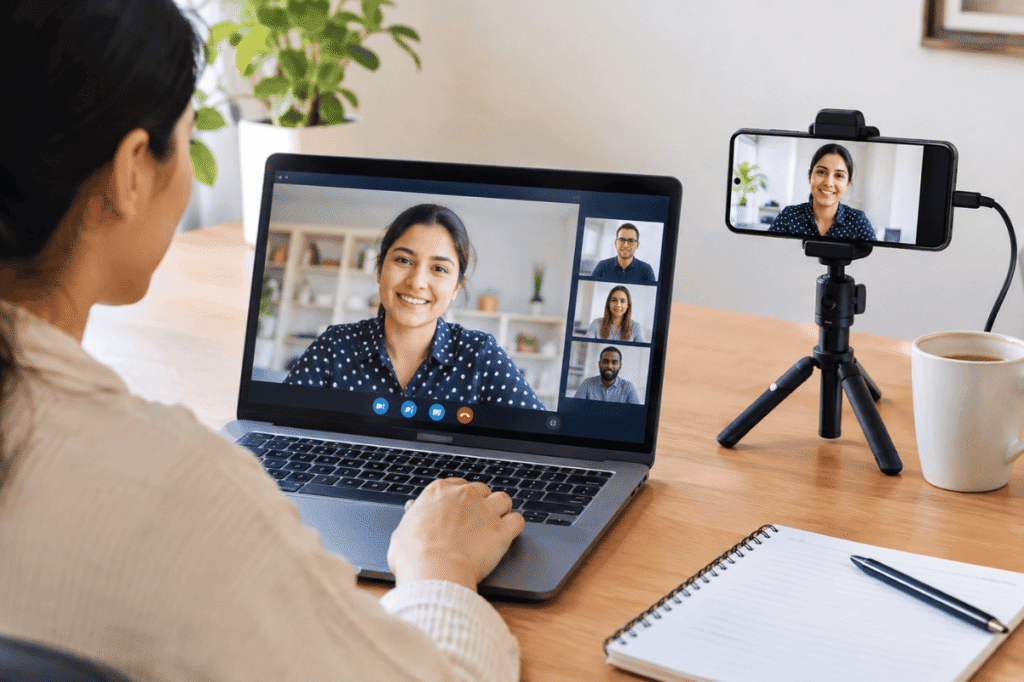
If your computer does not have a webcam, or the built-in camera produces poor-quality video, your Android phone can be a useful alternative. Modern Android phones often have better cameras than older laptop webcams, and you can use the phone for video calls, online meetings, classes, and live streams. This guide explains how to use […]
What Does “Sent as SMS” Mean on Android?
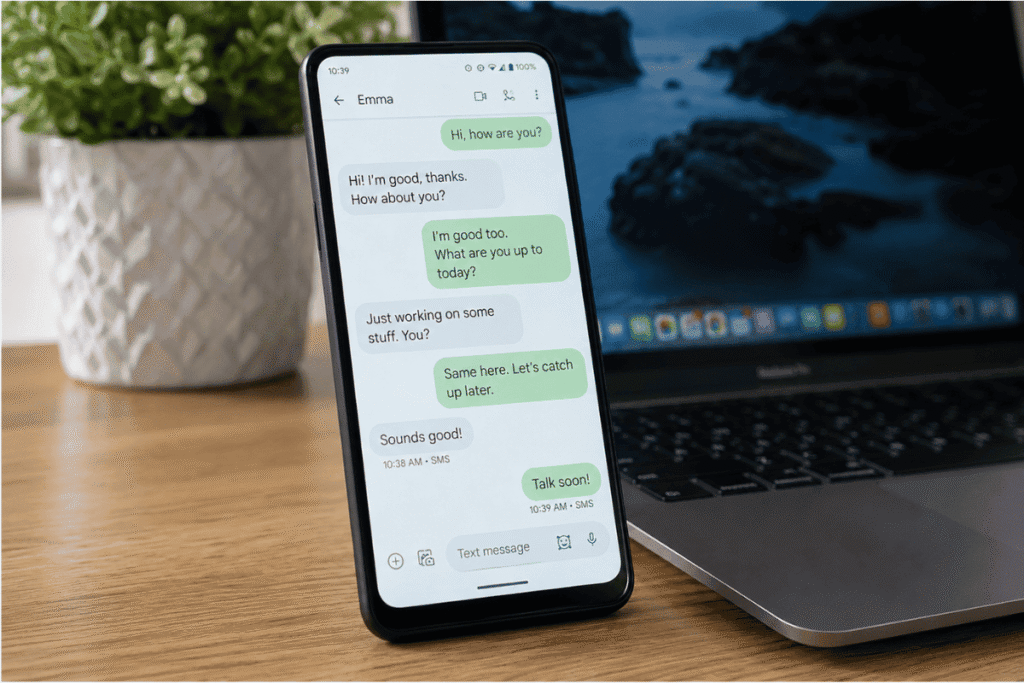
If you use an Android phone for texting, you may sometimes notice a message that says “Sent as SMS” after you send a text. If you are wondering what does sent as SMS mean on Android, the simple answer is that your phone sent the message through your cellular network as a traditional SMS text […]
How to Detect and Remove mSpy from Android
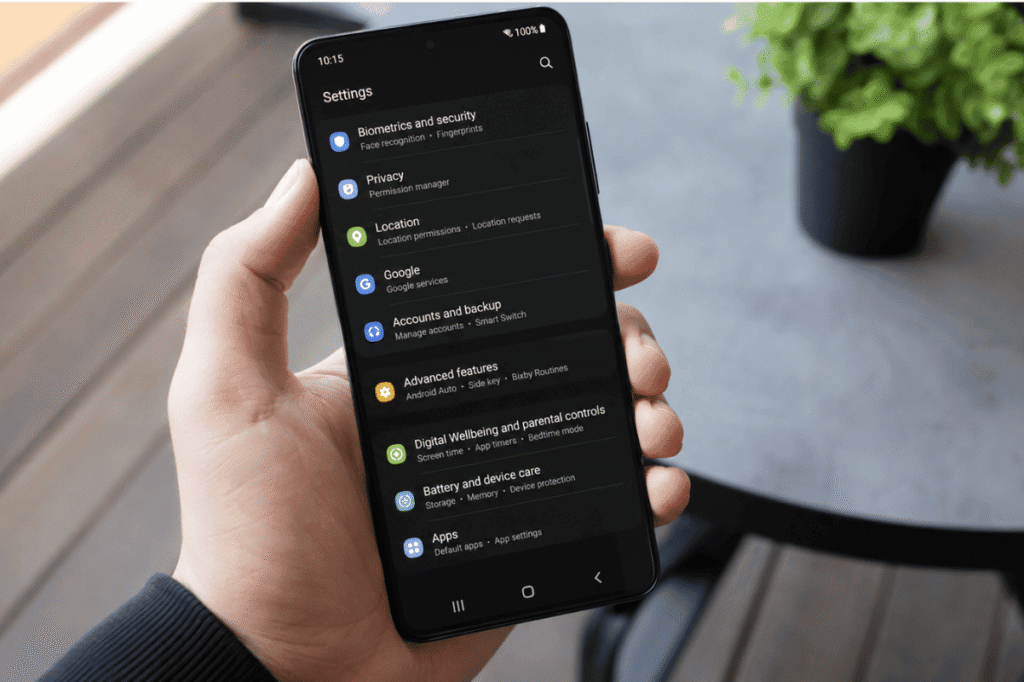
If you suspect someone installed mSpy on your Android phone without your permission, you can check several settings yourself before seeking professional help. mSpy is monitoring software that can potentially access sensitive information such as messages, calls, location data, and other device activity. Unusual battery drain or increased data usage does not automatically mean mSpy […]
How to Stop Apps From Running in Background on Android
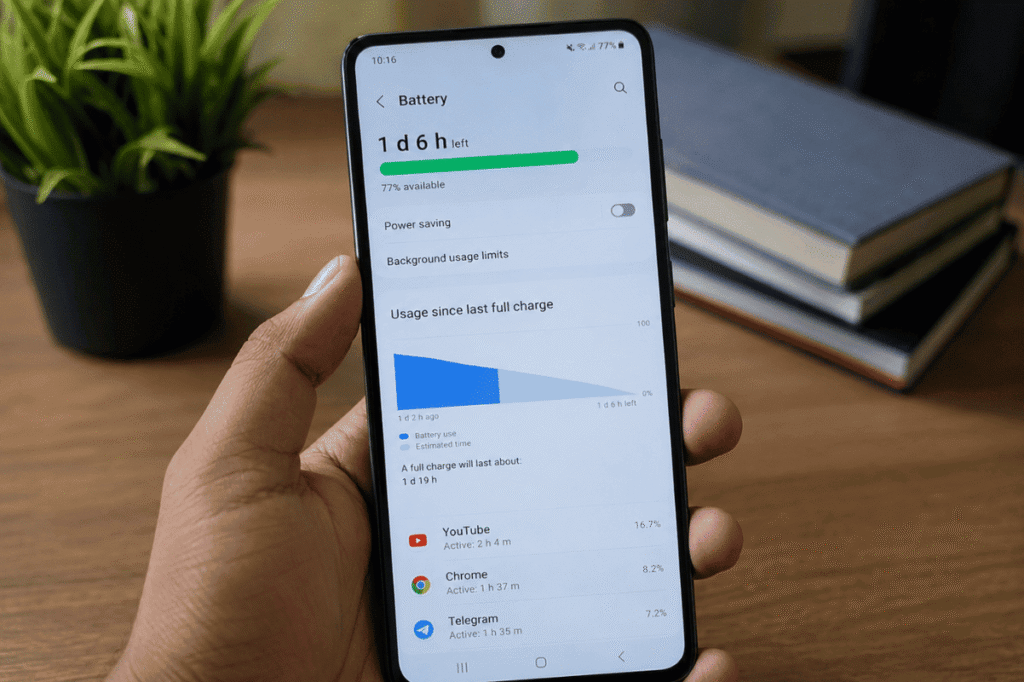
Apps running in the background can use battery, mobile data, and system resources even when you are not actively using them. Android manages background activity automatically, but you can restrict certain apps when they are using too much power or data. The exact menu names can vary between Samsung Galaxy, Google Pixel, Motorola, OnePlus, and […]
How to Mirror Android to Roku Without Wi-Fi
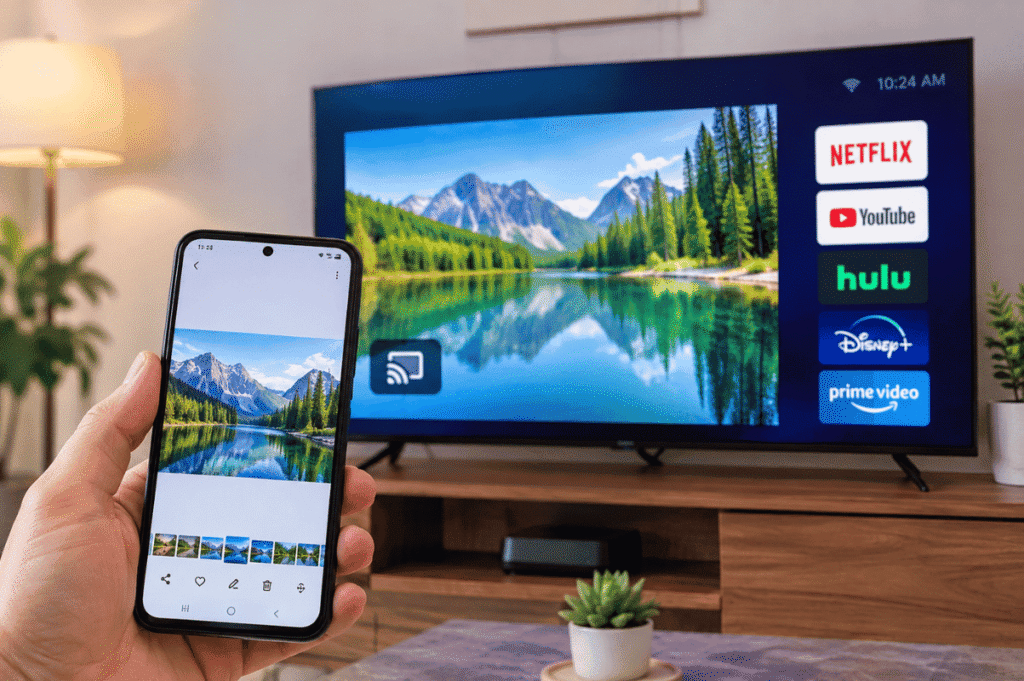
Mirroring an Android phone to a Roku TV is usually done over the same Wi-Fi network. But what if you do not have Wi-Fi available? You may still have a few options depending on your Android phone, Roku device, and available connections. Some methods work through a mobile hotspot, while others may require a wired […]